User’s Guide 4-16
Options Settings
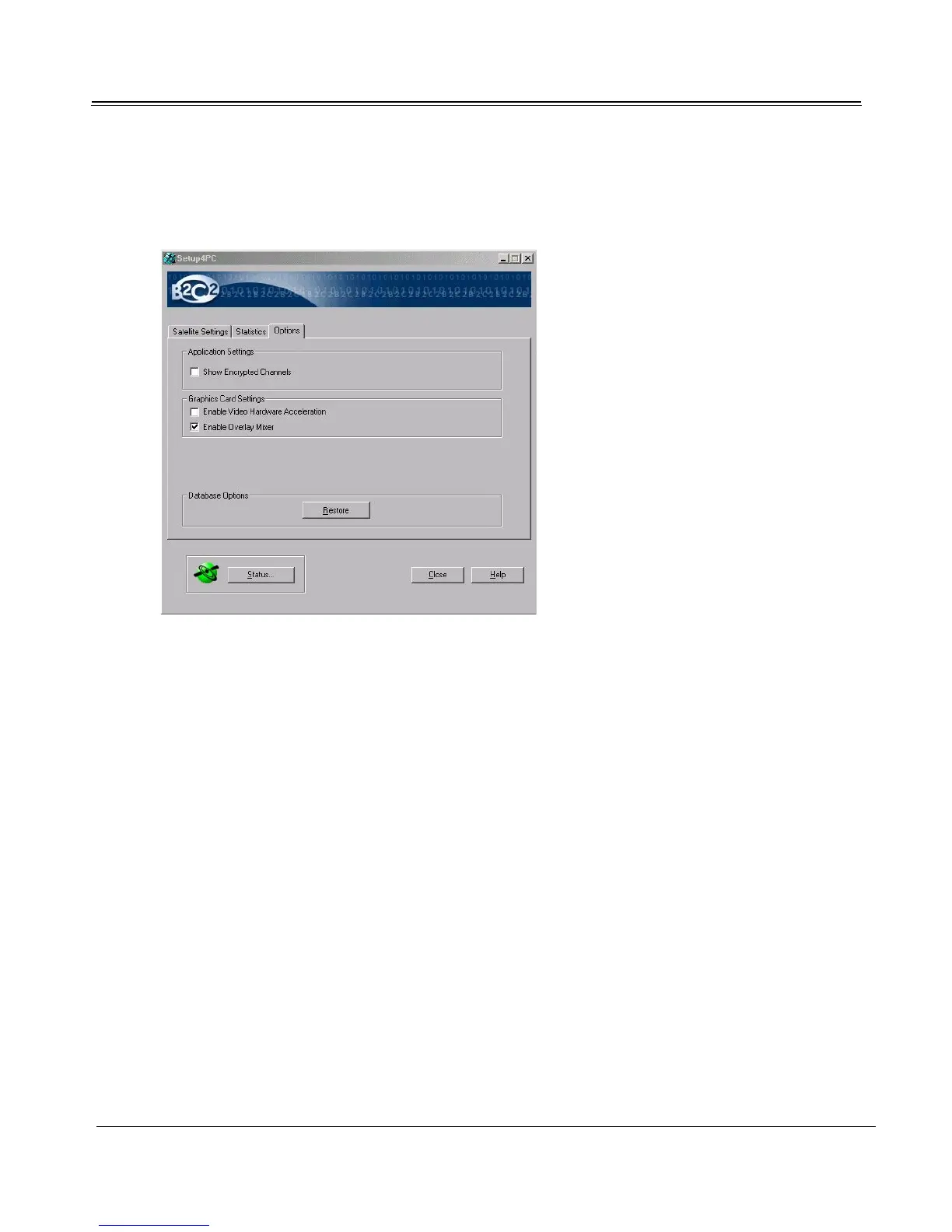
To see Setup4PC’s Options tab, click Options.
Application Settings
Select Show Encrypted Channels to enable the titles for encrypted programs to appear with other pro-
gram titles in the TV4PC viewer.
Graphics Card Settings
Hardware Acceleration
Upon installation, Video Hardware Acceleration is disabled for Television playback. If you are sure
that your graphics card properly supports Video Hardware Acceleration (some graphics cards don’t
support video hardware acceleration because they use a coprocessor instead of a graphics accelerator),
you can enable graphics acceleration manually by selecting the Enable Video Hardware Acceleration
checkbox.
Overlay Mixer
Upon installation, Hardware Overlay is enabled for Television playback. Since 1998 practically all
graphics cards support hardware overlay, a method of creating a separate video window with its own
display parameters. For example, DVD software programs use an overlay window (created by the



 To Next Page