User’s Guide 2-7
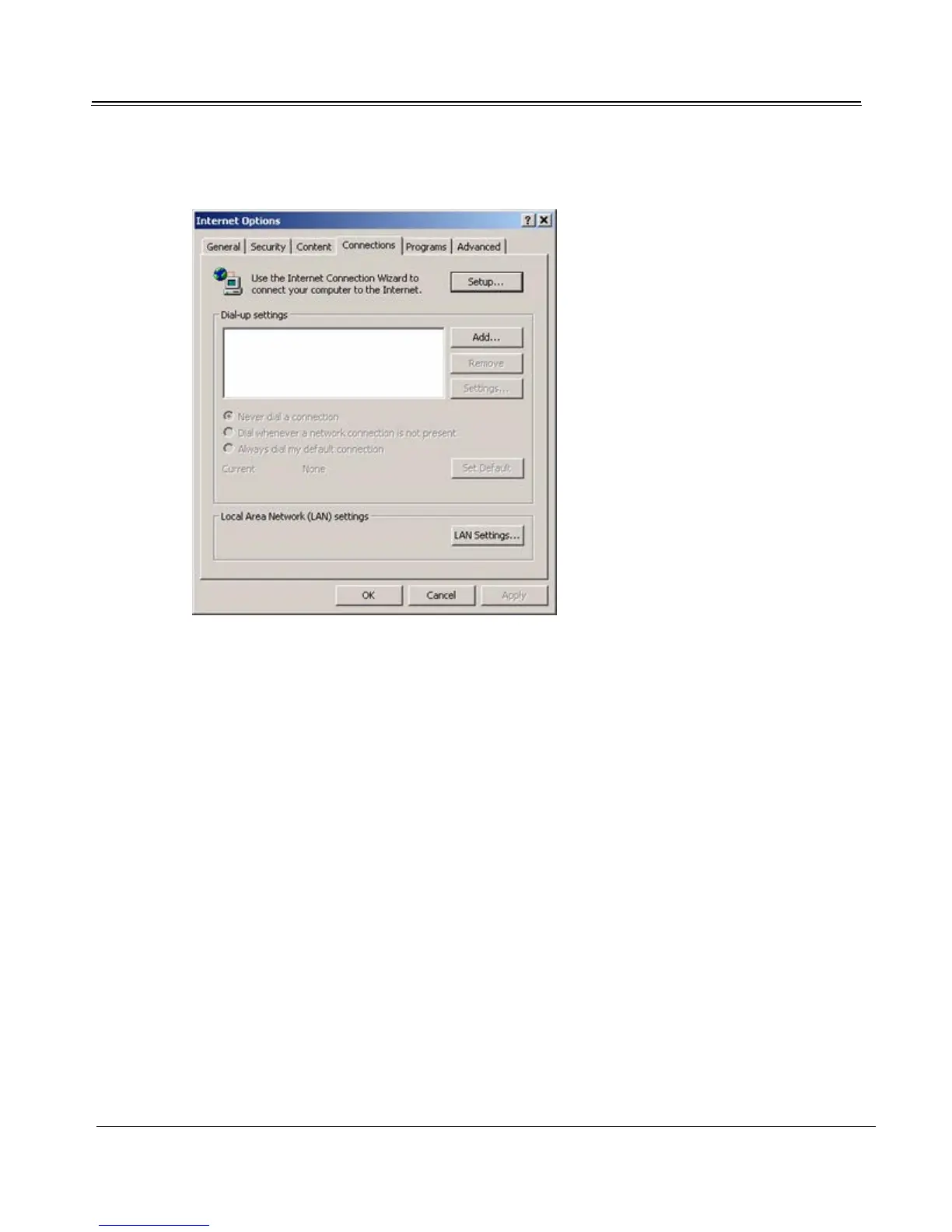
Tools -> Internet Options -> Connections
2. Enter Internet connection settings as specified by your ISP.
3. When you finish, click OK. You should be able to browse the Internet by high-speed satellite
immediately, using Internet Explorer. If your service uses the proxy server, additional uplink
setup is necessary. (See “Configuring the Proxy Server” on page 5-1.)
Receiving Internet and Data
Once data service has been configured, close digital TV and launch Internet Explorer to use high-speed
satellite Internet or data services.
Using Multiple Data Transponders
If your data service uses multiple data transponders, you can manually select which data transponder to
receive data from. To switch data transponders, click the Sky2PC server icon in the system tray. When
the menu opens, select the desired transponder.



 To Next Page