User’s Guide 4-9
4. Enter the Start Frequency and End Frequency for the range of transponders (channels) you want
to scan (or use the default values). Consult the your service provider for more information.
5. Enter the Step Size (or use the default value). Step Size is the scan increment. During the scan,
Sky2PC will scan every step increment between the Start Frequency and the End Frequency.
6. Click Search and Scan. The scan may take several hours, depending upon the number of frequen-
cies you are scanning. As the scan progresses, messages will appear in the Scanning Status log,
which appears after clicking Search and Scan.
7. After the Search and Scan, the names of all new channels will appear in Setup4PC’s Transponder
list, and the titles of new or updated digital TV programs will appear in TV4PC.
Program Management
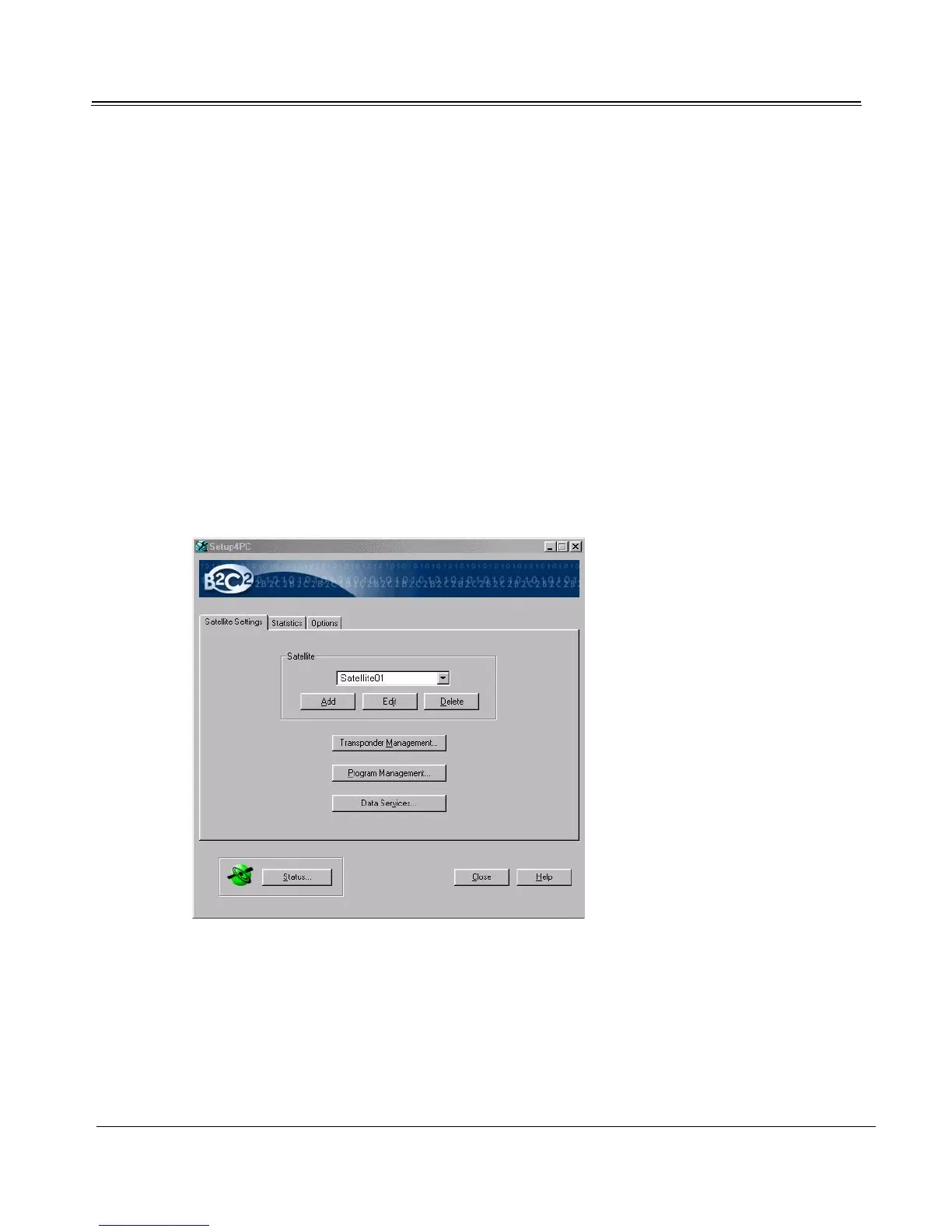
Use the Program Management dialog to delete unwanted digital TV or radio programs from TV4PC.
1. Launch Setup4PC:
Start -> Programs -> Broadband4PC -> Setup4PC
2. In the Satellite list, select the satellite for the program or channel you wish to add, edit, or delete.



 To Next Page