User’s Guide 4-8
To perform a Search and Scan:
1. In the Satellite list, select the desired satellite. (If the satellite is not listed, add it using the proce-
dures in “Designating an Antenna for the Satellite” on page 4-3.)
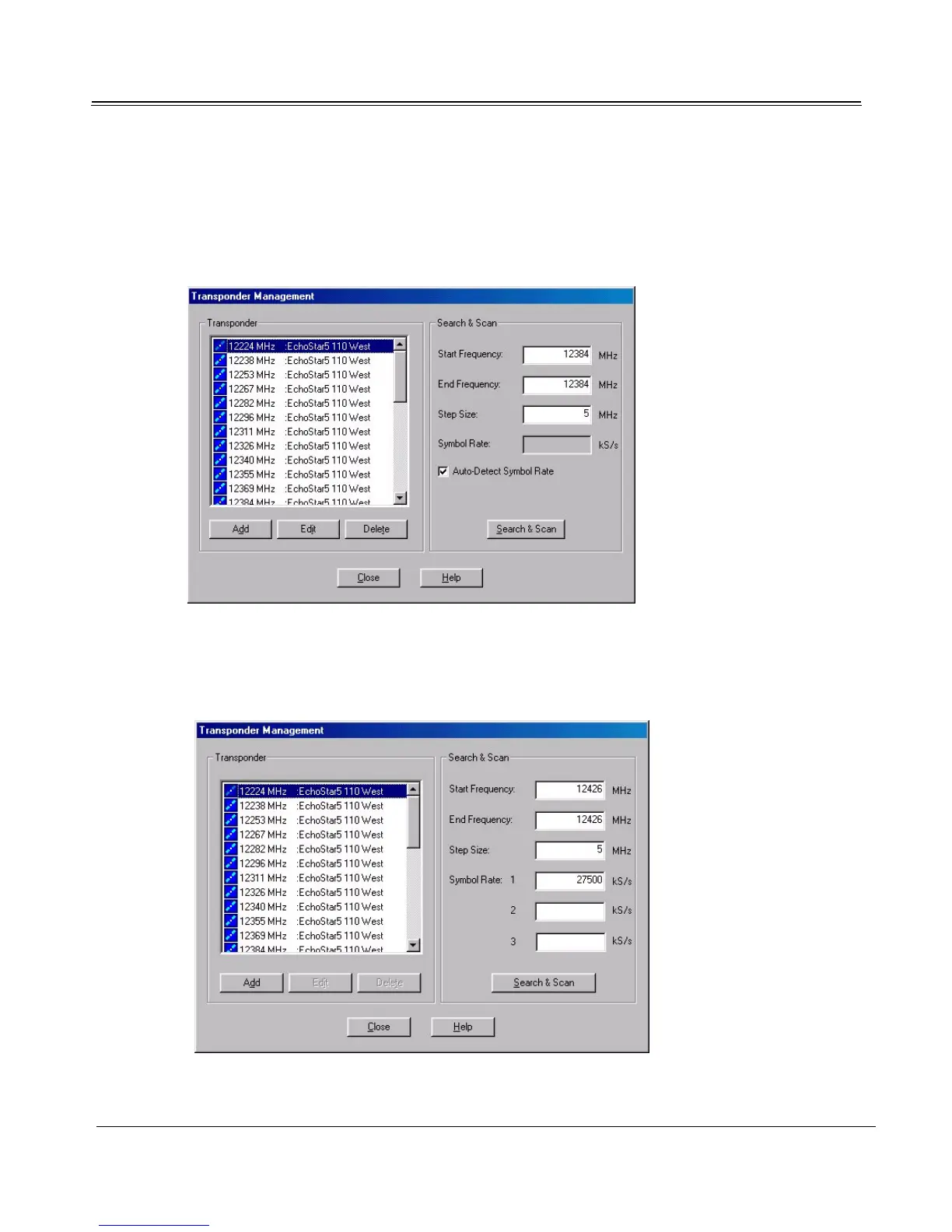
2. Click Transponder Management to open the Transponder Management dialog.
3. Select the Auto-Detect Symbol Rate checkbox. If the Auto-Detect Symbol Rate checkbox is
unavailable (depends on Sky2PC version), enter the symbol rates manually.



 To Next Page