User’s Guide 2-1
Chapter 2: Getting Started
Overview
Use this chapter to set up the antenna and service. In most cases, after completion of this chapter, your dig-
ital TV and Internet/data service will be fully functional.
Verifying Signal Reception
Confirming Antenna LNB and DiSEqC Settings
1. Connect the satellite dish antenna’s coaxial cable to the female connector on the Sky2PC.
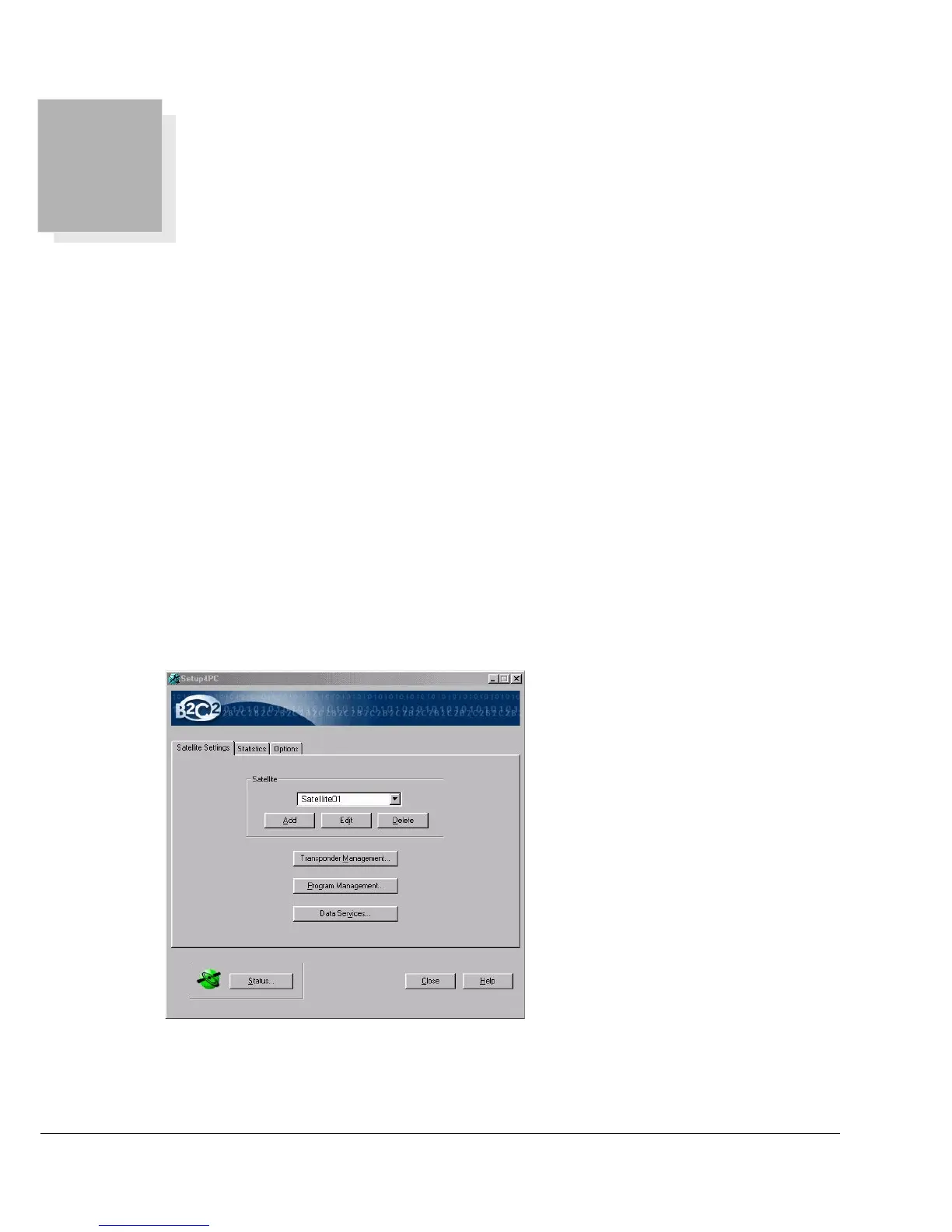
2. Launch Setup4PC:
Start -> Programs -> Broadband4PC -> Setup4PC



 To Next Page