User’s Guide 2-2
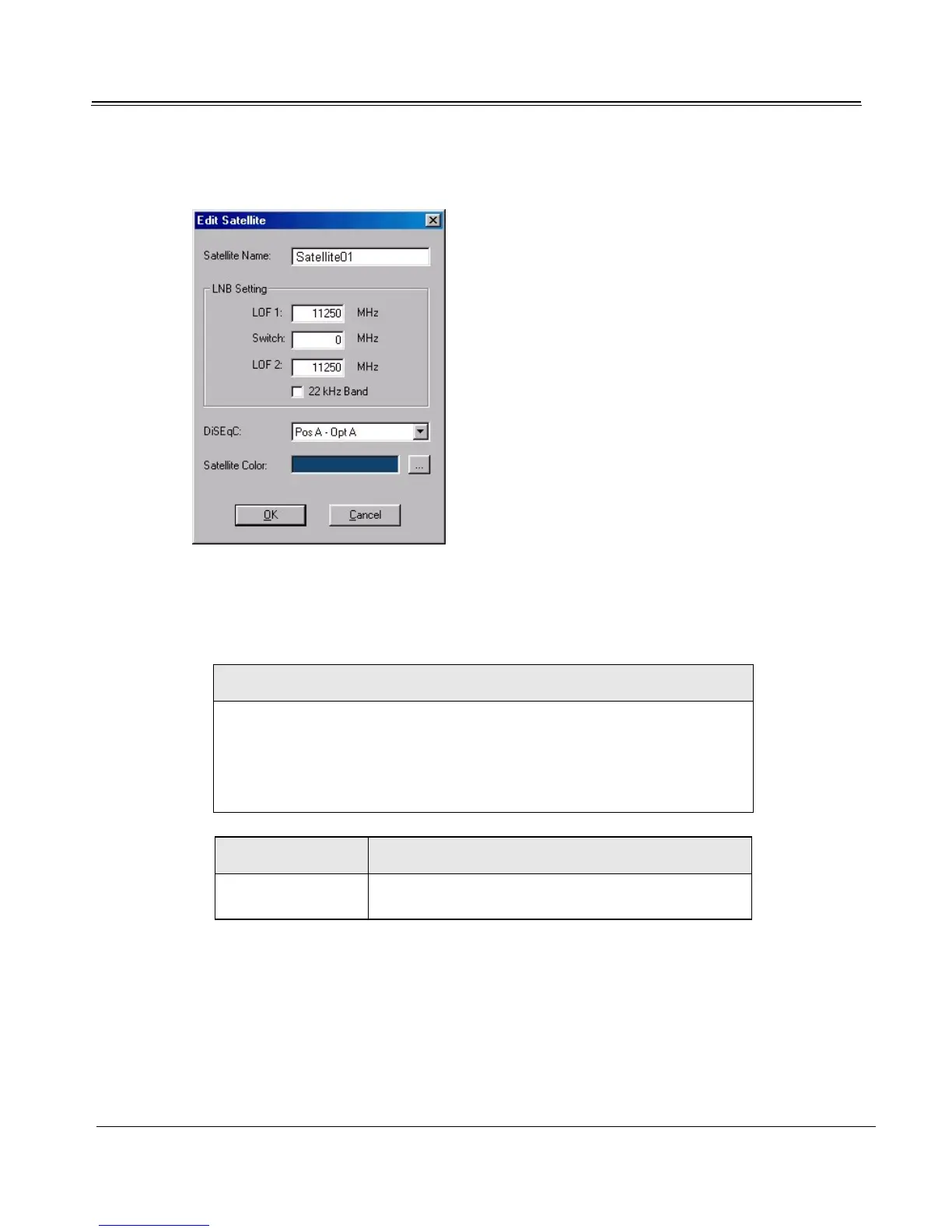
3. On the Satellite Settings tab, under the Satellite drop-down list, click the Edit button.
Confirm that the preset LNB Setting in the Edit Satellite dialog matches your antenna equipment. Con-
sult your satellite equipment provider for more information. Change LNB Settings if necessary.
Example
You purchase a new dish antenna. Engraved on the side of the LNB are
the words:
Universal LNB
L.O. 9.57 / 10.6 GHz (i.e. 9750 / 10600 MHz)
LNB Settings Action
LOF1 L.O. (local oscillator) is 9.75 GHz (9750 MHz), so
enter 9750 intheLOF1textbox.
Table 2.1: LNB Settings Example



 To Next Page