User’s Guide 4-15
3. Select Current Setting, Manual Setting, or the satellite name from the Transponder Status dia-
log’s drop-down list.
4. View performance statistics:
5. Click Close to close the Transponder Status dialog.
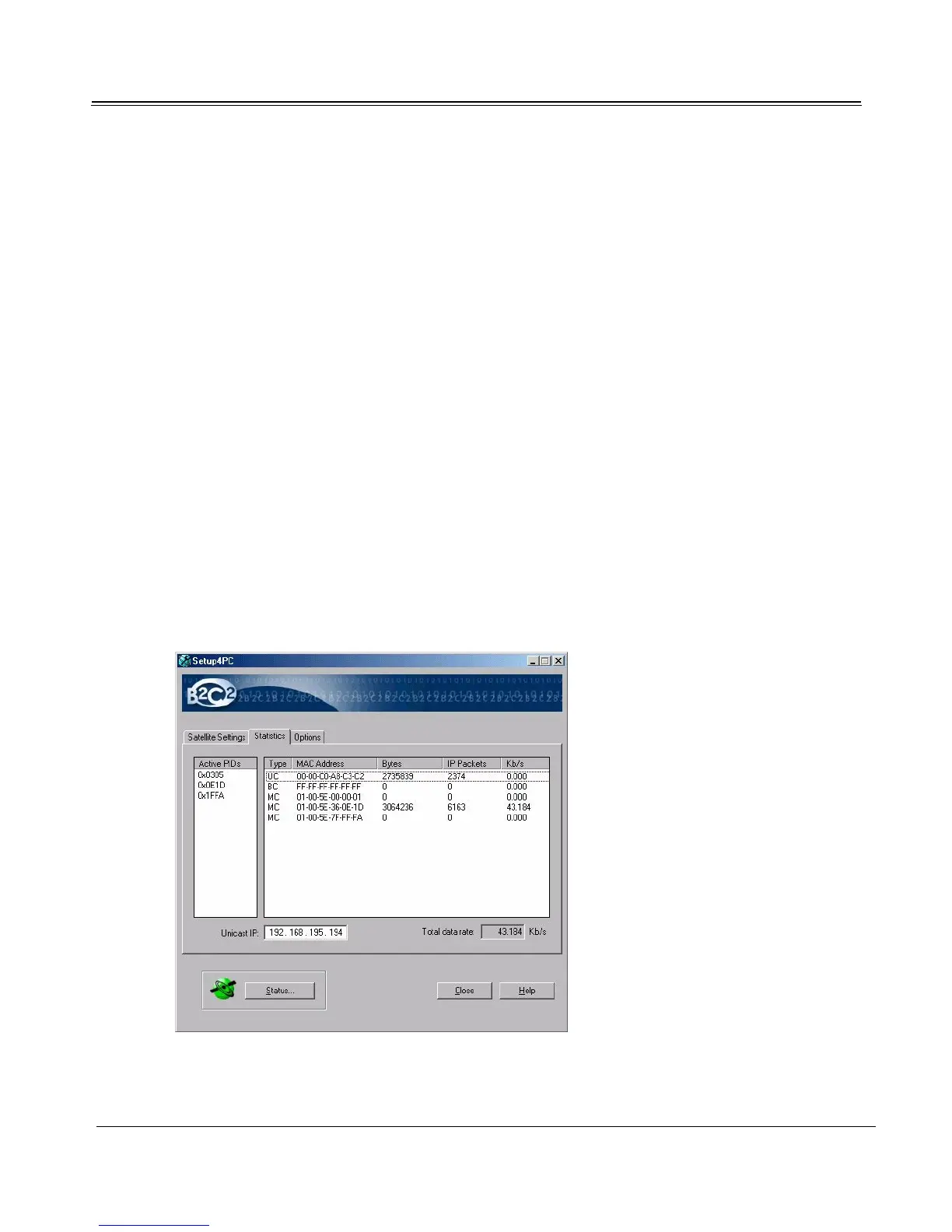
Viewing Data Reception Statistics
Click Statistics to view Setup4PC’s Statistics tab. From this tab you can view active PIDs and a
list of the PIDs and MAC addresses of all broadcast (BC), multicast (MC), and unicast (UC)
data streams with their byte count and respective data rates.
Current Settings Displays the current status of the tuner.
Manual Settings Manually controls the tuner.
[Satellite Name] Tests signal reception for the selected satellite.
SNR Signal to noise ratio in decibels. Mathematically,
10log(Signal/Noise) dB.
Uncorrected Blocks A running count of the number of error packets that could
not be corrected.



 To Next Page