0024-9551 Revision 1
33
PCA
®
400 User Manual
Date and Time Menu
0 1 2 3 4
5 6 7
/
8 9
CLR
Date
MM/DD/YY DD/MM/YY
Time
12H 24H
AM PM
3:24
9/17/17
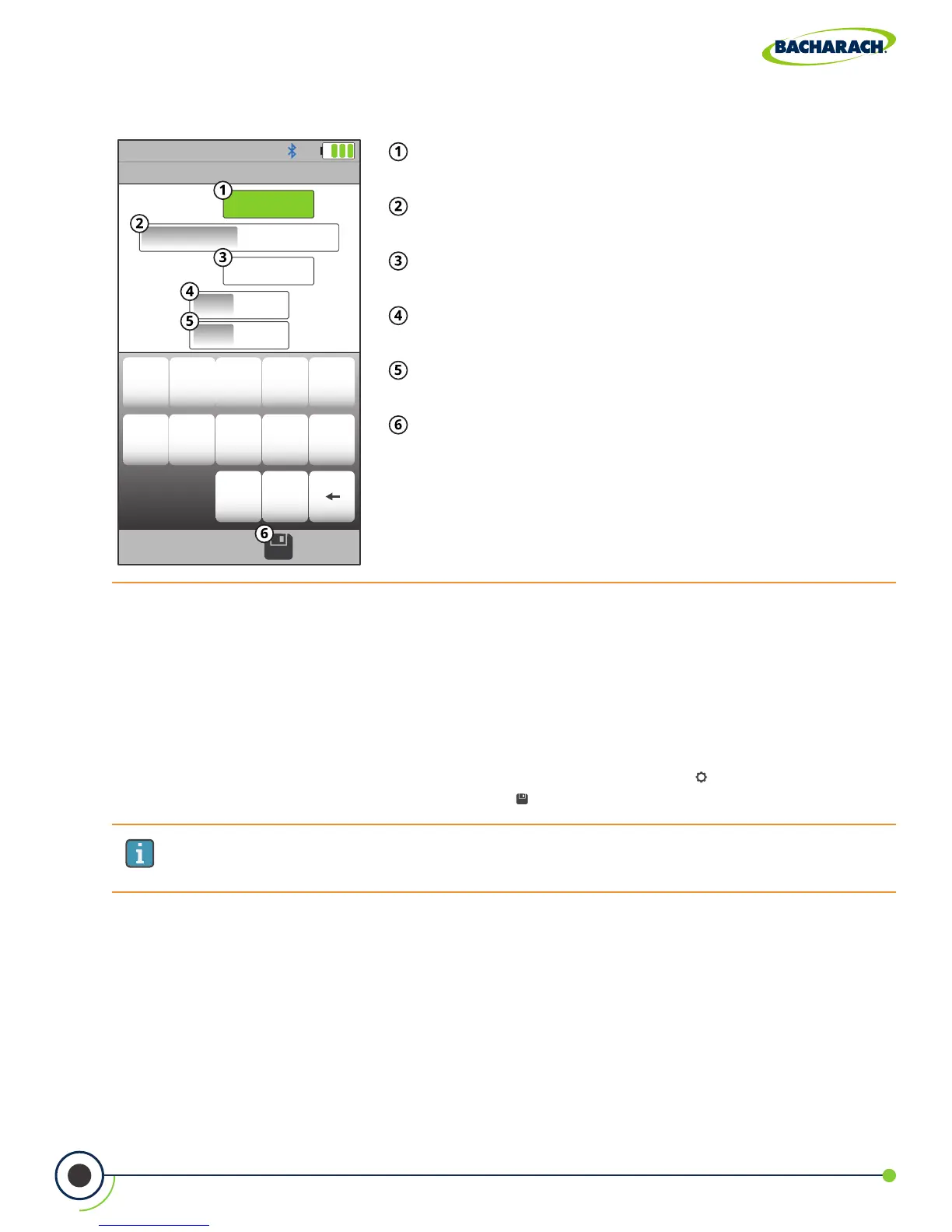
Fig. 4-1: Date and Time Menu
Date - change date (must delete / clear current date before
you can add new date).
Date Format - change between month / day / year
and day / month / year calendar formats.
Time - change time (must delete / clear current time
before you can add new time).
Time Format - change between 12 and 24-hour time
formats.
AM / PM - if 12-hour format is selected, select AM or
PM.
Save - save changes to Date and Time and return to
the Settings menu.
IMPORTANT: Username information will appear at the top of each printout (Figure
4-4)until new information is entered or cleared.
4.3 Username
The Username is typically the analyzer’s primary user or owner (e.g., company name, address,
phone number) and can be stored in memory by manually entering up to three lines of text,
with each line containing up to 18 alphanumeric characters.
Entering / Editing Username
f To change the analyzer’s Username: Main Menu Settings ( ) Username use
keyboard to input username press Save ( )



 To Next Page