0024-9551 Revision 1
28
PCA
®
400 User Manual
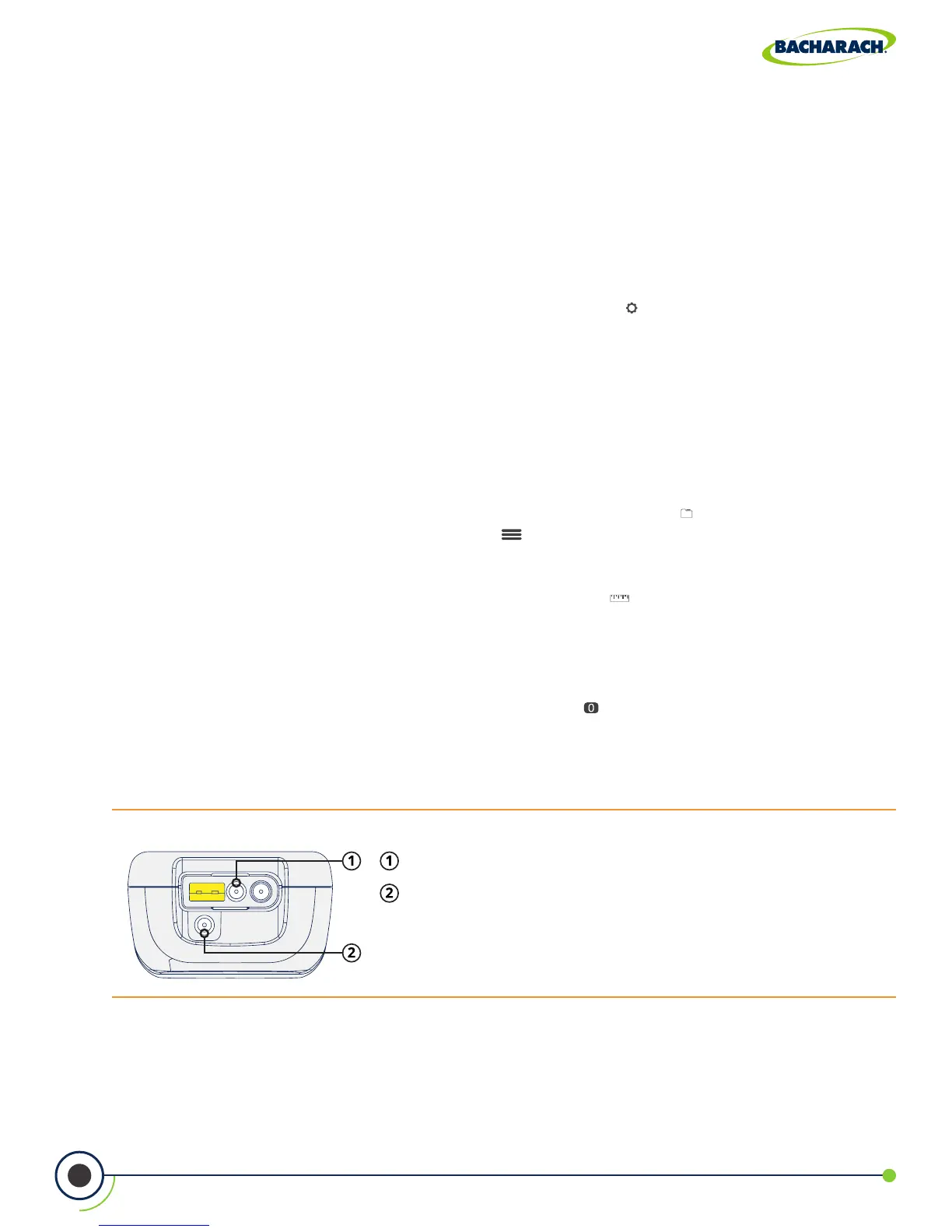
Fig. 3-11: Pressure Connection Ports
Pressure High Side (+∆P) Port
Pressure Low Side (-∆P) Port
3.3 Performing Pressure Test
3.3.1 Pressure User Preferences
Pressure Units
Select to display pressure in Inches of Water Column (inwc), Millibar (mB), Pascal (Pa), Hecto-
Pascal (hPa) or Millimeters of Water Column (mmwc).
f To change Pressure Units: Main Menu Settings ( ) Pressure Units select
InchesWater, milliBar, Pascals, HectoPascals or mmH
2
0
3.3.2 Pressure Analysis
1. Select Folder / Memory Location (User Discretion)
The PCA
®
400 gives users the ability to organize their records in a folder structure for later
viewing and downloads.
f To change Folder / Memory Location: Main Menu Memory ( ) use navigation keys
to highlight the desired folder Options ( ) select Target
2. Select Measurement Type
f To select Measurement Type: Main Menu Measure ( ) select Pressure
3. Zero Pressure Sensor (User Discretion)
Before taking a measurement, the pressure sensor may need to be re-zeroed if it is not
already displaying zero with both pressure ports open to the atmosphere.
f If necessary, zero the pressure sensor: Press Zero ( ).
f Disconnect hoses and press OK to zero the pressure sensor.
f Reconnect hoses. When measuring draft, leave the -∆P port open to the atmosphere
and connect the probe’s draft hose to the + ∆P port.



 To Next Page