0024-9551 Revision 1
37
PCA
®
400 User Manual
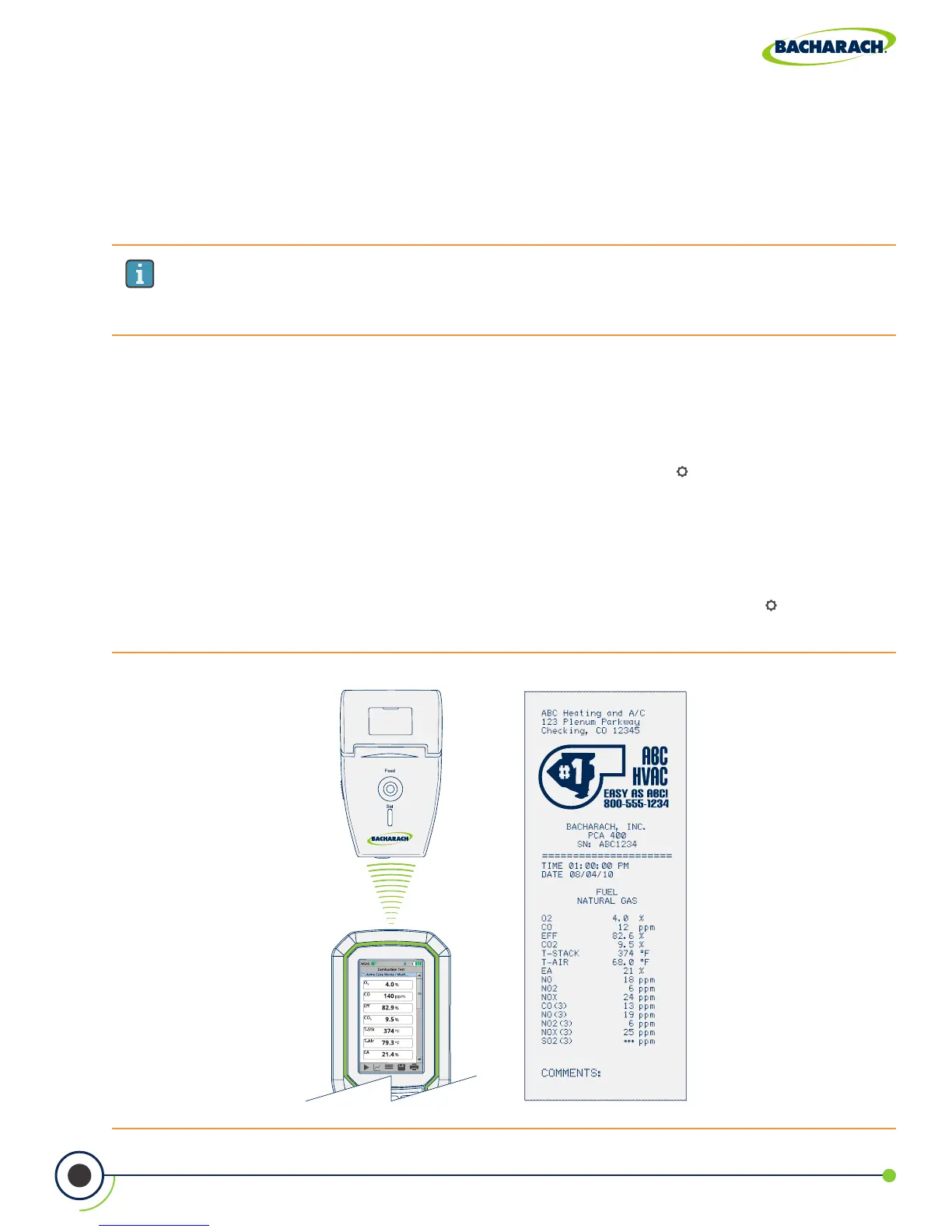
Fig. 4-4: Printer Alignment for IrDA & Sample Printout
IMPORTANT: Printing via Bluetooth
®
is diabled when the analyzer is connected to
the PCA
®
400 App. If you wish to print, disconnect from the mobile app or enable
IrDA communications.
4.10 Printer Setup
The PCA
®
400 is capable of wirelessly transmitting data to compatible IrDA (Infrared Data
Associated) or IrDA + Bluetooth
®
Printers. Users can quickly change between the two
communication protocols by selecting the appropriate printer type from the analyzer’s
settings. (For more information about wireless communication ranges, see Figures 2-6 and 2-7.)
Enabling Printing via IrDA
The analyzer can communicate data via IrDA at a distance of up to 16” (41 cm). IrDA
communication requires that the analyzer has an unobstructed view of the printer at no
more than a 30° angle.
f To enable the use of IrDA for printing: Main Menu Settings ( ) Printer select IrDA
Enabling Printing via Bluetooth
®
The analyzer can communicate data via Bluetooth at a distance of up to 30’ (unobstructed).
Use of Bluetooth
®
will require that the communication protocol has been enabled
(Section 4.9).
f To enable the use of Bluetooth
®
for printing: Main Menu Settings ( ) Printer
Bluetooth select Pair (if “Status: Not Paired”) or Skip (if “Status: Paired”)



 To Next Page