0024-9551 Revision 1
38
PCA
®
400 User Manual
IMPORTANT: For more detailed information, visit www.mybacharach.com and
download the PCA
®
Reporting Software User Manual (P/N 0024-9552).
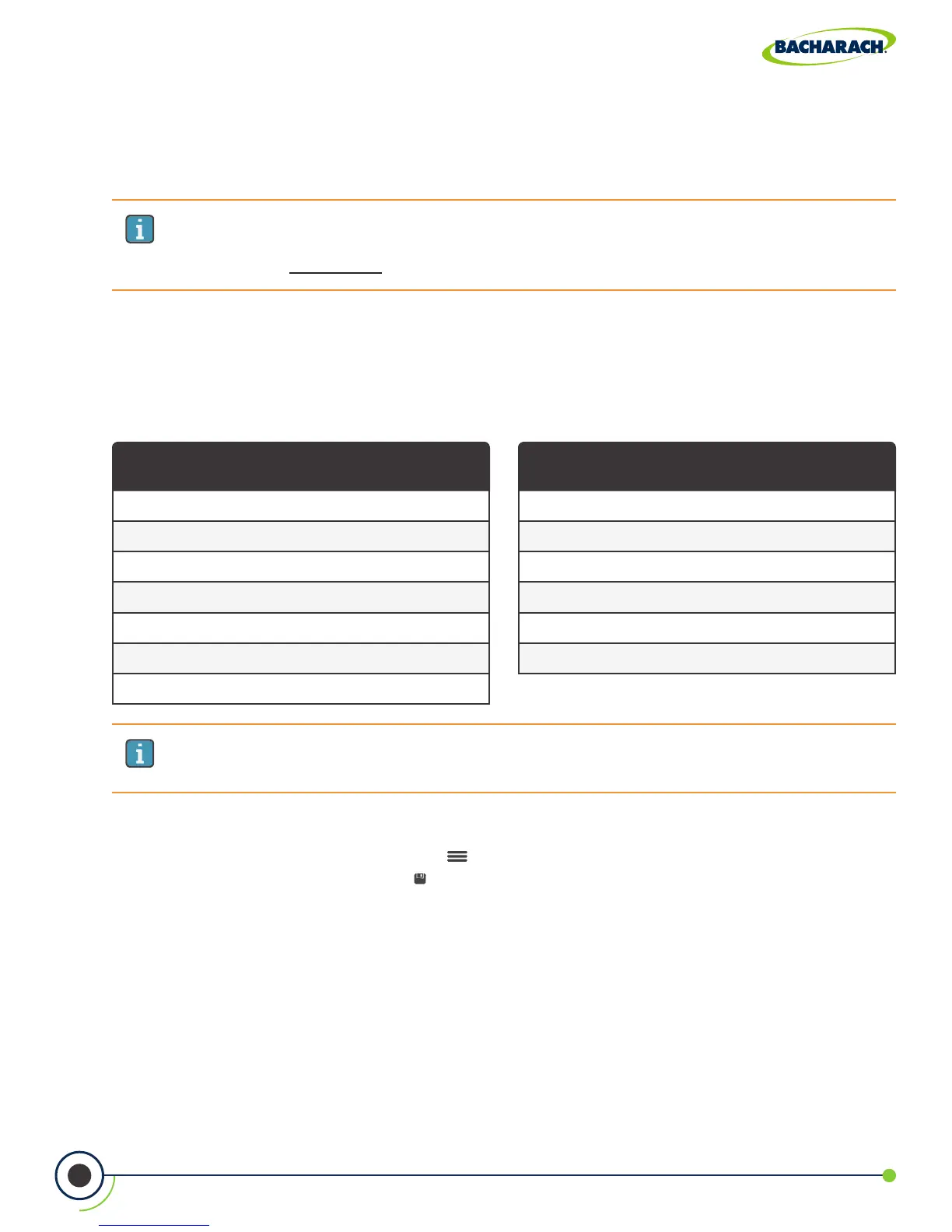
Logging Durations
5-minutes
10-minutes
15-minutes
30-minutes
1-hour
2-hours
5-hours
Logging Intervals
5-seconds
10-seconds
30-seconds
1-minute
5-minutes
10-minutes
IMPORTANT: If the combination of the logging duration / interval frequency exceeds
the available memory, the analyzer will stop logging results once its memory is full.
The analyzer DOES NOT overwrite existing records.
4.11 Onboard Data Logging
When the logging function is activated, up to 500 combustion test records can be
automatically stored in memory at a preset interval over a predetermined duration.
Logged data can either be viewed on the display using the analyzer’s memory function,
or downloaded to a personal computer using the supplied PCA
®
Reporting Software and
Micro-B USB cable. Downloaded data is stored on the computer’s hard drive as a comma
separated value ASCII text le with a CSV extension, which can be opened by most spreadsheet
programs for analysis (see Section 6.2 for more information about the PCA
®
Reporting Software).
Turning On Data Logging
f To enable Data Logging: Options ( ) Logging enable set parameters & time via
dropdown menu press Save ( )



 To Next Page