0024-9551 Revision 1
30
PCA
®
400 User Manual
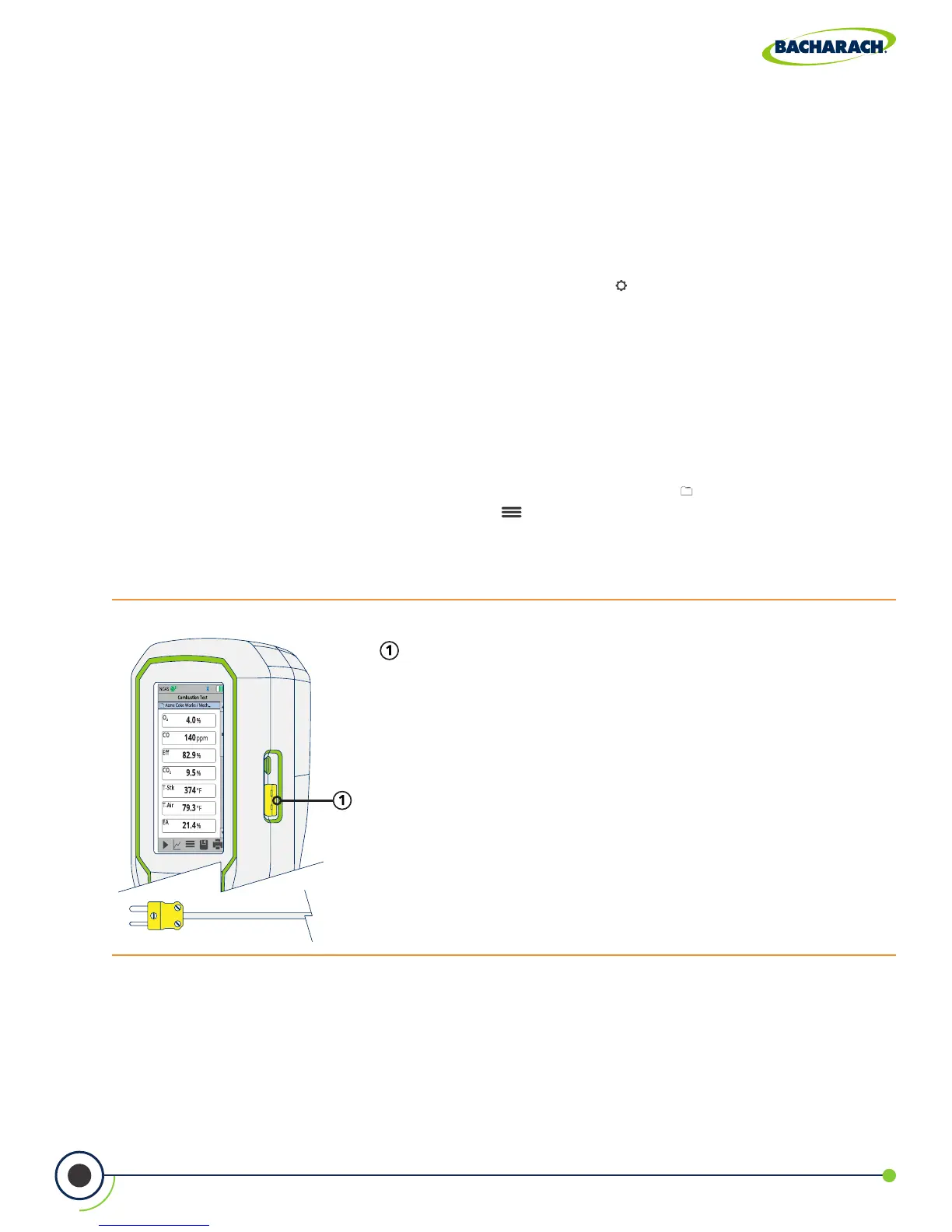
Fig. 3-13: Ambient Air Thermocouple Port
Type-K Ambient Air Thermocouple / T-AIR Port
3.4 Performing Temperature Test
3.4.1 Temperature User Preferences
Temperature Units
Select to display temperature in Fahrenheit (ºF) or Celsius (ºC).
f To change Temperature Units: Main Menu Settings ( ) Temperature Units select
Fahrenheit or Celsius
3.4.2 Temperature Analysis
1. Select Folder / Memory Location (User Discretion)
The PCA
®
400 gives users the ability to organize their records in a folder structure for later
viewing and downloads.
f To change Folder / Memory Location: Main Menu Memory ( ) use navigation keys
to highlight the desired folder Options ( ) select Target
2. Install Thermocouple
Plug Type-K Thermocouple into the T-AIR Port on the side of the analyzer.



 To Next Page