0024-9551 Revision 1
36
PCA
®
400 User Manual
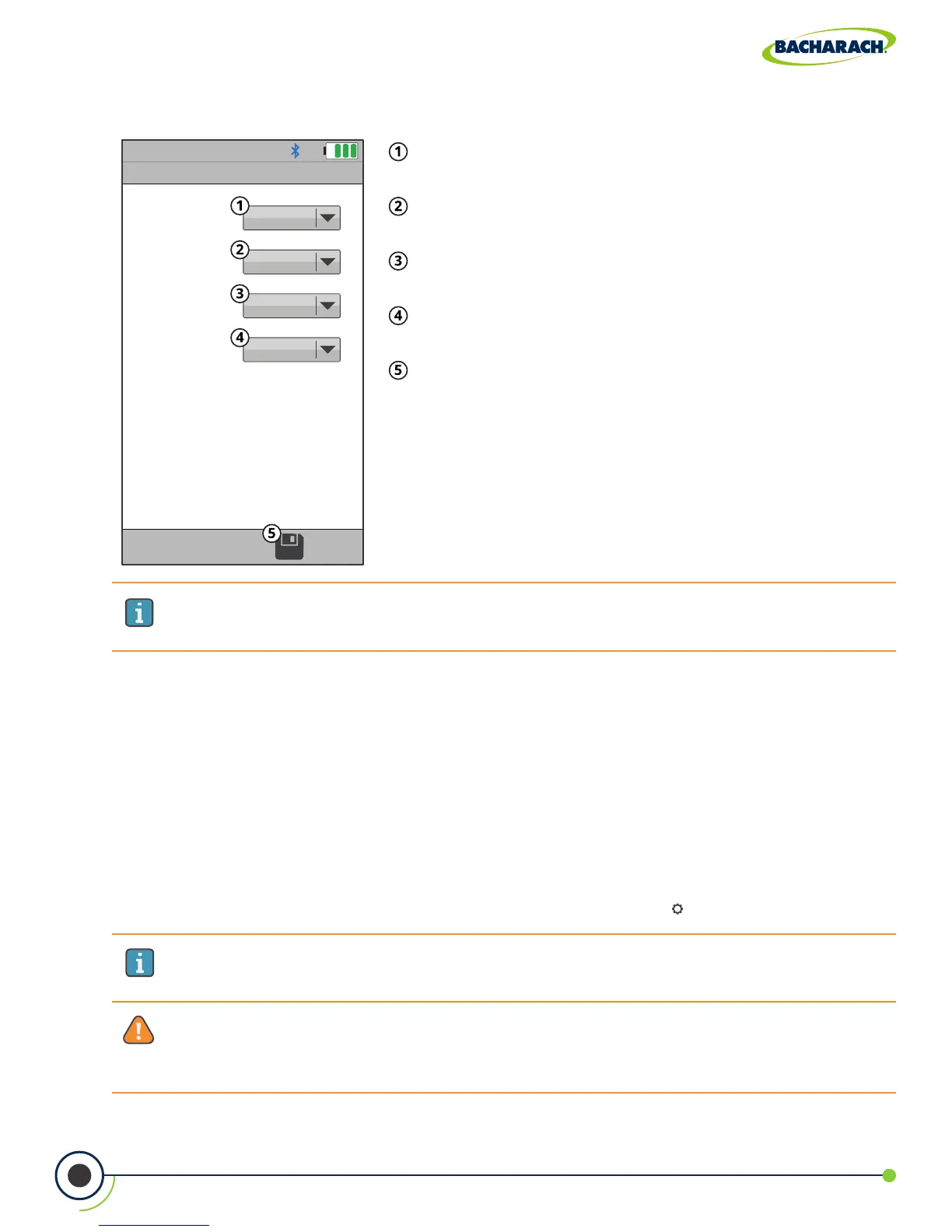
Fig. 4-3: Sensor Setup
WARNING: Use of radio connection may not be permitted in some locations
(e.g. airplanes, hospitals). User assumes responsibility for complying with rules
governing the use of radio connections.
IMPORTANT: Interference can be caused by devices that are transmitting on the
same frequency band.
Sensor Setup
Position 1O
Position 2CO-LO
Position 3NO
2
Position 4NO
Position 1 - the analyzer is required have an O
2
sensor
in this position.
Position 2 - the analyzer can optionally have either
CO
LOW
or a CO
HIGH
sensor in this position.
Position 3 - the analyzer can optionally have None,
NO
2
or a SO
2
sensor in this position.
Position 4 - the analyzer can optionally have either
None or a NO sensor in this position.
Save - save changes to Sensor Setup and return to the
Settings menu.
IMPORTANT: To ensure accurate analysis results, sensors must be properly
calibrated. See Calibration (Section 5.5 and 5.6) for more information.
Establish New Oset
Restart the analyzer in fresh air after changing the sensors to establish new oset.
4.9 Bluetooth
®
Setup
The PCA
®
400 comes standard with Bluetooth
®
wireless communications; allowing users to
quickly connect the instrument to an IrDA + Bluetooth
®
Printer.
Enabling Bluetooth
®
f To enable Bluetooth
®
communications: Main Menu Settings ( ) Bluetooth select On



 To Next Page