0024-9551 Revision 1
27
PCA
®
400 User Manual
IMPORTANT: Operating the analyzer at a higher pump rate consumes more power
and will reduce the expected battery life.
Line Graph Settings
Parameter 1O
Parameter 2CO
High
Time 30 seconds
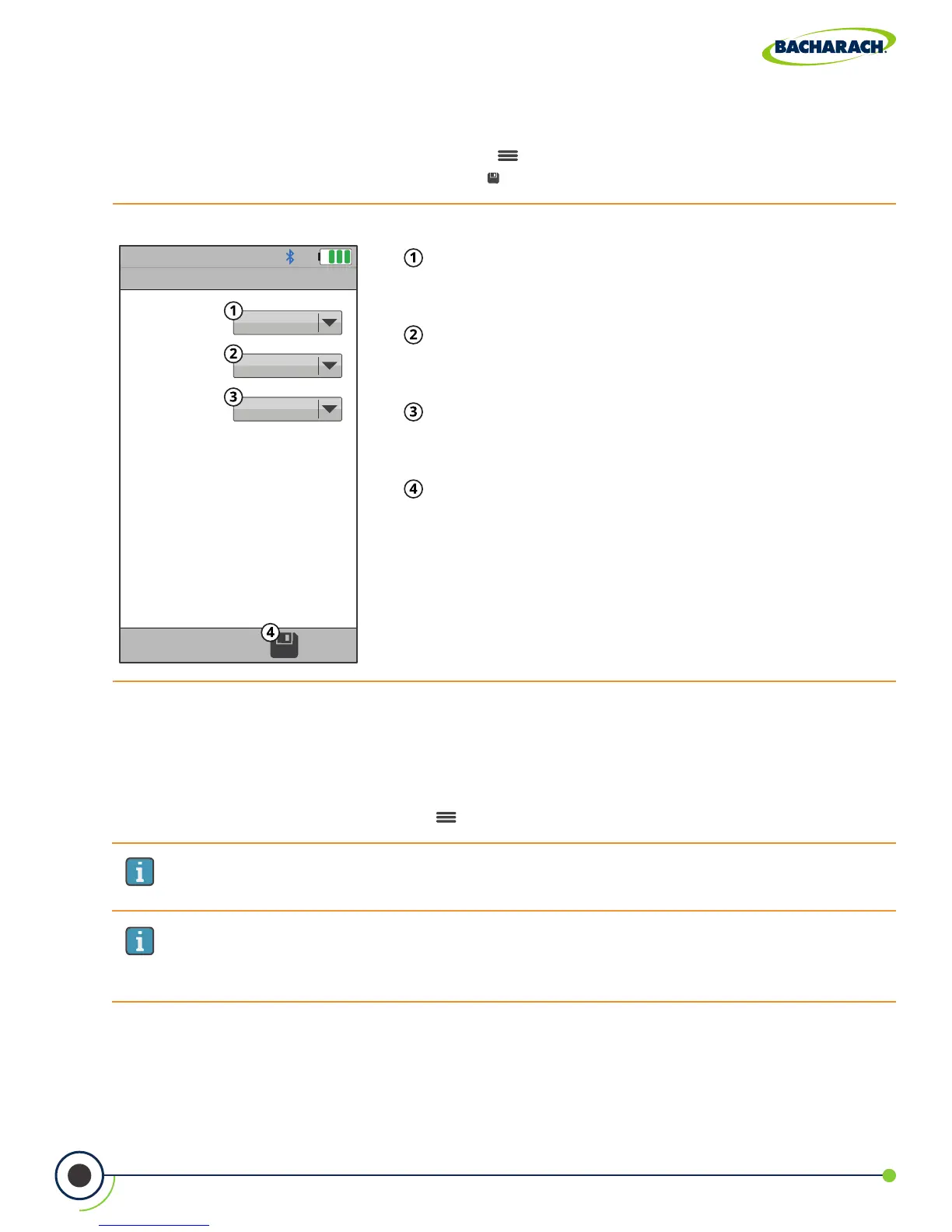
Fig. 3-10: Line Graph Settings
Parameter 1 - value of the top graph’s y-axis; choose
from None, O
2
, CO, NO, NO
2
, SO
2
,T-AIR, T-STK, E,
EA, CO
2
, NO
x
, CO(0), NO (0), NO
2
(0), NO
x
(0) or SO
2
(0).
Parameter 2 - value of the bottom graph’s y-axis;
choose from None, O
2
, CO, NO, NO
2
, SO
2
,T-AIR, T-STK,
E, EA, CO
2
, NO
x
, CO(0), NO (0), NO
2
(0), NO
x
(0) or SO
2
(0).
Time - value of the each graph’s x-axis; choose from
30-seconds, 1-minute, 3-minutes, 5-minutes and
15-minutes.
Save - save Line Graph Settings and return to
current combustion analysis results.
IMPORTANT: Changes to this setting will not become the analyzer’s default
value for future testing. When restarting, the analyzer will revert to STANDARD
pump rate.
Pump Speed
The sample pump is capable of operating at two dierent rates; allowing users to
compensate for longer lengths of sample line or to overcome higher draft in the
measurement area.
f To change Pump Speed: Options ( ) Pump Speed select Standard or High
Line Graph Settings (Trending View)
The analyzer allows users to customize the order in which analysis results are displayed.
f To update Line Graph Settings: Options ( ) Line Graph Settings set parameters &
time via dropdown menu press Save ( )



 To Next Page