58 ImagePRO-II • User’s Guide
4. Menu Orientation
Configuring Outputs
~ YCbCr, 4:4:4, 36 bit
The default setting upon format change is:
~ RGB, 4:4:4, at a bit depth equal to the maximum supported, as given in
the EDID information.
The default setting when the EDID information is invalid or not present is:
~ RGB, 4:4:4, 24 bits
• DisplayPort — The options are:
~ RGB, 4:4:4, 24 bit
~ RGB, 4:4:4, 30 bit
~ RGB, 4:4:4, 36 bit
~ YCbCr, 4:4:4, 24 bit
~ YCbCr, 4:4:4, 30 bit
~ YCbCr, 4:4:4, 36 bit
The default setting upon format change is:
~ RGB, 4:4:4, to the maximum bit depth supported, as given in the EDID
information
The default setting if EDID information is invalid or not present is:
~ RGB, 4:4:4, 24 bit
The 36-bit rates may not be available if output timings are not compatible.
pÉííáåÖ=lìíéìí=bÑÑÉÅíë
The Output Effects Submenu sets properties of the output image, such as contrast and
brightness, color balance, and sharpness. From the Output Menu, select Effects to
access this menu.
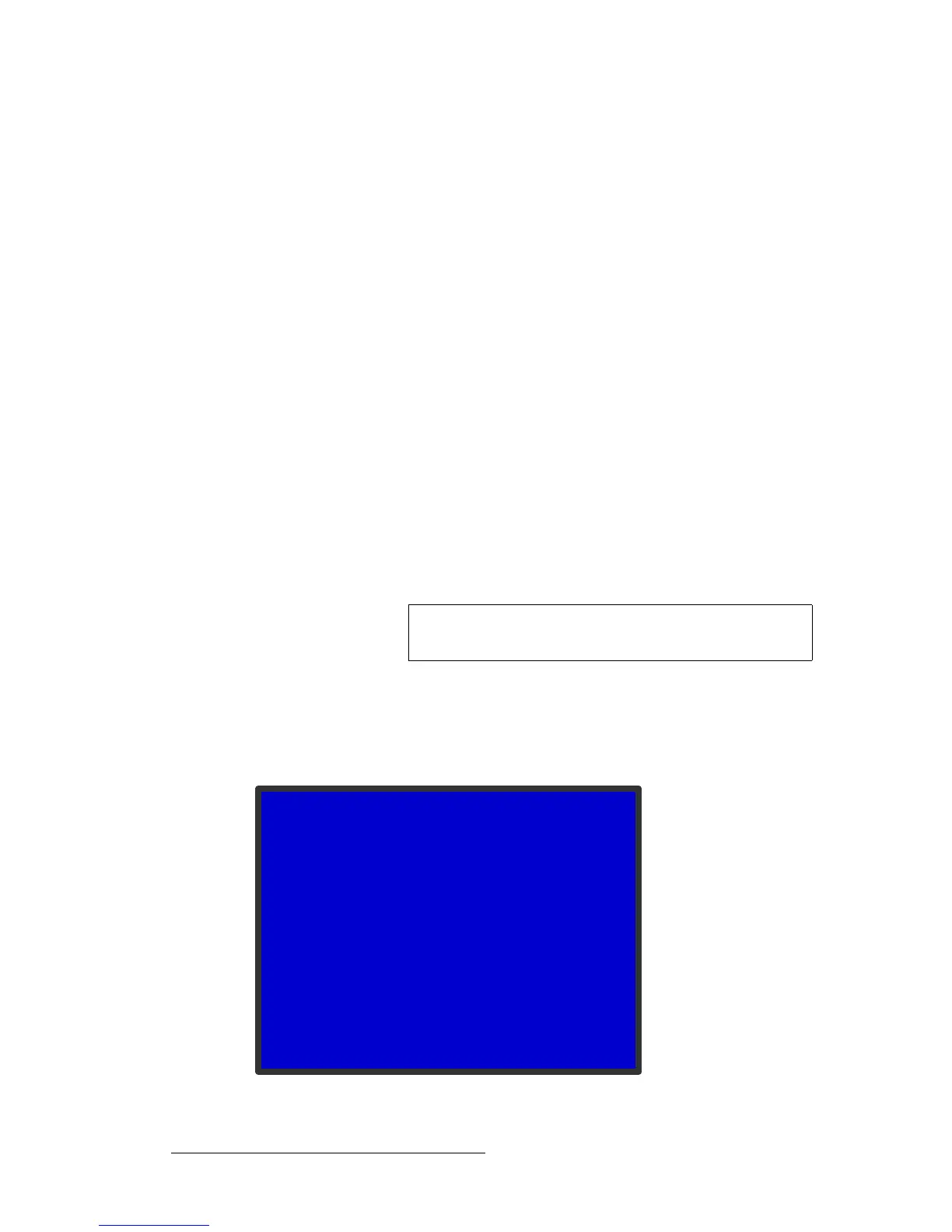
Figure 4-35. Output Effects Submenu
Note
For the SDI output, there is only one setting — YCbCr, 4:2:2,
20 bit — and it cannot be changed.
OUT EFFECTS
> Contrast 100
Brightness 100
Color Balance >>
Gamma 1.0
Monochrome Off
Invert Off
Sharpness +0
Flicker Reduce n/a
Image Flip Off
Strobe Mode Off
Strobe Rate n/a



 To Next Page