9424200996 65-9
BE1-11m Inverse Overcurrent (51) Test
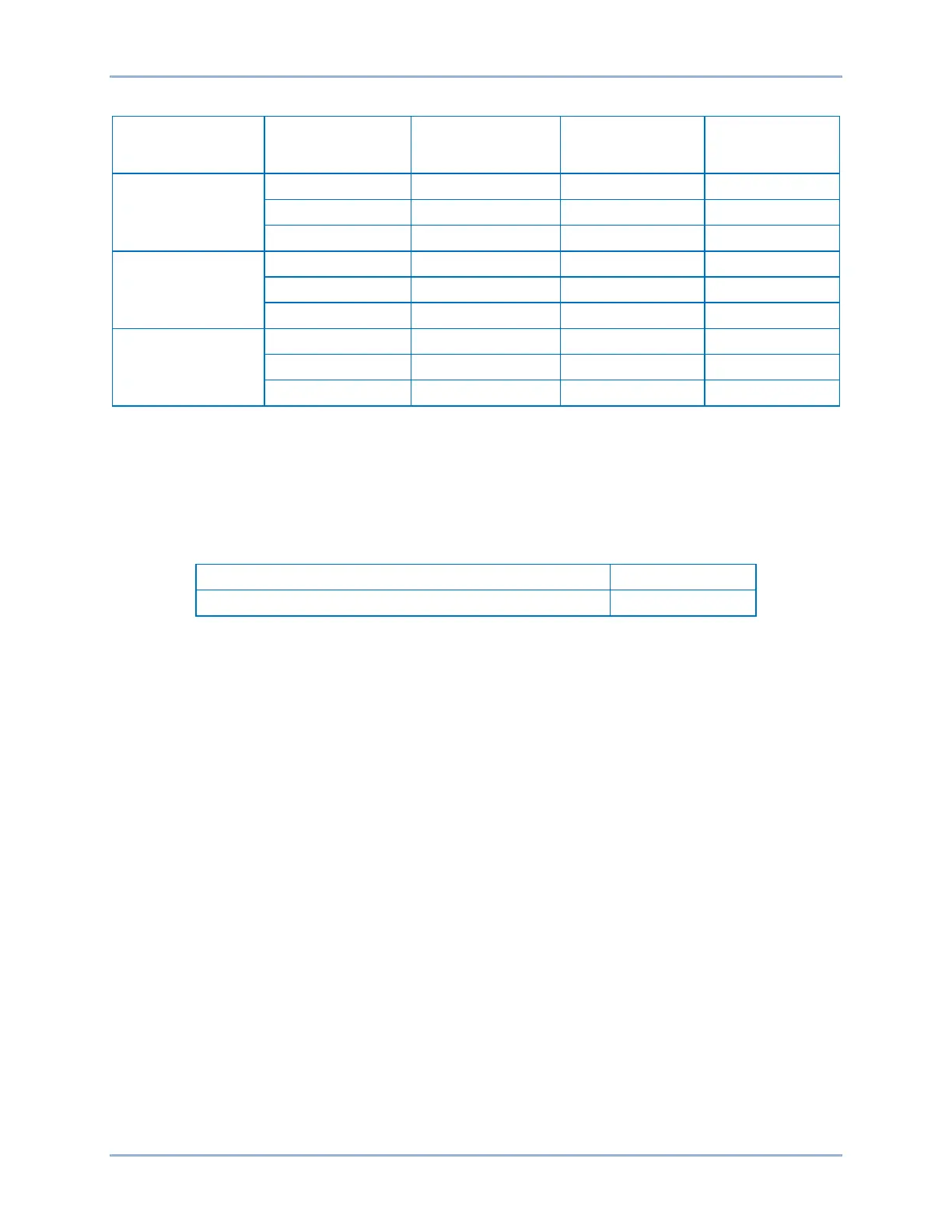
Table 65-14. Pickup Test Settings (IG Mode)
Sensing Input
Type
Range Pickup Setting Time Dial Time Curve
5 A
1 A
SEF
Step 10: (Optional.) Repeat steps 1 through 9 with CT Circuit 2 as the source for protection systems
equipped with two sets of CTs. In step 5, replace D1 with F1, D2 with F2, etc.
Timing Verification (IG Mode)
Step 1: Use BESTCOMSPlus to open the Protection, Current, Inverse Overcurrent (51-1) screen and
send the test settings in Table 65-15 to the BE1-11m .
Table 65-15. Timing Test Settings (IG Mode)
0.5 A (5 A sensing), 0.1 A (1 A sensing)
Step 2: Prepare to monitor the 51-1 timings. Timing accuracy is verified by measuring the elapsed time
between a sensing current change and OUT1 closing.
Step 3: Connect a current source to BE1-11m terminals D7 and D8 (IG).
Step 4: Using the values listed in Table 65-16, apply the appropriate current values, and measure the
time between the application of current and the closure of OUT1. Record the results.
Step 5: Repeat step 4 for all of the current and time dial settings for your current sensing type.
Step 6: (Optional.) Repeat steps 1 through 5 for settings group 1, 2, and 3.
Step 7: (Optional.) Repeat steps 1 through 6 for 51-2, 51-3, 51-4, and 51-5.
Step 8: (Optional.) Repeat steps 1 through 7 with CT Circuit 2 as the source for protection systems
equipped with two sets of CTs. In step 3, replace D1 with F1, D2 with F2, etc.



 To Next Page