RX170Q User’s Manual
24 RX170Q User’s Manual
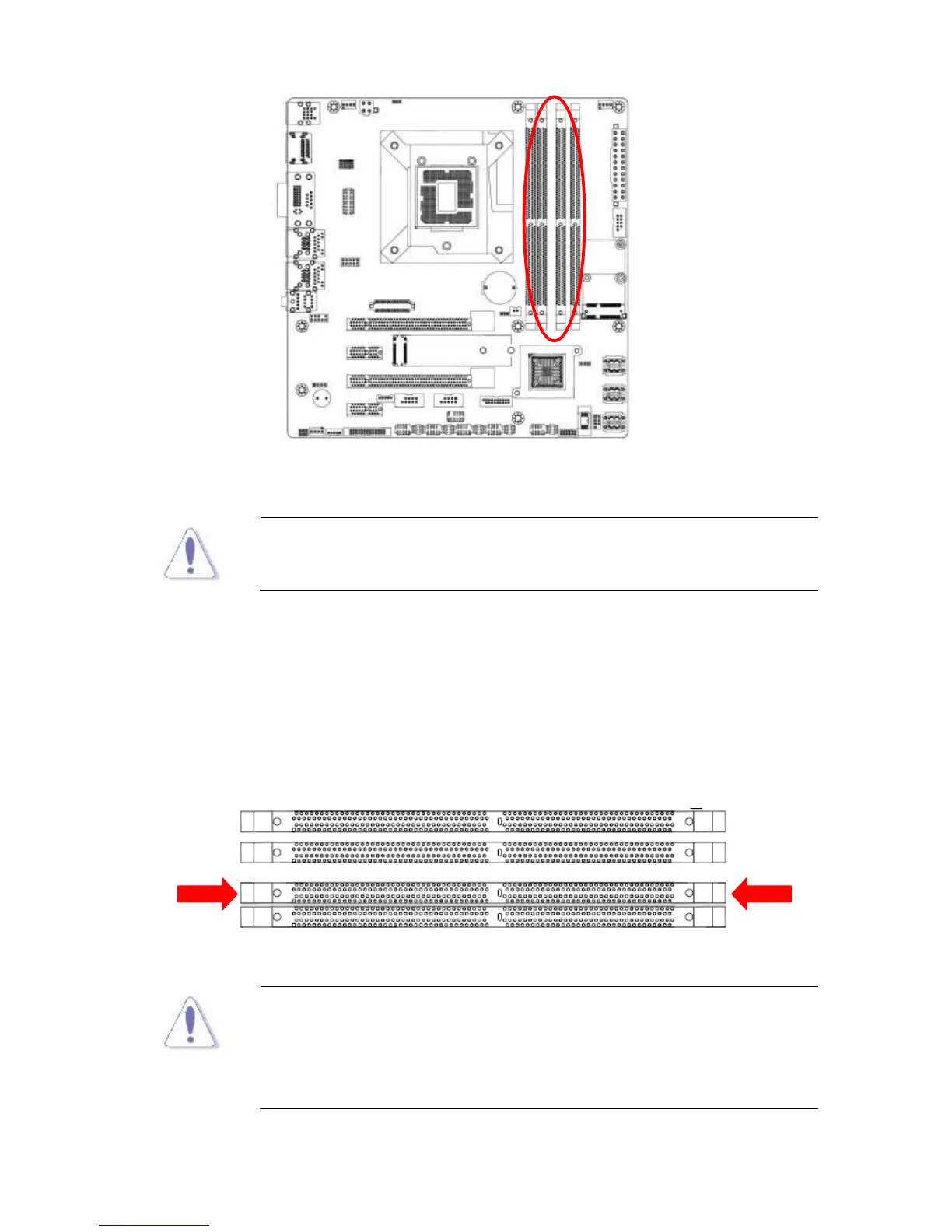
288-Pin DDR4 SODIMM sockets
Make sure to unplug the power supply before adding or removing
DIMMs or other system components. Failure to do so may cause
severe damage to both the motherboard and the components.
1. Locate the DIMM socket on the board.
2. Hold two edges of the DIMM module carefully, and keep away of touching its connectors.
3. Align the notch key on the module with the rib on the slot.
4. Firmly press the modules into the socket which will automatically snap into the mounting
notch. Do not force the DIMM module in with extra force as the DIMM module only fits in
one direction.
A DDR4 DIMM is keyed with a notch so that it fits in only one
direction. DO NOT force a DIMM into a socket to avoid damaging
the DIMM.
The DDR4 DIMM sockets do not support DDR/DDR2/DDR3
DIMMs. DO NOT install DDR/DDR2/DDR3 DIMMs to the DDR4
DIMM socket.



 To Next Page