RX170Q User’s Manual
RX170Q User’s Manual
Gigabit LAN
(RJ-45)
Connectors
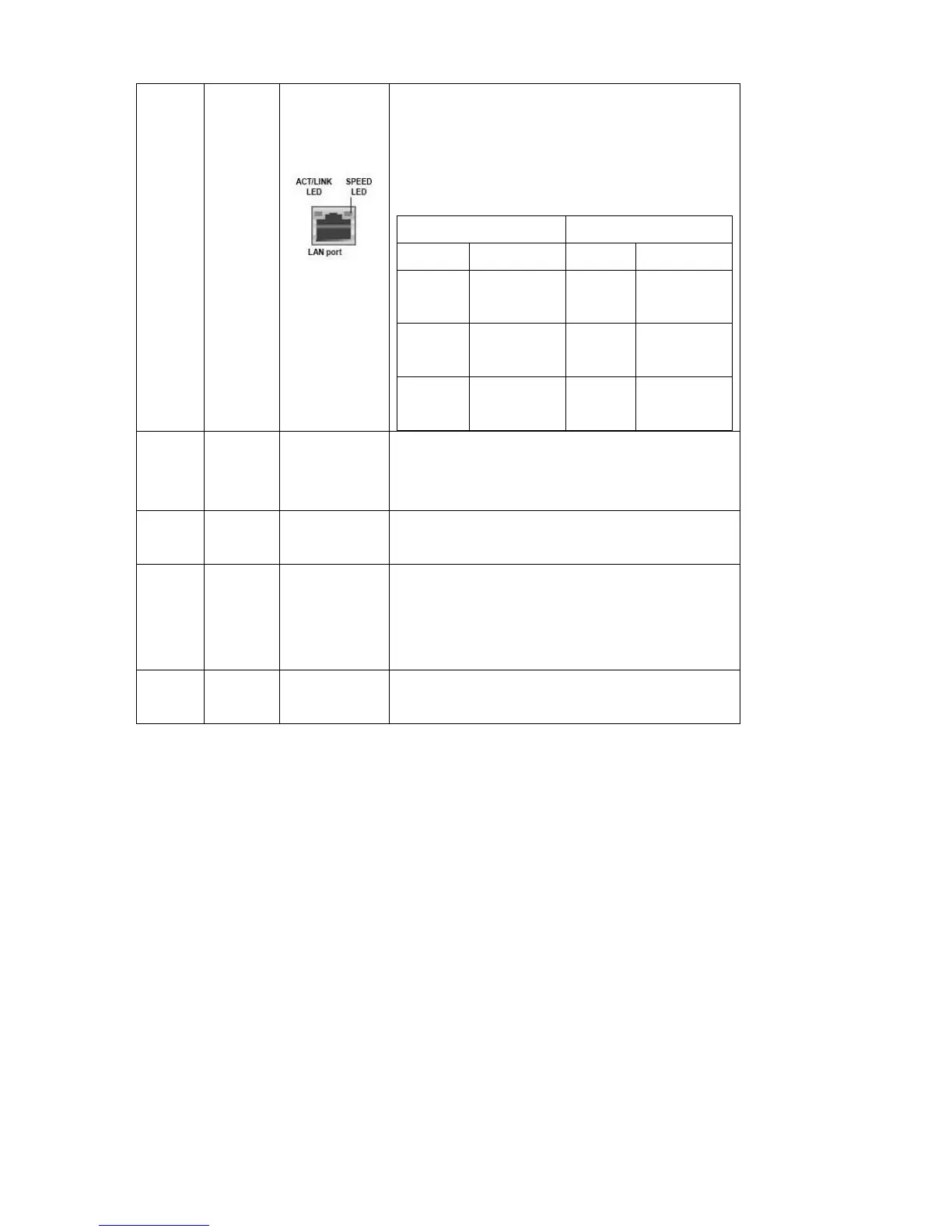
This port allows Gigabit connection to a Local
Area Network (LAN) through a network hub.
Refer to the table below for the LAN port LED
indications.
These two 4-pin Universal Serial Bus (USB)
ports are available for connecting USB 3.0
devices.
Line-in port
(Light blue)
This port connects a tape, CD, DVD player, or
other audio sources.
This port connects a headphone or a speaker.
In 4-channel, 6-channel, and 8-channel
configuration, the function of this port becomes
Front Speaker Out.
This port connects a microphone.
1.7.2 CPU and System fan connectors (CPU_FAN1, SYS_FAN1,
CHA_FAN1)
The fan connectors support cooling fans of 280mA (3.36 W
max.) at 4800rpm or a total of 1A~2.22A (26.64W max.) at
+12V. Connect the fan cables to the fan connectors on the
motherboard, making sure that the black wire of each cable
matches the ground pin of the connector.



 To Next Page