Endorsement Hierarchy [Enable]
Enable or Disable Endorsement Hierarchy.
Configuration options: [Enable] [Disable]
TPM2.0 UEFI Spec Version[1.0]
Select TCG2 spec version: 1.0: the compatibility mode for Win8/Win10; 1.x: For TCG2
newer spec for Win10
Configuration options: [1.0] [1.x]
Device Select[Auto]
Select TPM device version
Configuration options: [TPM1.2] [TPM1.0] [Auto]
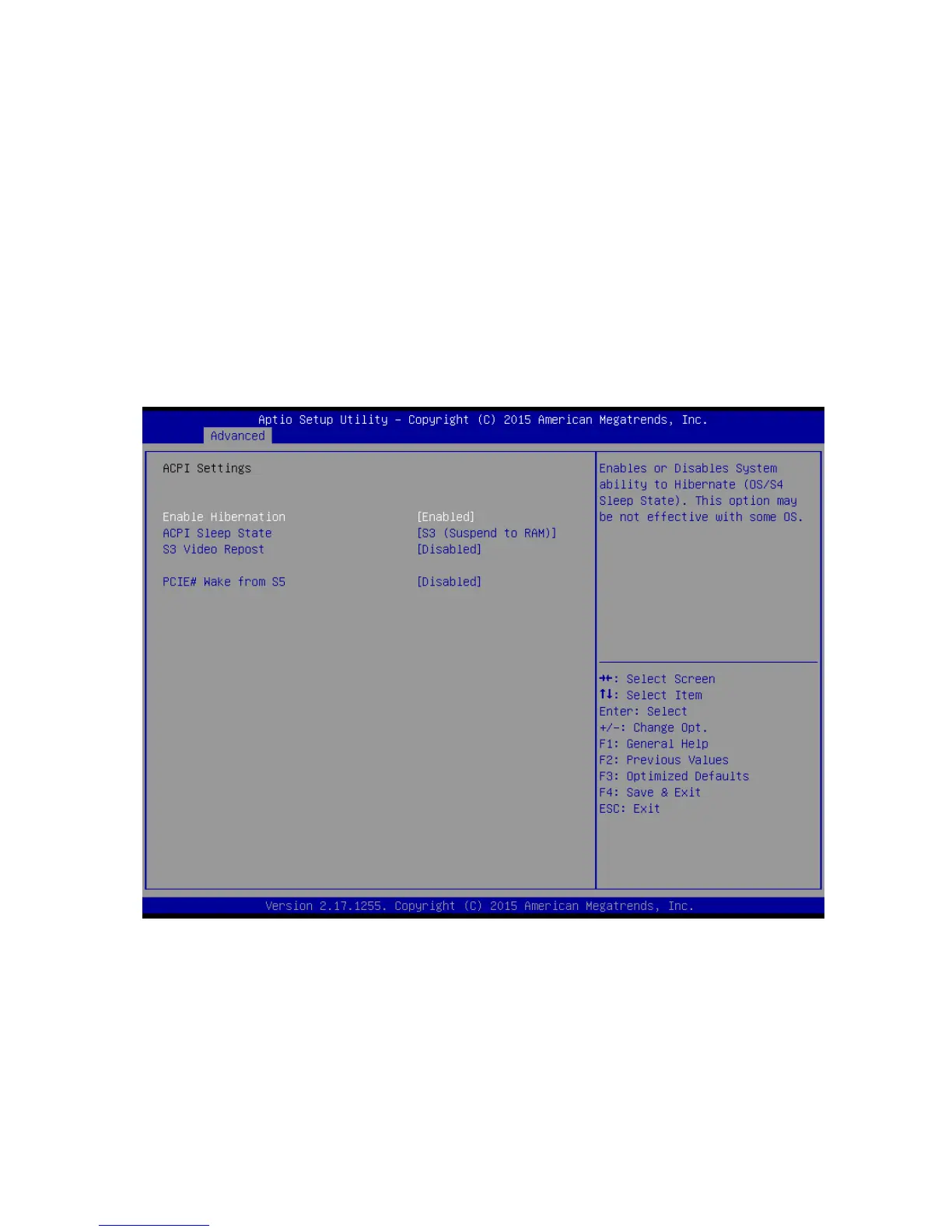
2.4.2 ACPI Settings
Enable Hibernation [Enable]
Enable or Disable system ability to Hibernation.
Configuration options: [Enable] [Disable]
ACPI Sleep State [S3 only (Suspend to RAM)]
Select the highest ACPI sleep state the system will enter the SUSPEND button is press.
Configuration options: [Suspend Disable] [S3 only(suspend to RAM )]
S3 Video Repost [Disabled]
Enable or disable S3 video repost



 To Next Page