RX170Q User’s Manual
64 RX170Q User’s Manual
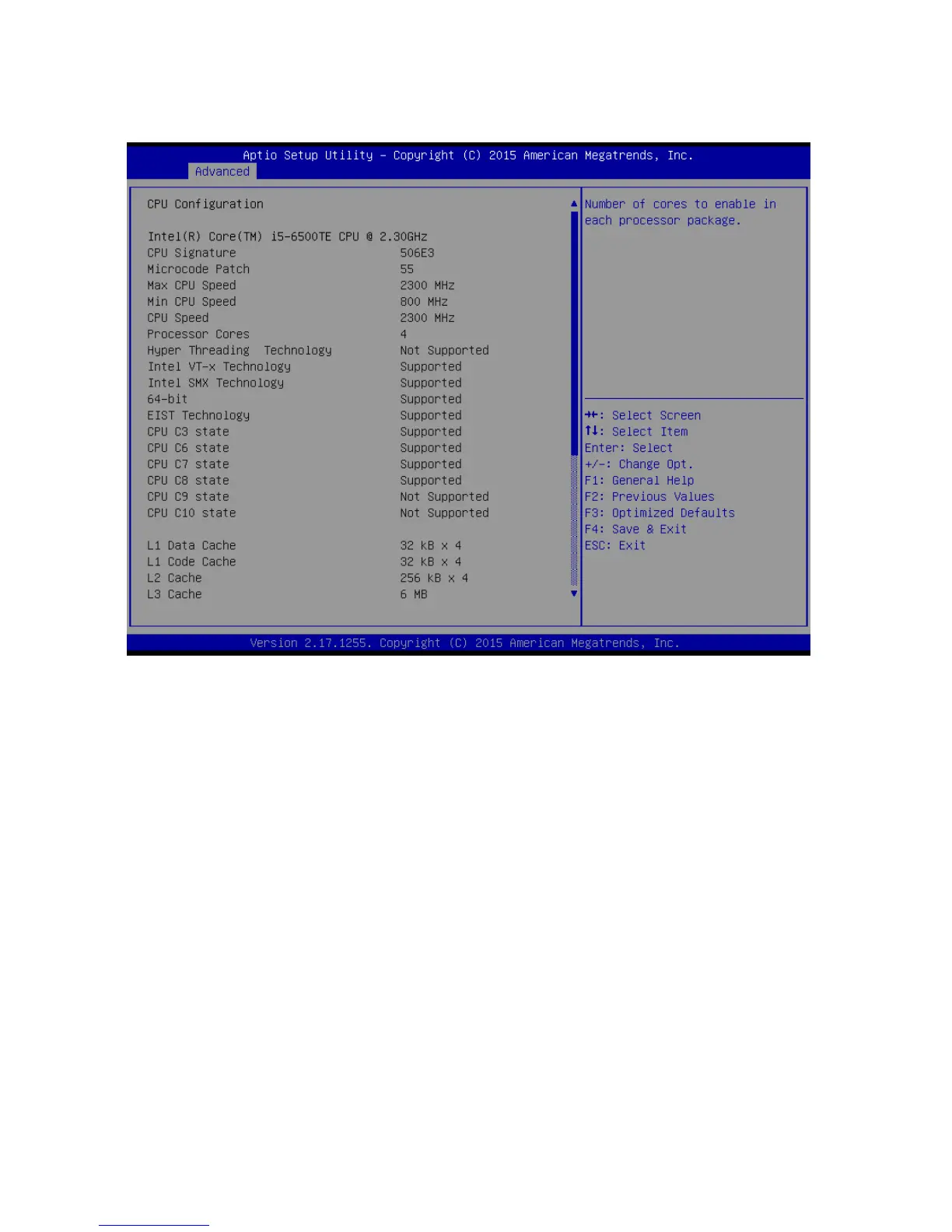
2.4.8 CPU configuration
Display CPU configuration
Hyper-Threading [Enabled]
Enabled or Disabled the hyper threading of Intel CPU
Configuration options: [Disabled][Enabled]
This depends on CPU sku.
Active Processor Core [All]
Number of Cores to enable in each processor package
Configuration options: [all] [1][2][3][4]
This depends on CPU sku.
Intel Virtualization Technology [Enabled]
When enabled, a VWM can utilize the additional hardware capabilities provided by
vanderpool Technology
Configuration options: [Disabled][Enabled]
Intel® SpeedStep™ [Enabled]
Allow more than two frequency ranges to be supported.
Configuration options: [Disabled][Enabled]
Turbo mode [Enabled]
Enable or disable Turbo mode
Configuration options: [Enabled] [Disabled]



 To Next Page