RX170Q User’s Manual
76 RX170Q User’s Manual
2.5.1.1 Graphic Configuration
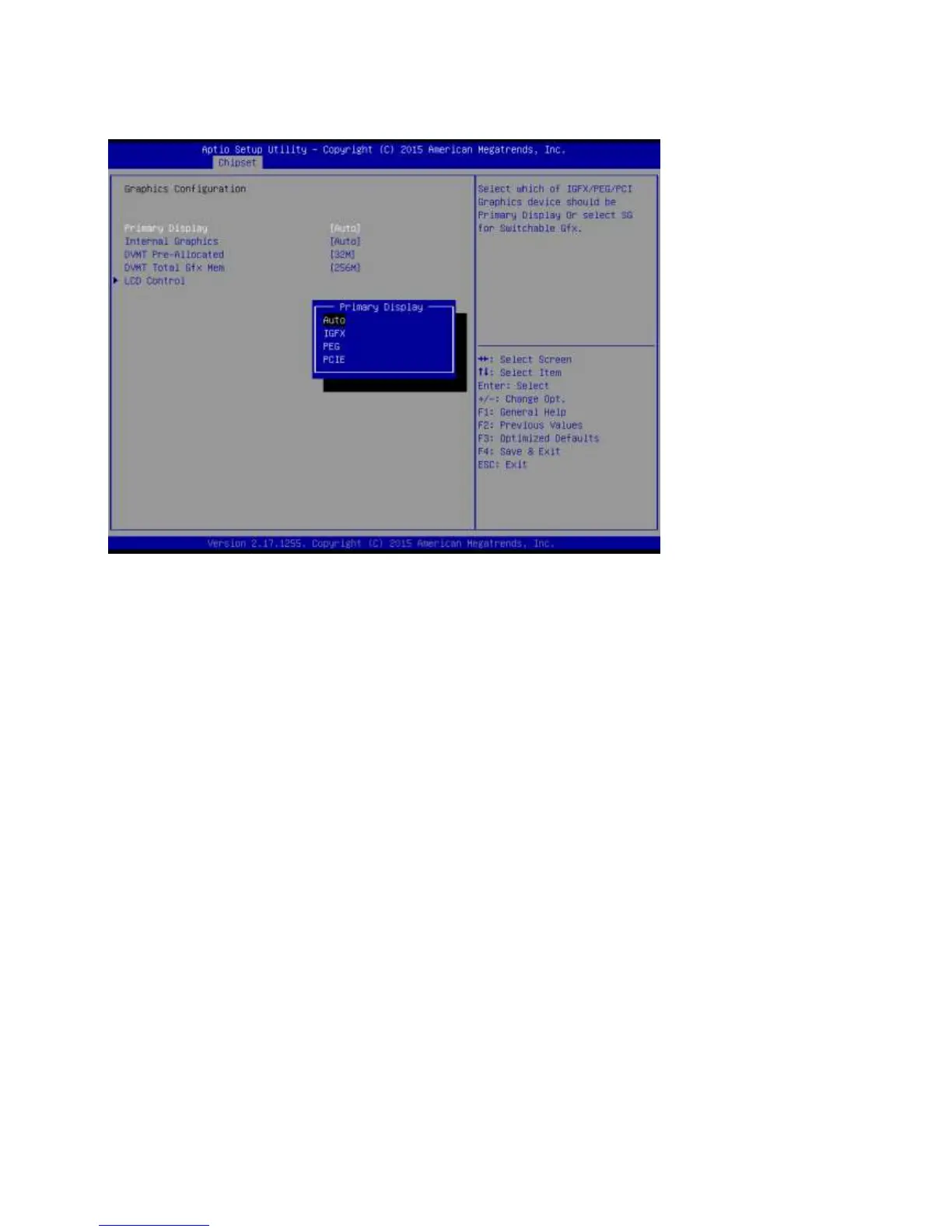
Graphic configuration settings
Primary Display[Auto]
Select which of IGFX/PEG/PCI graphic device should be primary display or select SG for
switchable GFx.
Configuration options: [Auto] [IGFX][PEG][PCIE]
Internal Graphics [Auto]
Keep IGFX enabled based on the setup options
Configuration options: [Auto] [disabled][enabled]
DVMT Pre-allocated [32M]
Select DVMT 5.0 Pre-allocated (Fixed) Graphics memory size used by the internal
graphics device.
Configuration options: As below picture



 To Next Page