RX170Q User’s Manual
58 RX170Q User’s Manual
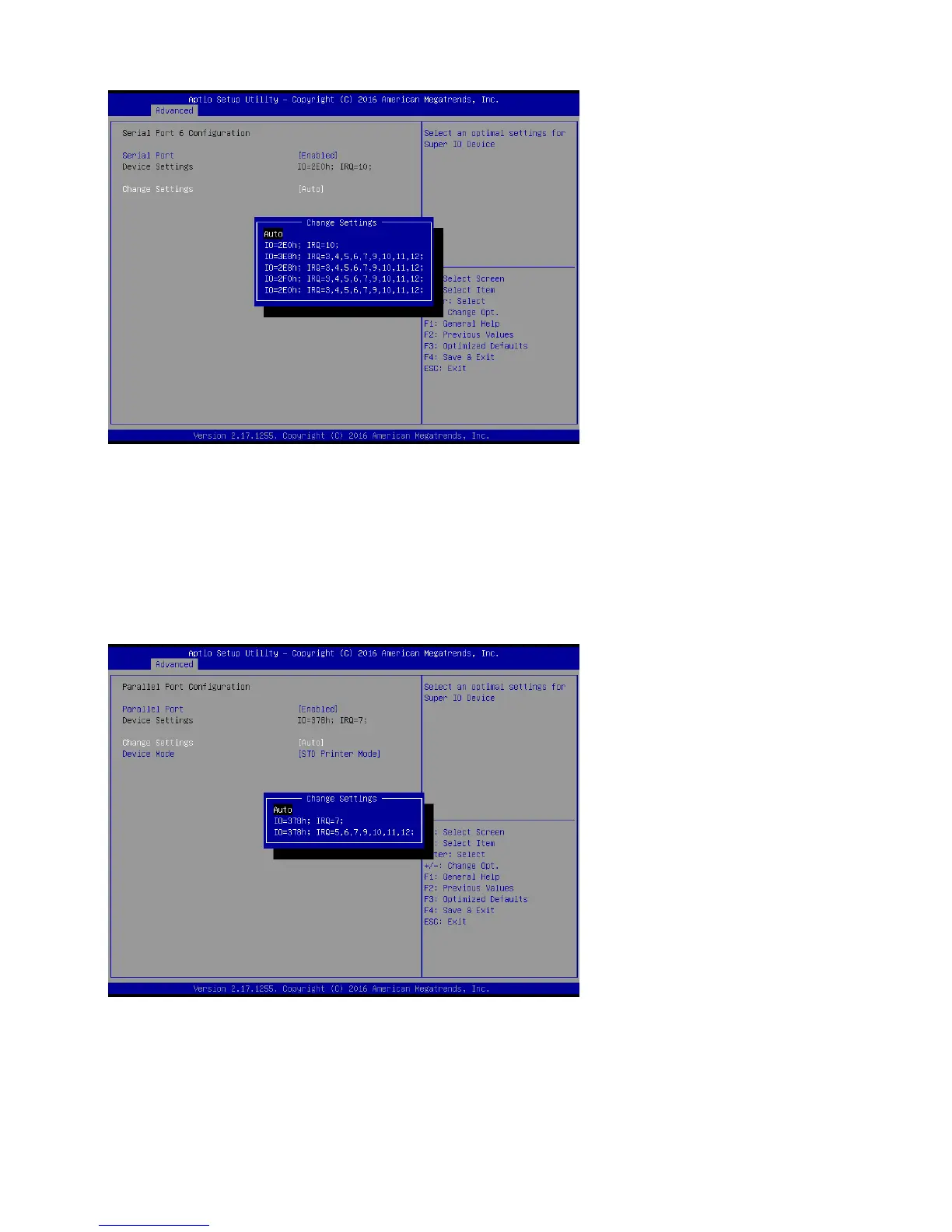
2.4.5.7 Parallel Port Configuration
Serial Port [Enabled]
Enable or Disable parallel Port (LPT)
Configuration options: [Disabled] [Enabled]
Change Settings [Auto]
Select an optimal setting for super IO device
Configuration options: as below
Device mode [STD Printer Mode]
Change the printer port mode
Configuration options: as below



 To Next Page