RX170Q User’s Manual
80 RX170Q User’s Manual
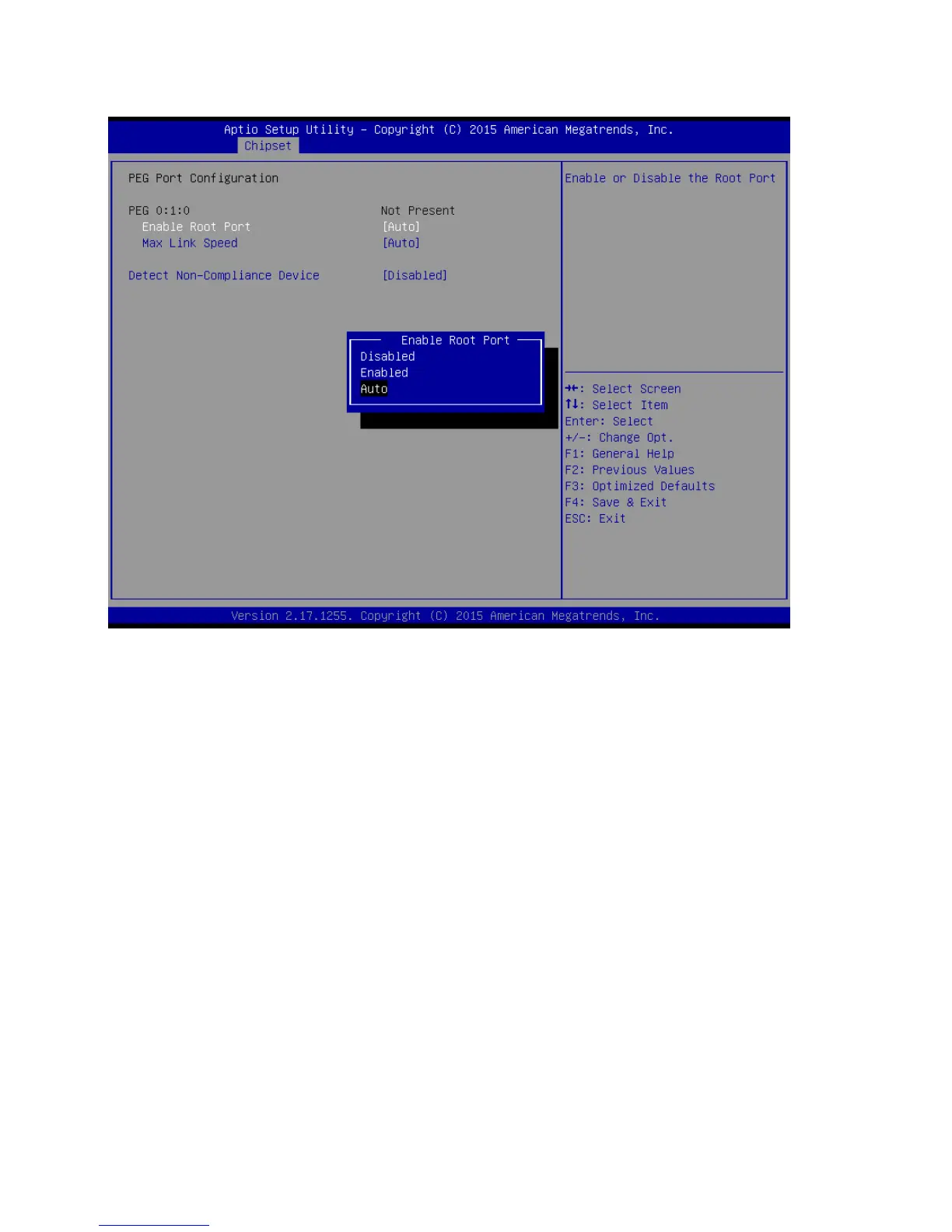
2.5.1.2 PEG Port Configuration
Enable root Port [Auto]
Enable or Disable the root port
Configuration options: [Disabled][Enabled][Auto]
Max Link Speed [Auto]
Configure PEG 0:1:0 Max Speed
Configuration options: [Auto][Gen1][Gen2][Gen3]
Detect Non-Compliance Device [Disabled]
Detect non-compliance PCI express Device in PEG
Configuration options: [Disabled][Enabled]



 To Next Page