2.5.2.1 PCI Express configuration
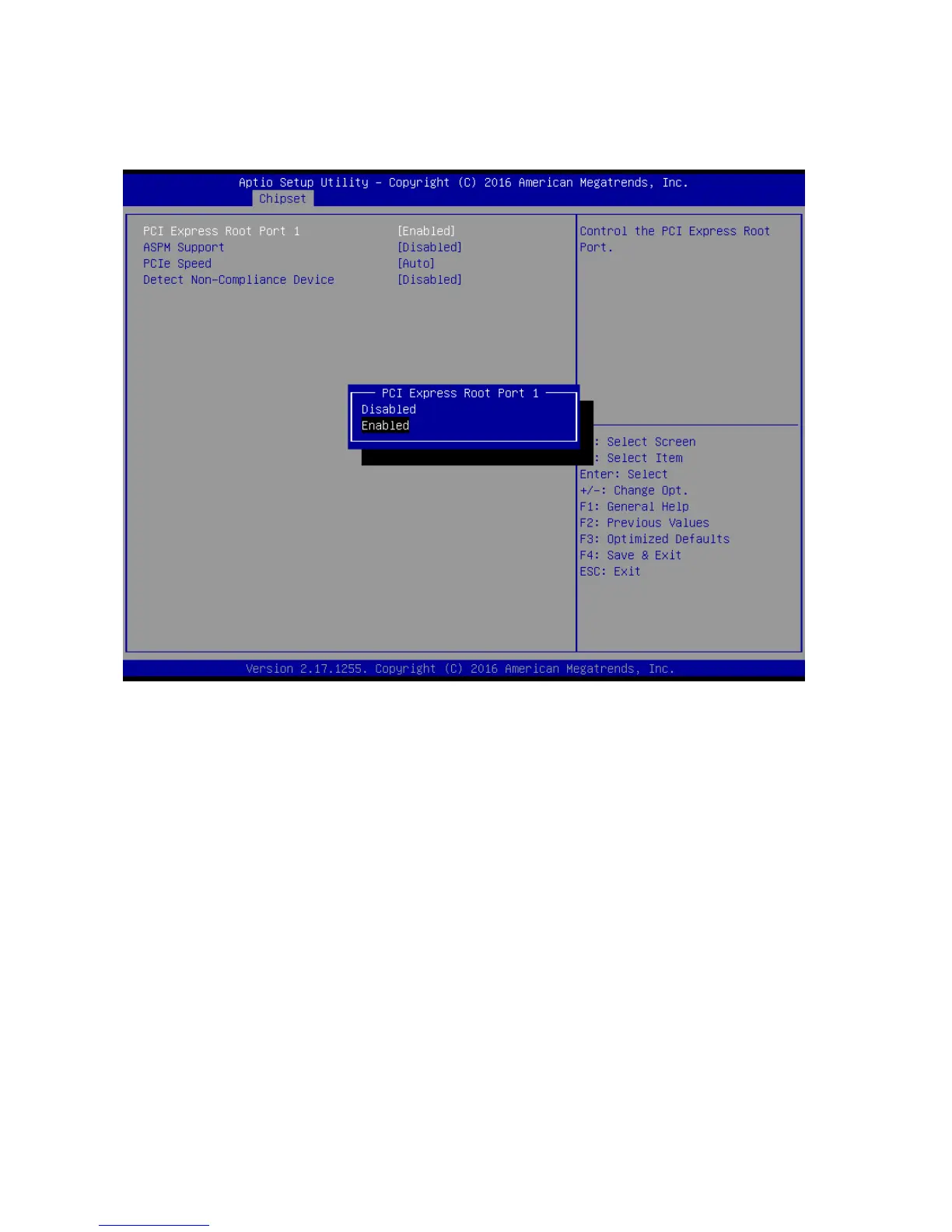
2.5.2.1.1 PCI Express Root Port 1
PCI Express Root Port 1 [Enabled]
Control the PCI Express Port
Configuration options: [Disabled][Enabled]
ASPM Support [Disabled]
Set the ASPM level: Force L0s- Force all links to L0s State; Auto- BIOS auto configure;
Disabled- Disables ASPM
Configuration options: [Disabled][L0s][L1][L0sL2][Auto]
PCIe Speed [Auto]
Select PCI Express Port speed
Configuration options: [Auto][Gen1][Gen2][Gen3]
Detect Non-compliance device [Disabled]
Detect non-compliance PCI express Device, If enabled, it will take more time at Post
time.
Configuration options: [Disabled][Enabled]



 To Next Page