RX170Q User’s Manual
88 RX170Q User’s Manual
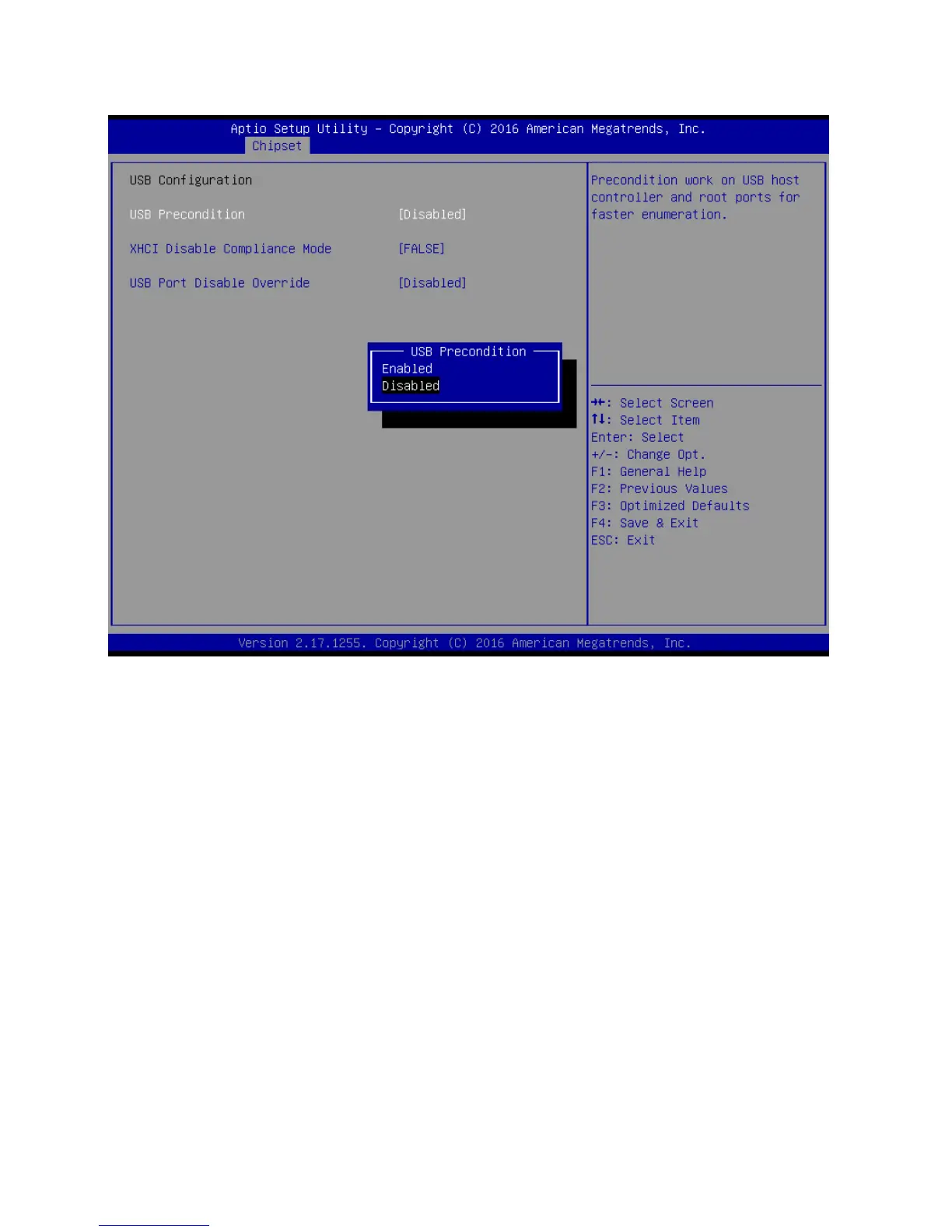
2.5.2.2 USB configuration
USB Precondition[Disabled]
Precondition work on USB host controller and root ports for faster enumeration
Configuration options: [Disabled] [Enabled]
XHCI Disabled Compliance Mode [False]
Options to disable compliance mode.
Configuration options: [False][true]
USB Port Disable override [Disabled]
Select Enabled/Disabled the corresponding USB port from reporting a device connection
to the controller.
Configuration options: [Disabled] [Select Per-Pin]



 To Next Page