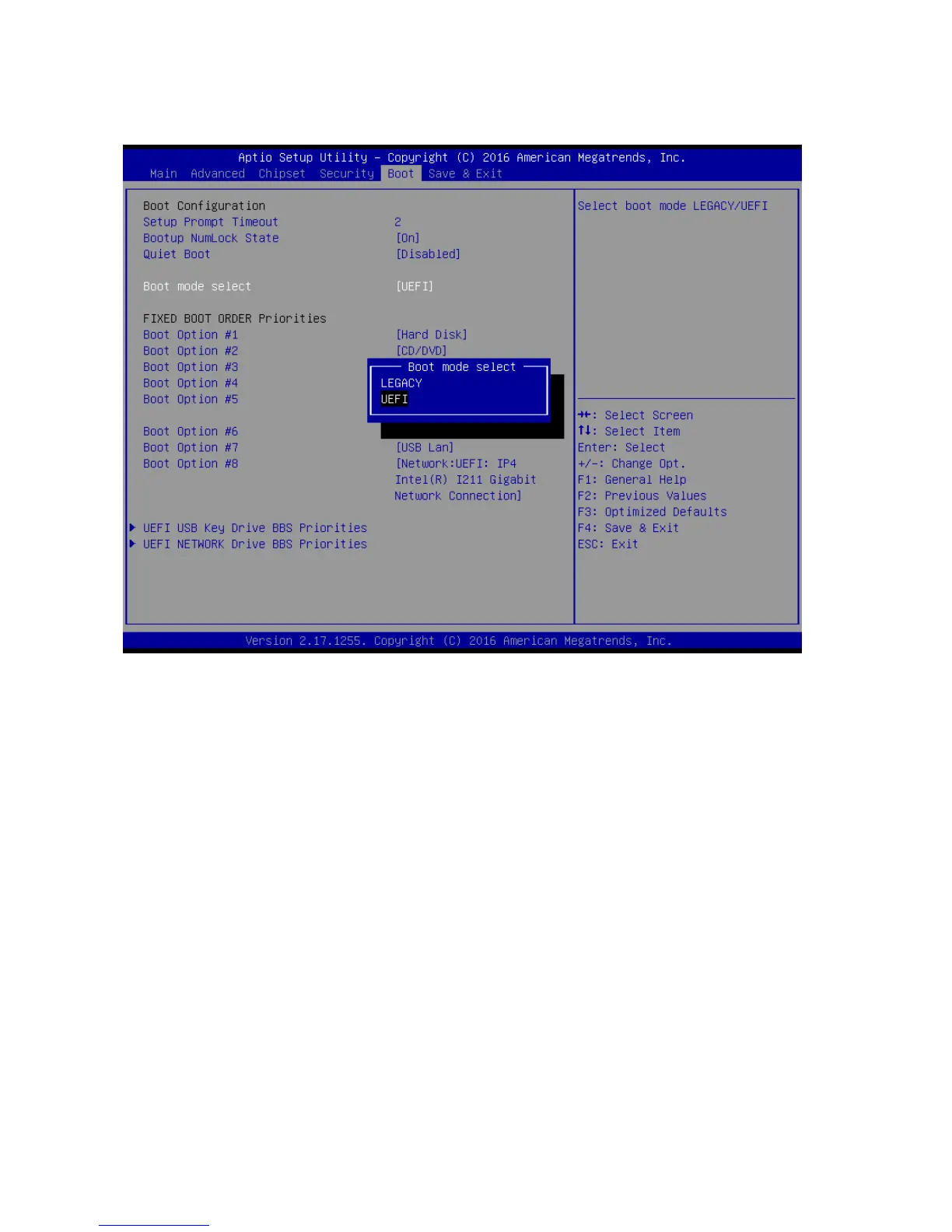
2.7 Boot
Setup Prompt Timeout [1]
Number of seconds to wait for setup activation key. 65535(0xFFFF) means indefinite
waiting.
Bootup NumLock State [On]
Select the keyboard NumLock state
Configuration options: [On] [Off]
Quick Boot [Disable]
Enable or disable Quick Boot option
Configuration options: [Disabled] [Enabled]
Boot mode select [UEFI]
Select boot mode LEGACY/UEFI
Configuration options: [LEGACY] [UEFI]
UEFI USB Key Drive BBS Priorities
Specifies the boot device priority sequence from available UEFI USB key Drives.
UEFI Network Key Drive BBS Priorities
Specifies the boot device priority sequence from available UEFI Network key Drives.



 To Next Page