BEC MX-210NP User Manual
IP Pass-through Mode: When enabled, MX-210NP is in bridge mode that it does not obtain a WAN
IP address; features such as routing capabilities, NAT, firewall, etc., are being disabled. The client
router that is behind the MX-210NP now obtains a WAN IP address. When disabled, MX-210NP is in
router mode that it handles a WAN IP address and all features become available.
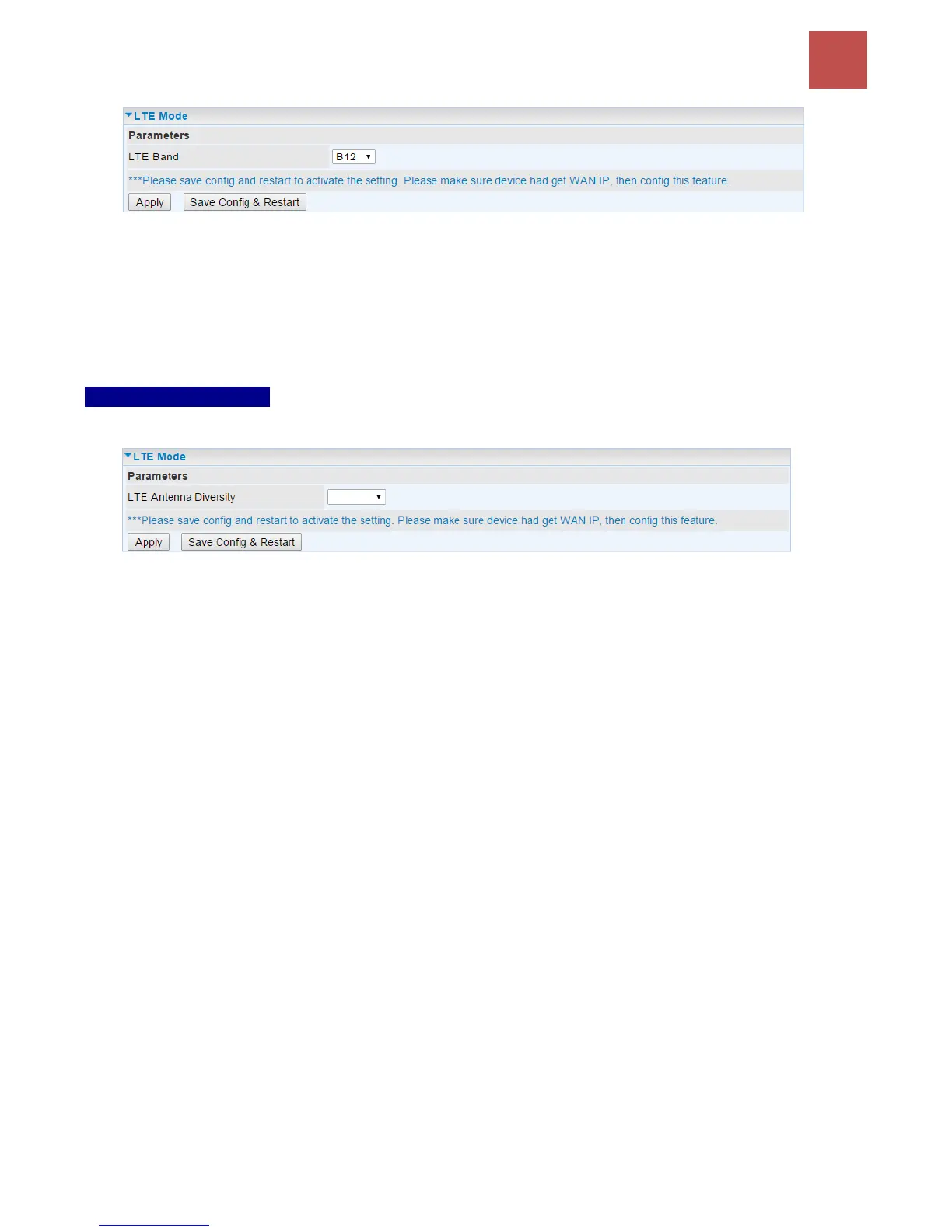
LTE Antenna Diversity *: When enabled, the auxiliary antenna will be activated. With disabled, only
the primary antenna is receiving and transmitting data. To change it, please click “LTE Antenna
Diversity” link to access to the selection page.
LTE Antenna Diversity
To enable or disable the LTE antenna diversity feature.
* Feature is available with specific cellular module
Network Mode: There are numbers of services to select from. If you are not sure which mode to use,
you may select Automatic to auto detect the best mode for you.
PLMN (Public Land Mobile Network) Selection: Either manually enter the information or click Scan
button to scanning all closest base stations in the area.
Dual APN *: Unit can support up to two (2) APNs. Select Single / Dual or a different LTE/3G APN.
APN (3G): If select LTE/3G with different APN, enter the APN here.
* Feature is available with specific cellular module
APN: An APN is like a URL on the WWW, it is what the unit makes a GPRS / UMTS call. The service
provider can attach anything to an APN to create a data connection, requirements for APNs varies
between different service providers. Most service providers have an internet portal which they use to
connect to a DHCP Server, thus giving you access to the internet i.e. some 3G operators use the APN
‘internet’ for their portal. The default value is “internet”.
PDN Type: The IP type for PDN connections. Available types are IPv4, IPv6, and IPv4v6.
Authentication Protocol: Manually specify CHAP (Challenge Handshake Authentication Protocol) or
PAP (Password Authentication Protocol). When using PAP, the password is sent unencrypted, while
CHAP encrypts the password before sending, and also allows for challenges at different periods to
ensure that an intruder has not replaced the client.
Username/Password: Enter the username and password provided by your service provider. The
username and password are case sensitive.
PIN: PIN stands for Personal Identification Number. A PIN code is a numeric value used in certain
systems as a password to gain access and authenticate. In mobile phones a PIN code locks the SIM
card until you enter the correct code. If you enter the PIN code incorrectly into the phone 3 times in a
row, then the SIM card will be blocked, and you will require a PUK code from your network/service
provider.



 To Next Page