IPC@CHIP DK41 / DK51
Getting Started V2.2
© 2000-2004 Beck IPC GmbH Page 34 of 61
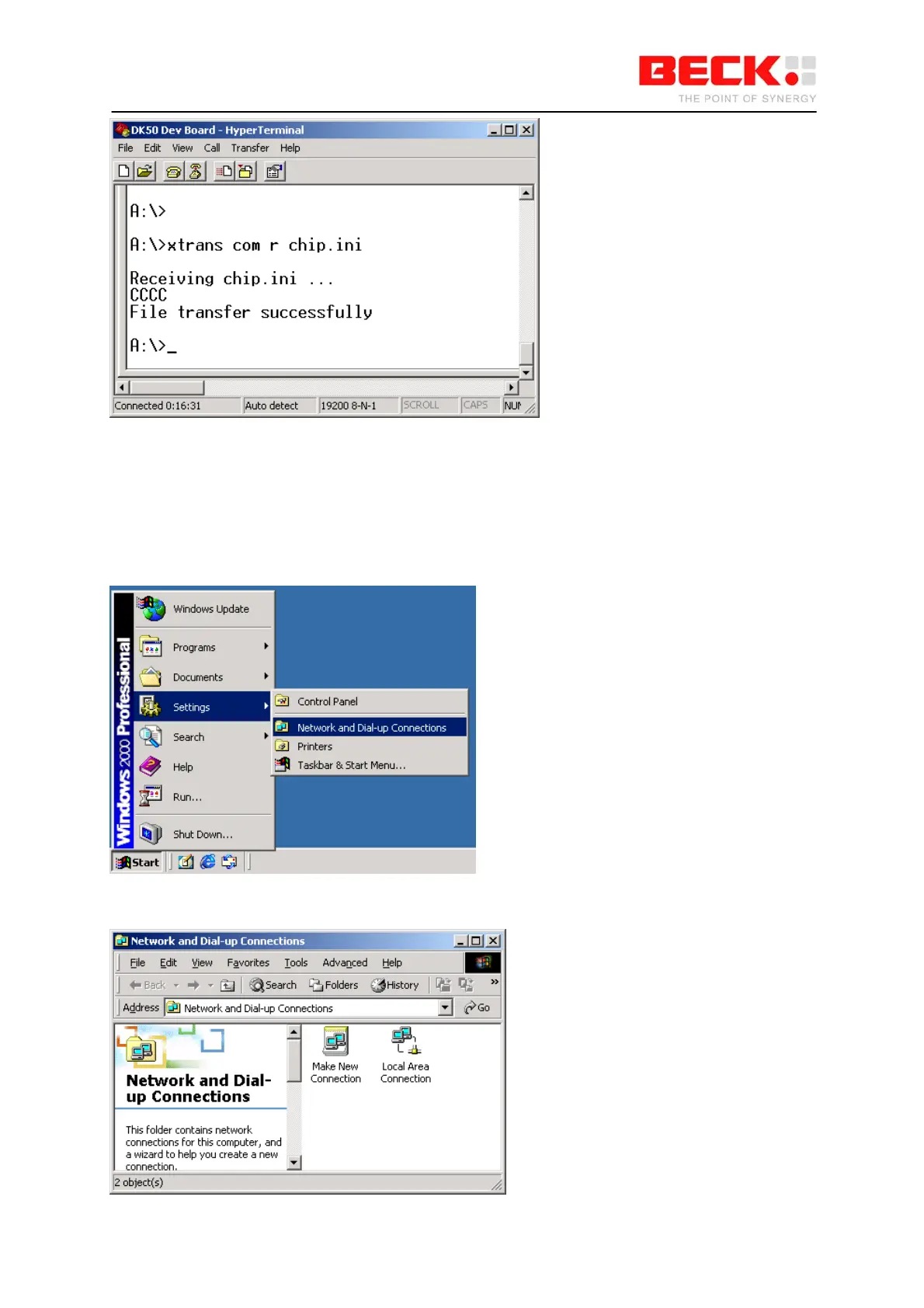
If you reboot the SC11, for example by entering the “reboot” command, the PPP server line will
appear under the boot messages. This indicates that the PPP server is now active and is waiting for
incoming connection requests. Now close the HyperTerminal program so that the serial interface used
is available.
To establish a connection to the PPP server of the IPC@CHIP, you still have to set up a connection
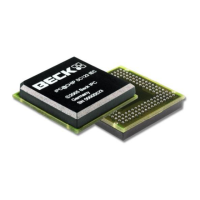
on your PC. To do this choose Settings -> Network and Dial-up Connections in the Start menu.
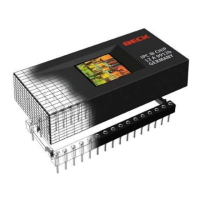
This will open the Network and Dial-up Connections window. Click the Make New Connection icon.



 To Next Page