Commissioning
EL377394 Version: 2.5
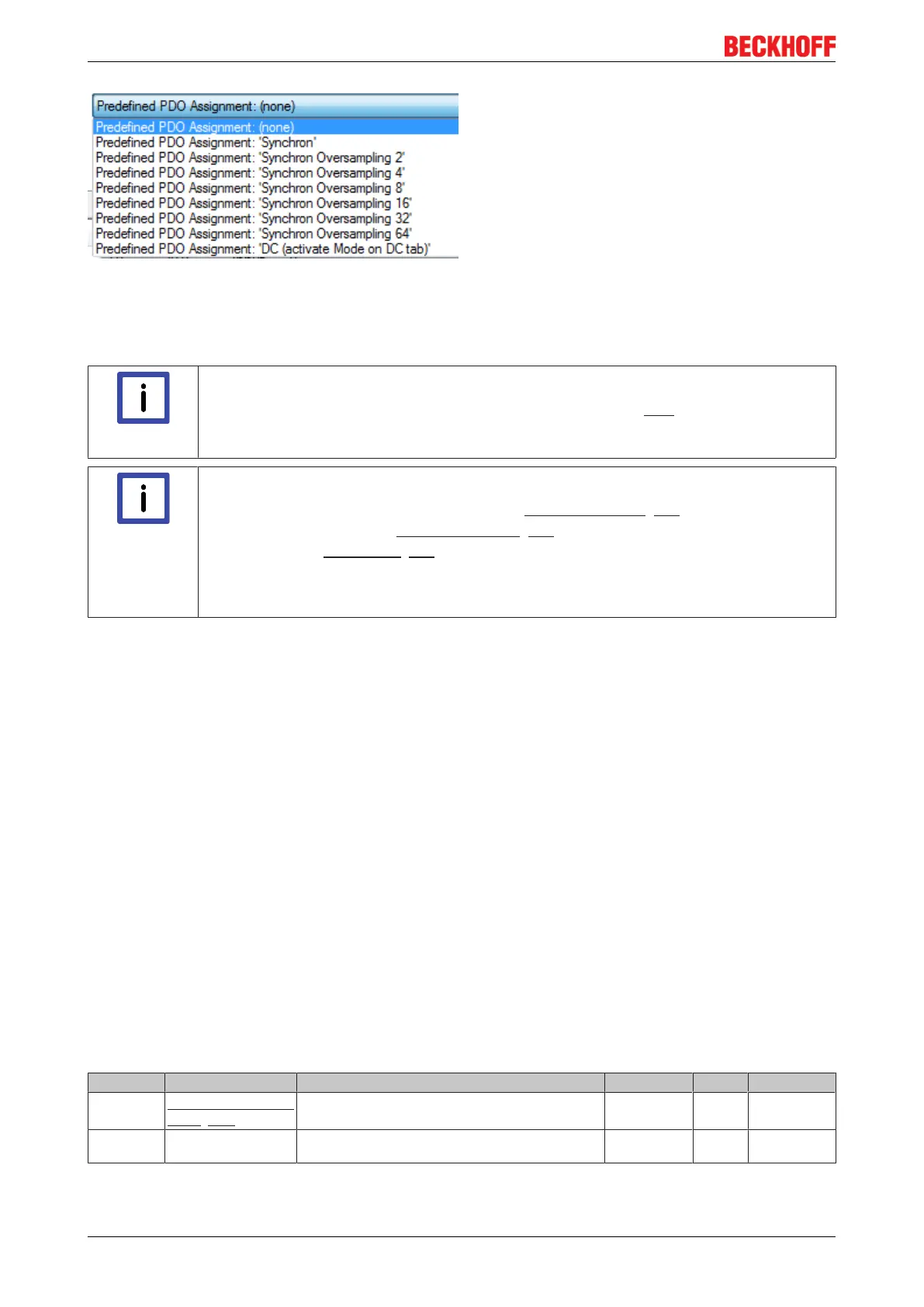
Fig.110: EL3773 Selection dialog "Predefined PDO Assignment"
6.6 Object description and parameterization
Note
EtherCAT XML Device Description
The display matches that of the CoE objects from the EtherCAT XML Device Description.
We recommend downloading the latest XML file from the download area of the Beckhoff
website and installing it according to installation instructions.
Note
Parameterization via the CoE list (CAN over EtherCAT)
The EtherCAT device is parameterized via the CoE - Online tab [}71] (double-click on the
respective object) or via the Process Data tab [}68](allocation of PDOs). Please note the
following general CoE notes [}23] when using/manipulating the CoE parameters:
- Keep a startup list if components have to be replaced
- Differentiation between online/offline dictionary, existence of current XML description
- use “CoE reload” for resetting changes
Introduction
The CoE overview contains objects for different intended applications:
• Objects required for parameterization during commissioning:
◦ Restore object index 0x1011
◦ Configuration data index 0x80n0
• Objects intended for regular operation, e.g. through ADS access.
• Profile-specific objects:
◦ Configuration data (vendor-specific) index 0x80nF
◦ Input data index 0x60n0
◦ Information and diagnostic data index 0x80nE, 0xF000, 0xF008, 0xF010
• Standard objects
The following section first describes the objects required for normal operation, followed by a complete
overview of missing objects.
6.6.1 Restore object
Index 1011 Restore default parameters
Index (hex) Name Meaning Data type Flags Default
1011:0
Restore default param-
eters [}172]
Restore default parameters UINT8 RO > 1 <
1011:01 SubIndex 001 If this object is set to "0x64616F6C" in the set value di-
alog, all backup objects are reset to their delivery state.
UINT32 RW 0x00000000
(0
dec
)









 To Next Page