Page 17
9487 Dielman Rock Island Ind Dr, St. Louis, MO 63132 www.becs.com
Installation and Technical Manual Rev: H10
D – 2: The System Settings Menu
D – 2.1: Entering the System Settings Menu
To enter the System Settings Menu, hold the Cal,
Up, and Down keys at the same time for 3
seconds. When the LCD screen clears, release the
keys. If the Rep code has been set, you will be
prompted to enter in the Rep code, otherwise the
first menu item and its current setting will appear.
Use the arrow keys to scroll through the menus.
Pressing the Enter key enters the menu. For help
entering your access code, see
D - 1.1: E ntering
the Program Menu
.
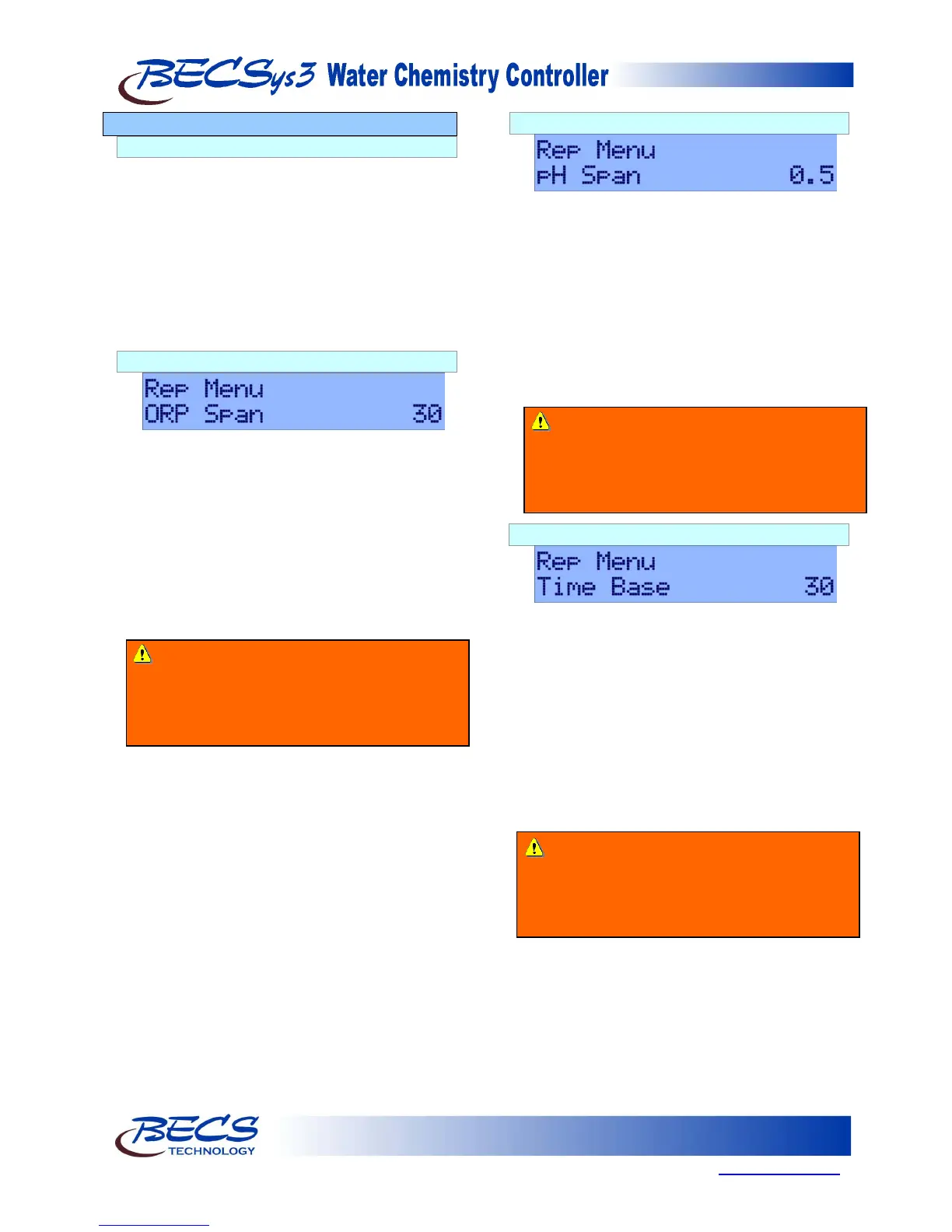
D – 2.2: ORP Span
This option is only shown if the control type is Time Based
Proportional and the ORP set point is used. This value
sets the span (distance) from the set point that the
output will be proportionally controlled (the range
is from 0 to 500mV). When the reading reaches
this point, the Cl/Br Feed will be on for the entire
Time Base (Set point – Span).
To change this value, press the Enter key. Use the
Arrow keys to change the value. Once the desired
value has been selected, press the Enter key to
store the value.
D – 2.3: pH Span
This option is only shown if the control type is Time Based
Proportional. This value sets the span (distance)
from the set point that the output will be
proportionally controlled (the range is from 0.0 to
3.0pH). When the reading reaches this point, the
pH feed will be on for the entire Time Base (Set
point – Span).
To change this value, press the Enter key. Use the
Arrow keys to change the value. Once the desired
value has been selected, press the Enter key to
store the value.
D – 2.4: Time Base
This option is only shown if the control type is Time Based
Proportional. This sets the total time that control is
based on. During this time, the feeder will turn on
for a percentage of the time base and turn off for
the remainder (the range is from 15 seconds to 2
minutes). The controller waits until the time has
expired before deciding how long to feed for the
next cycle.
To change the time base, press the Enter key. Use
the arrow keys to change the value. Once the
desired value has been selected, press the Enter
key to store the value.
Warning: Increasing or decreasing the time
base may cause the feed to severely overshoot
or never achieve setpoint. Adjust this option
only when recommended to do so by a Factory
Representative.
Warning: Increasing or decreasing the span
may cause the feed to severely overshoot or
never achieve setpoint. Adjust this option only
when recommended to do so by a Factory
Representative.
Warning: Increasing or decreasing the span
may cause the feed to severely overshoot or
never achieve setpoint. Adjust this option only
when recommended to do so by a Factory
Representative.



 To Next Page