Page 21
9487 Dielman Rock Island Ind Dr, St. Louis, MO 63132 www.becs.com
Installation and Technical Manual Rev: H10
D – 2.15: Access Codes
The BECSys3 controller ships from the factory
with all access codes disabled. There are two
levels of access codes: Rep and Operator. If the
Rep code is set, you will not be able to enter the
Rep menu without entering the code. If both the
Rep and Operator codes are set, you cannot enter
the Program menu without entering the access
code.
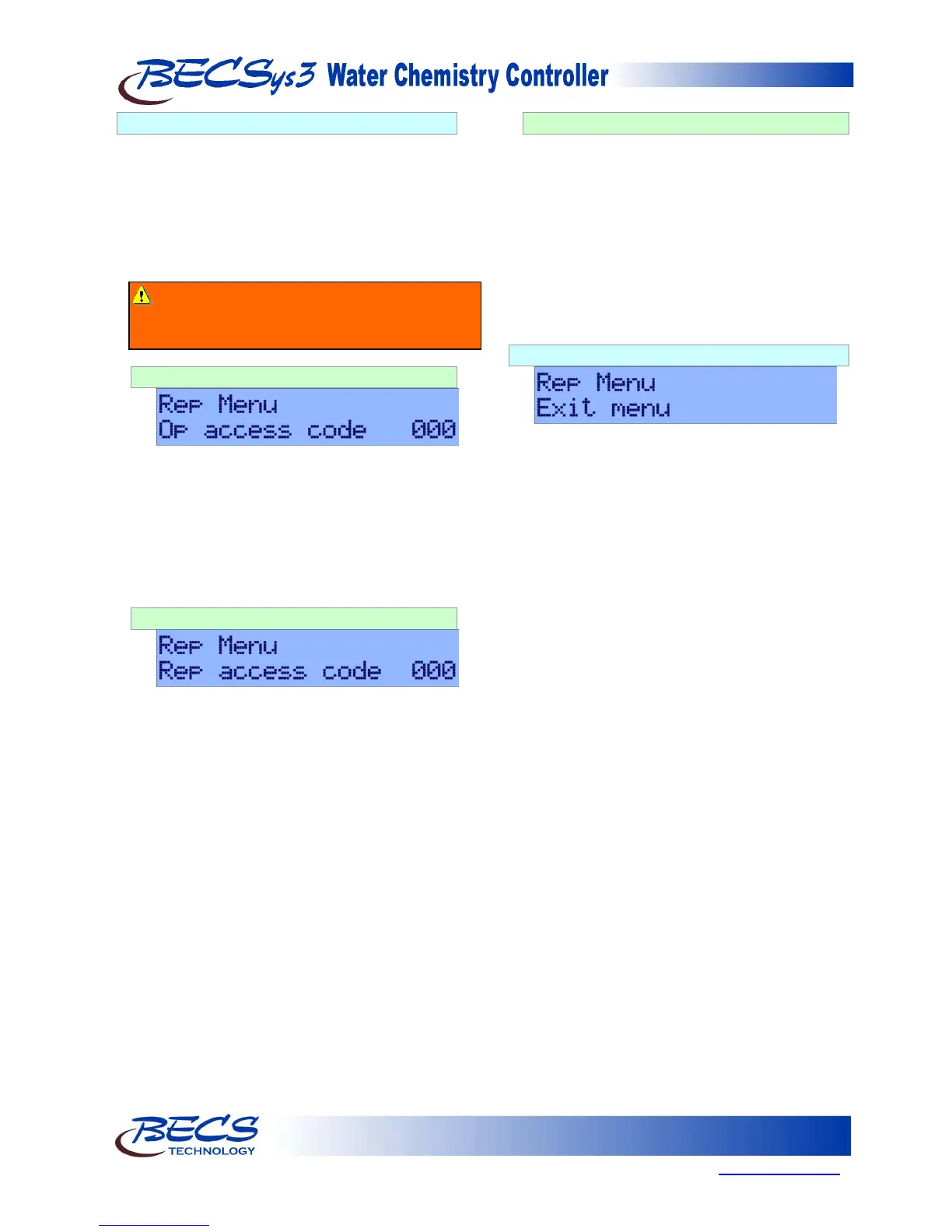
D – 2.15.1: Operator Access Code
Pressing the Down arrow key allows you to set
the Operator Access Code.
To set the access code, press the Enter key. Use
the Arrow keys to change the number displayed
and the Set Points key to move to the next digit.
Once the access code has been set, press the
Enter key.
D – 2.15.2: Rep Access Code
Pressing the Down arrow key allows you to set
the Factory Representative Access Code.
To set the access code, press the Enter key. Use
the Arrow keys to change the number displayed
and the Set Points key to move to the next digit.
Once the access code has been set, press the
Enter key.
D – 2.15.3: Recovering Lost Access Codes
If the Rep or Operator access codes are
forgotten, the codes can be recovered by the
following procedure:
While in the Normal Display, press and hold the
Cal and Set Point keys. Write down the
encrypted value displayed. The Rep code is
preceded by the letter “A” and the Operator
code is preceded by the letter “D”. BECS
Technology can be contacted for decryption of
this code, providing the original access code.
D – 2.16: Exiting The Menu
Pressing the Down arrow key will give you the
option to exit the menu. Press the Enter key to
exit the menu.
Warning: It is strongly recommended to set a
Rep Access Code. By not setting a Rep Access
Code, anyone can access Rep Menus.



 To Next Page