Page 20
www.becs.com 9487 Dielman Rock Island Ind Dr, St. Louis, MO 63132
Installation and Technical Manual Rev: H10
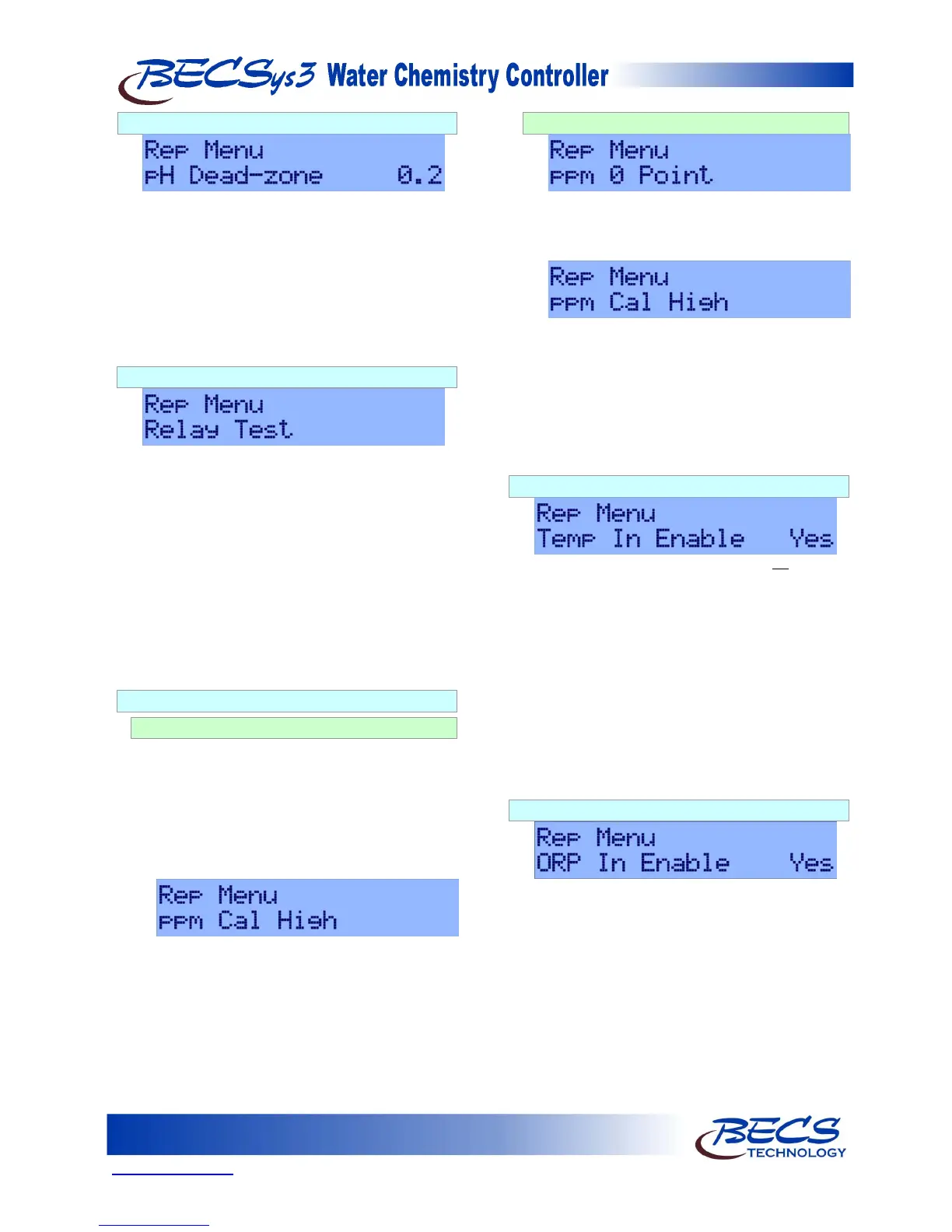
D – 2.10: pH Dead-zone
Pressing the down arrow displays pH Dead-zone
and its current setting. The Dead-zone is used for
Dual pH control. Dead-zone is how far the pH
reading must fall below or rise above the set point
before switching feed relays.
To change this setting, press the Enter key, use the
arrow keys to input the value you would like, and
then press the Enter key again to save the new
value.
D – 2.11: Relay Test
Pressing the Down arrow key allows you to select
Relay Test. Relay test is used to test a relay or
prime a pump.
To start the Relay Test, press the Enter key. Use
the Arrow keys to select which relay you want to
test. Press the Enter key to start the test.
The selected relay will be on for a period of two
minutes and then will turn off automatically. To
cancel the test, press the Down arrow key. Exit
will be displayed, press the Enter key to exit and
cancel the relay test.
D – 2.12: ppm Probe Calibration
D – 2.12.1: CCS140
The voltage applied by the controller to the
CCS140 Free Chlorine Sensor polarizes the
surface of the cathode. The polarization period
(30 minutes) must elapse before calibration is
performed.
1) Allow the polarization period (30 minutes)
to elapse
2) Next press the Down arrow key and select
“ppm Cal High”
a. Take a DPD reading
b. Enter that value into the
controller using the Arrow keys
(this value must be between 1.0
and 16.0 ppm). Press Enter to
store the value.
D – 2.12.2: ECL6
1) Select “ppm 0 Point” from the menu.
2) Turn off flow to the ECL6 sensor.
3) Press the Enter key to store the 0 point.
4) Restore flow.
5) Next press the Down arrow key and select
“ppm Cal High”
a. Take a DPD reading
b. Enter that value into the
controller using the Arrow keys
(this value must be between 1.0
and 10.0 ppm). Press Enter to
store the value.
D – 2.13: Temperature Enable
This option is only shown if a ppm probe is
not
installed.
Pressing the Down arrow key displays “Temp In
Enable”. This allows you to disable the
temperature input. Because the ppm probe
requires the temperature probe, this menu is
displayed only when a ppm probe is not installed.
To disable temperature, press the Enter key. Use
the arrow keys to select “No” from the menu.
Press the Enter key again to store the value.
Temperature will no longer be displayed on the
controller.
D – 2.14: ORP Enable
This option is only shown if a ppm probe is installed.
Pressing the Down arrow key displays “ORP In
Enable”. This allows you to disable the ORP
probe input.
To disable the ORP probe input, press the Enter
key. Use the arrow keys to select “No” from the
menu. Press the Enter key again to store the
value.
ORP will no longer be displayed on the controller.



 To Next Page