Page 19
9487 Dielman Rock Island Ind Dr, St. Louis, MO 63132 www.becs.com
Installation and Technical Manual Rev: H10
D – 2.8: Enable ppm Set point Selection
Pressing the Down arrow key will display:
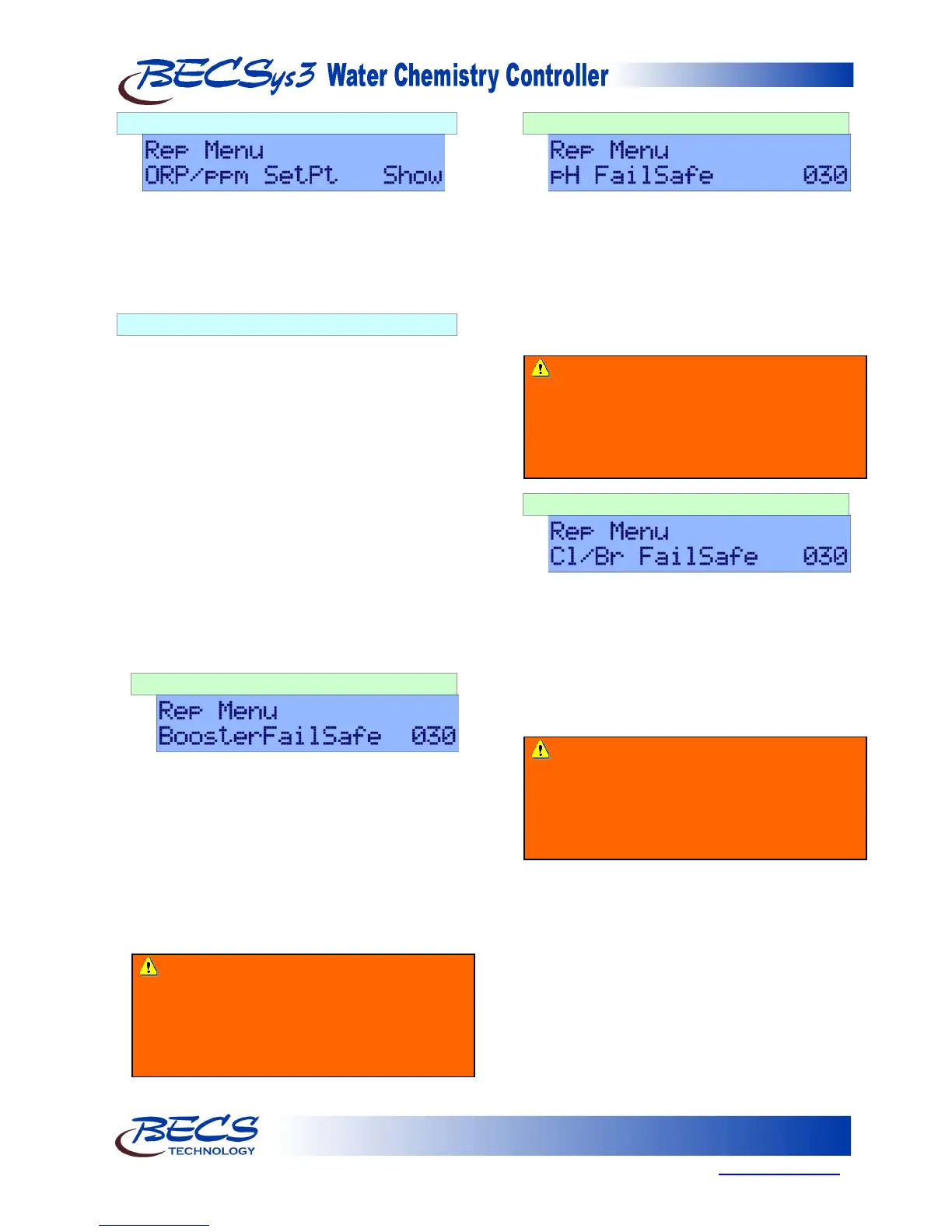
ORP/ppm SetPt. With this value set to “Show”,
an operator can choose between using ppm or
ORP for the Cl Relay set point. With this set to
“Hide”, the “ORP/ppm SetPt” selection will not
be available under the Program menu.
D – 2.9: Failsafe Timers
The most common failures of automated chemical
feed systems are depletion of the chemical supply
and/or chemical feeder failure. Both problems
result in the controller being unable to reach set
point in a reasonable period of time. The failsafe
timer sets the maximum length of time the feeder
can run continuously. If the feeder has been trying
to achieve set point without success for the
selected time, the controller will cut power to the
feeder, flash the Alarm LED (and turn on the
Alarm Relay if configured) and display a message
to alert the operator.
An operator must reset the failsafe by pressing the
Up and Down arrow keys at the same time.
All of the failsafe timers are displayed in minutes
on the BECSys3 controller.
D – 2.9.1: Booster Failsafe
This option is only shown if the Cl/Br Booster feed is
enabled. If Relay 3 is configured for Cl/Br
Booster, pressing the Down arrow key will
display the Failsafe timer for the Booster. This
value is displayed in minutes.
Press the Enter key to modify the failsafe timer.
Use the Arrow keys to change the numbers and
the Set Points key to move to the right. When
you have entered the desired value, press the
Enter key to store the value.
D – 2.9.2: pH Failsafe
Pressing the Down arrow key will display the
pH feed failsafe timer. The displayed value is in
minutes.
Press the Enter key to modify the failsafe timer.
Use the Arrow keys to change the numbers and
the Set Points key to move to the right. When
you have entered the desired value, press the
Enter key to store the value.
D – 2.9.3: Chlorine/Bromine Failsafe
Pressing the Down arrow key will display the
Chlorine/Bromine feed failsafe timer. The
displayed value is in minutes.
Press the Enter key to modify the failsafe timer.
Use the Arrow keys to change the numbers and
the Set Points key to move to the right. When
you have entered the desired value, press the
Enter key to store the value.
Warning: Disabling the failsafe timers is
highly discouraged. They are an important
safety feature to protect against dangerous
chemical overfeeds and will protect the
equipment from running continuously if it runs
out of chemical.
Warning: Disabling the failsafe timers is
highly discouraged. They are an important
safety feature to protect against dangerous
chemical overfeeds and will protect the
equipment from running continuously if it runs
out of chemical.
Warning: Disabling the failsafe timers is
highly discouraged. They are an important
safety feature to protect against dangerous
chemical overfeeds and will protect the
equipment from running continuously if it runs
out of chemical.



 To Next Page