8
g
You can change channel using
the number buttons or using the
button.
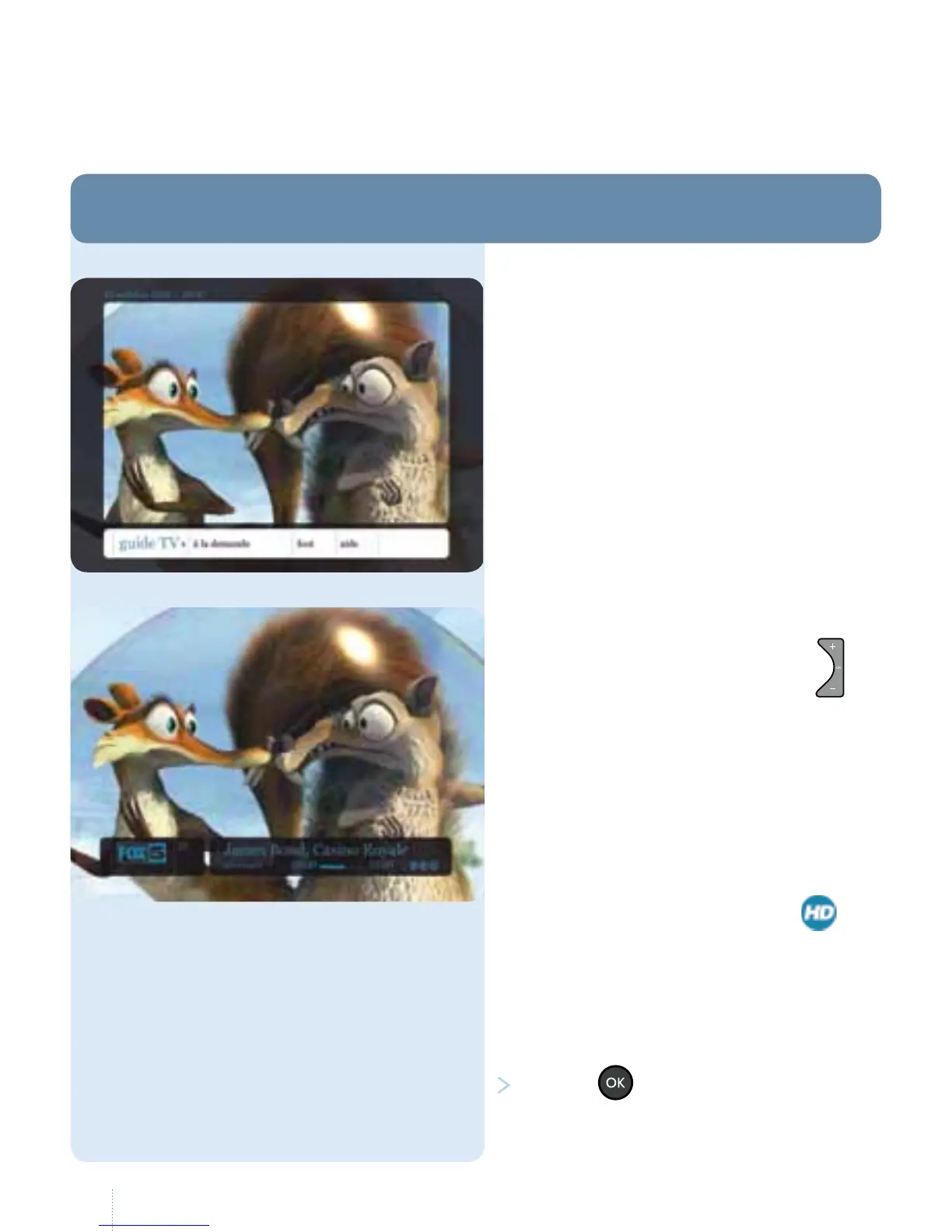
When you change channel, an information
bar is displayed at the bottom of the
screenwith:
• the channel name;
• the programme name;
• the duration of the programme;
• icons indicating whether the
channel is being broadcast in
*
(HighDe nition), the duration of the
programme and whether a recording
isin progress or scheduled.
You can nd the full list of channels in
theTV guide (see page 13).
Press the button while watching
aprogramme.
When you switch on the decoder, the
main menu is displayed for 10 seconds
after which it disappears automatically.
You can then access a wide range
ofchannels.
1. Watching and changing channel
Watching television
* See page 47.



 To Next Page