13
Press the button to display the
menu bar.
Press and to access your desired
selection. Press the button to
conrm your selection.
Press again to close the menu bar.
g
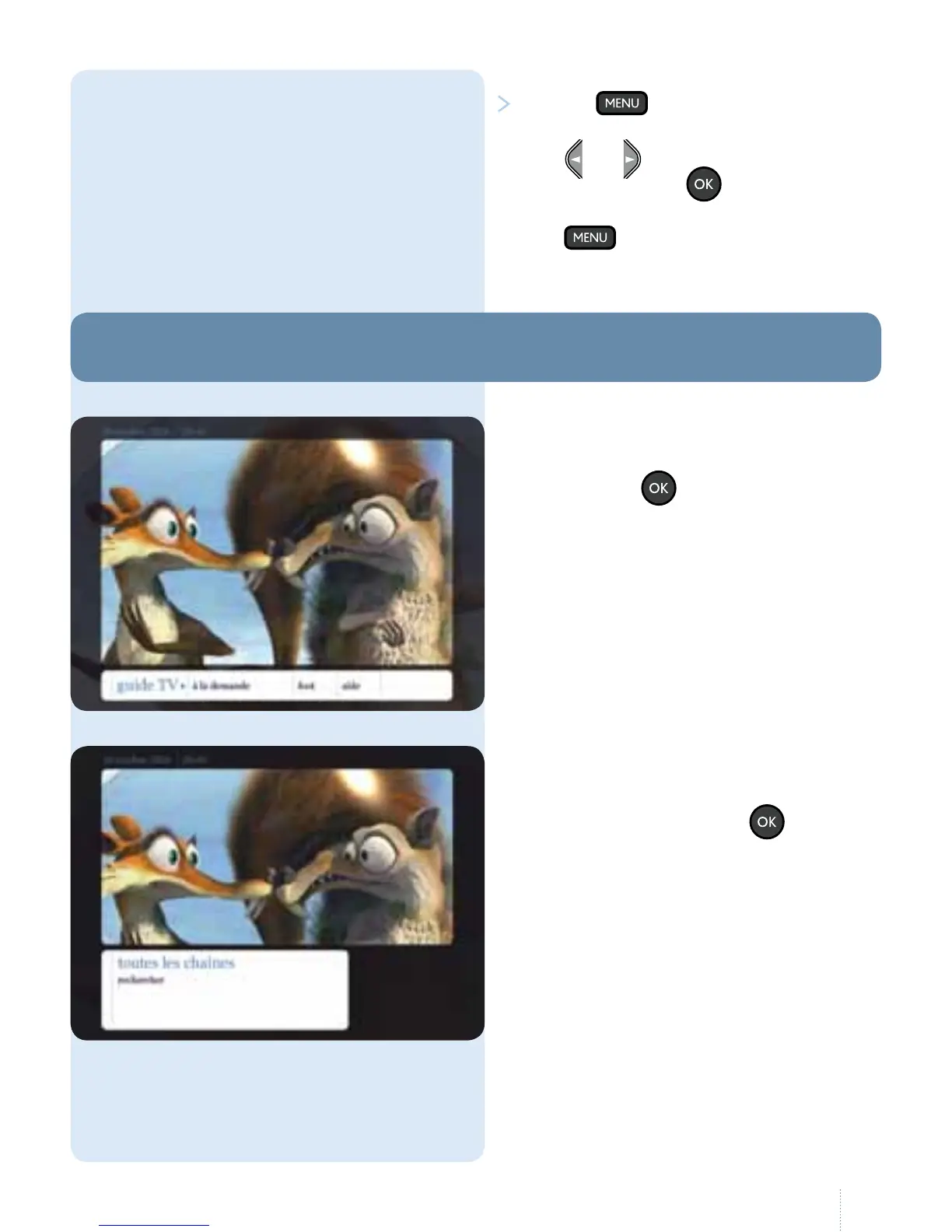
Select "guide TV" in the main menu
and press the button.
You can choose to view all the channels
or search for a specic programme.
1. Overview
g
Select "toutes les chaînes" to access the
main TV Guide. Press the button.
1. Guide TV



 To Next Page