24
g
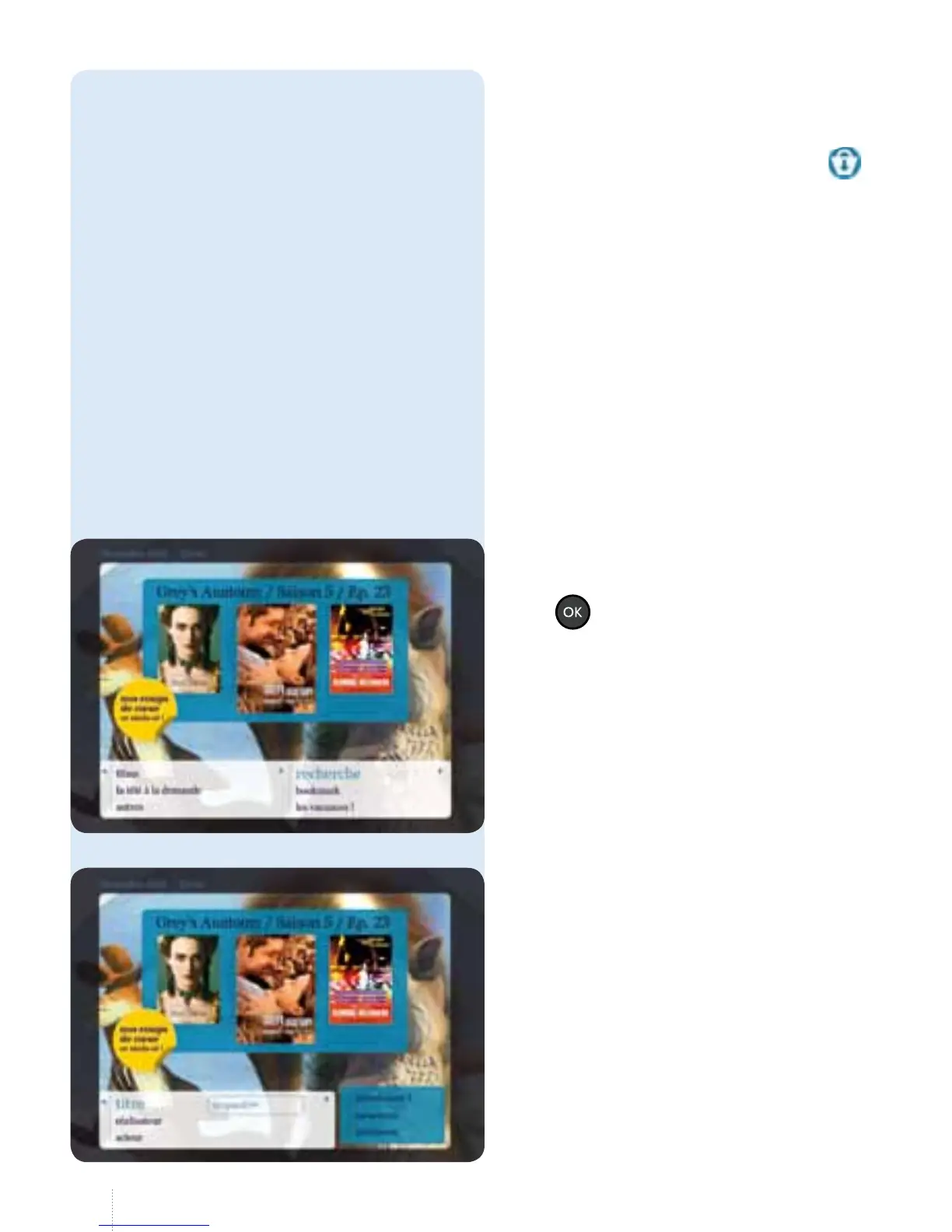
Select "titre", "réalisateur" or "acteur"
and enter the search criteria using the
remote control (in the same way as you
would type an SMS on your mobile
phone).
Enter at least three characters.
or you can also search in the catalogue.
Films for which the rental has not yet
expired are shown with the symbol
Films for which the rental has not yet
instead of the price.
e date and time at which the rental
will expire is displayed along with all
the other practical information.
Select "regarder".
• reprendre: continue watching
from the point where you stopped
theprogramme;
• redémarrer: watch from the
beginningagain.
e rental duration is displayed on
thescreen.
5. Search
g
Select "recherche" and press
the
button.
You can search for lms or
TVprogrammes.



 To Next Page