21
ere is another way of accessing the list of "la télé à la demande": select the channel that
broadcasts the programme then press the
button.
How to select a programme.
g
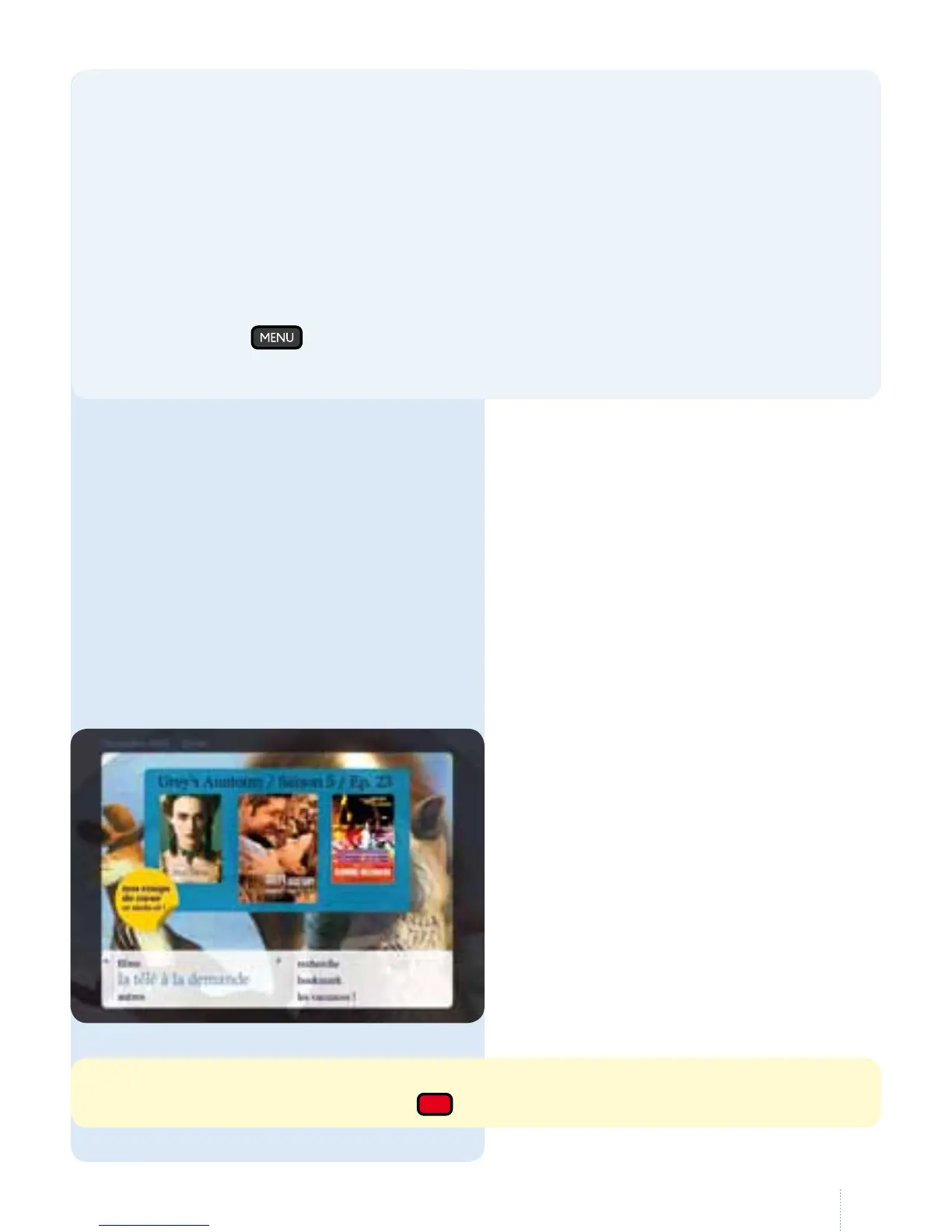
Select "à la demande" in the main
menu, then "la télé à la demande".
2. Television on demand
You are not limited to the channel
broadcast table: you can see
programmes by simply pressing a
button, and will never miss your
favourite programmes again.
e oerings vary by channel.
(seepage 58).
Don't know which lm to choose?
No problem, Belgacom TV gives you several options:
• nd the Top 20, Movie-Goers Corner (art lms and breakthrough lms) as well as
sequences with lm extracts on Belgacom Zoom (channel 11)
• you can see the trailers for every lm in our catalogue
• create your "cinema" prole on www.meslmsbelgacomtv.be and receive
tailored lm suggestions.
You can also select lms that interest you or those suggested to you which will be
listed in “my selection”. You can then also see them in the Belgacom TV menu
by pressing
, "à la demande", "mes lms". en all you need to do is watch
them when it isconvenient.



 To Next Page