34
Find the programme you want,
then press to record a
current programme or press
+
"enregistrer" in the menu.
If you want to record a programme on a
dierent channel, use the information
bar or the TV Guide to go to this
programme. See above for the detailed
recording procedure.
Remote setting
Have you forgotten to record your
favourite programme? From now on
you will never miss another thing
because you can set the recording
remotely (via the Internet or your
mobile phone) and then watch it
usingyour Belgacom TV decoder.
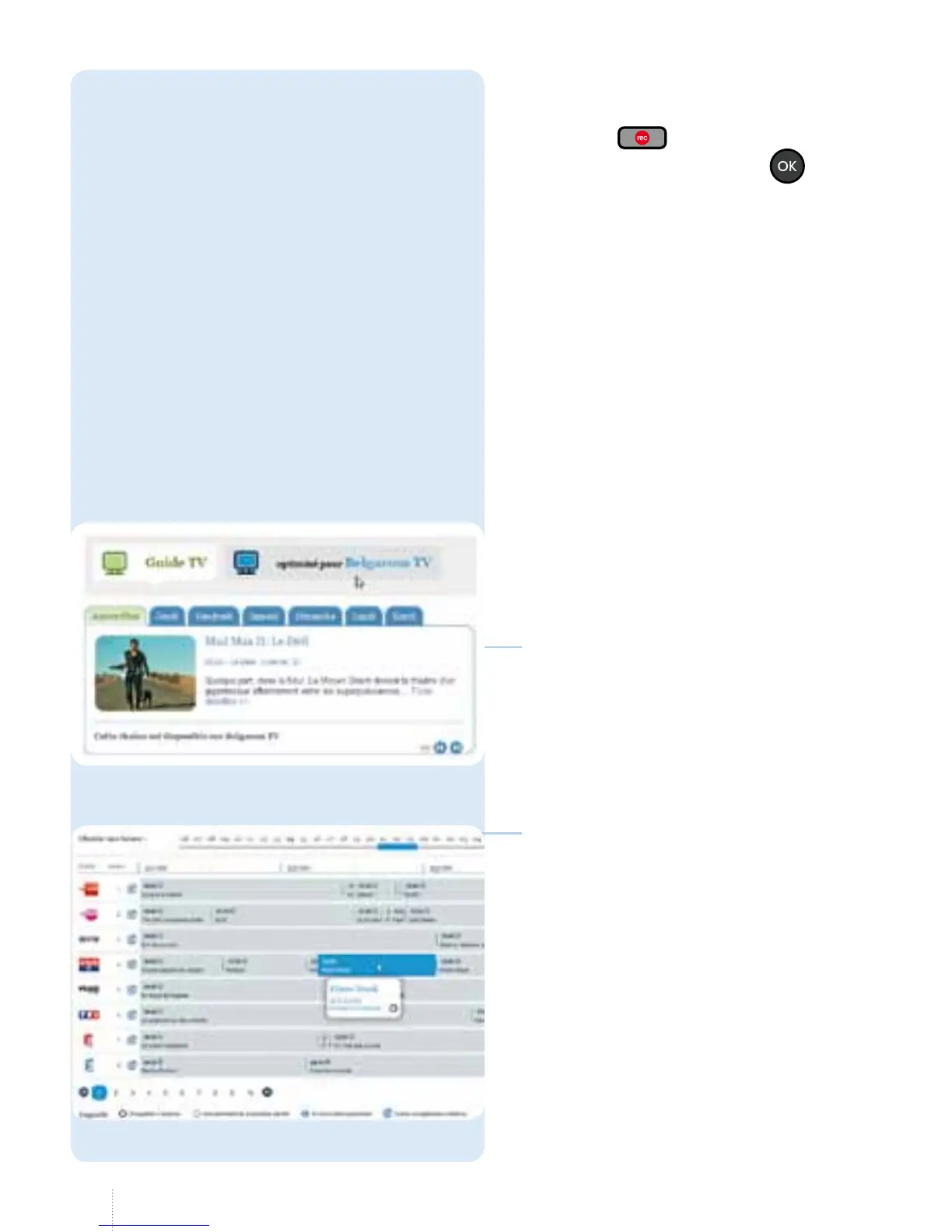
How to set a recording remotely
• Go to www.skynet.be on your
computer or laptop and select
"TV & Entertainment" / "guide TV”
• From your smartphone, start
the TV Partout/ TV Overal/ TV
Everywhere app, then click on the
"guide TV" icon.
• e TV Guide will display an icon to
indicate the programmes that can be
recorded. Simply click on this icon to
set the recording. You must login using
your e-Services login and password.
• is free service is automatically
activated and is available for all
Belgacom TV customers who have
Belgacom e-Services and who can
record programmes.



 To Next Page