35
Recorded programmes
g
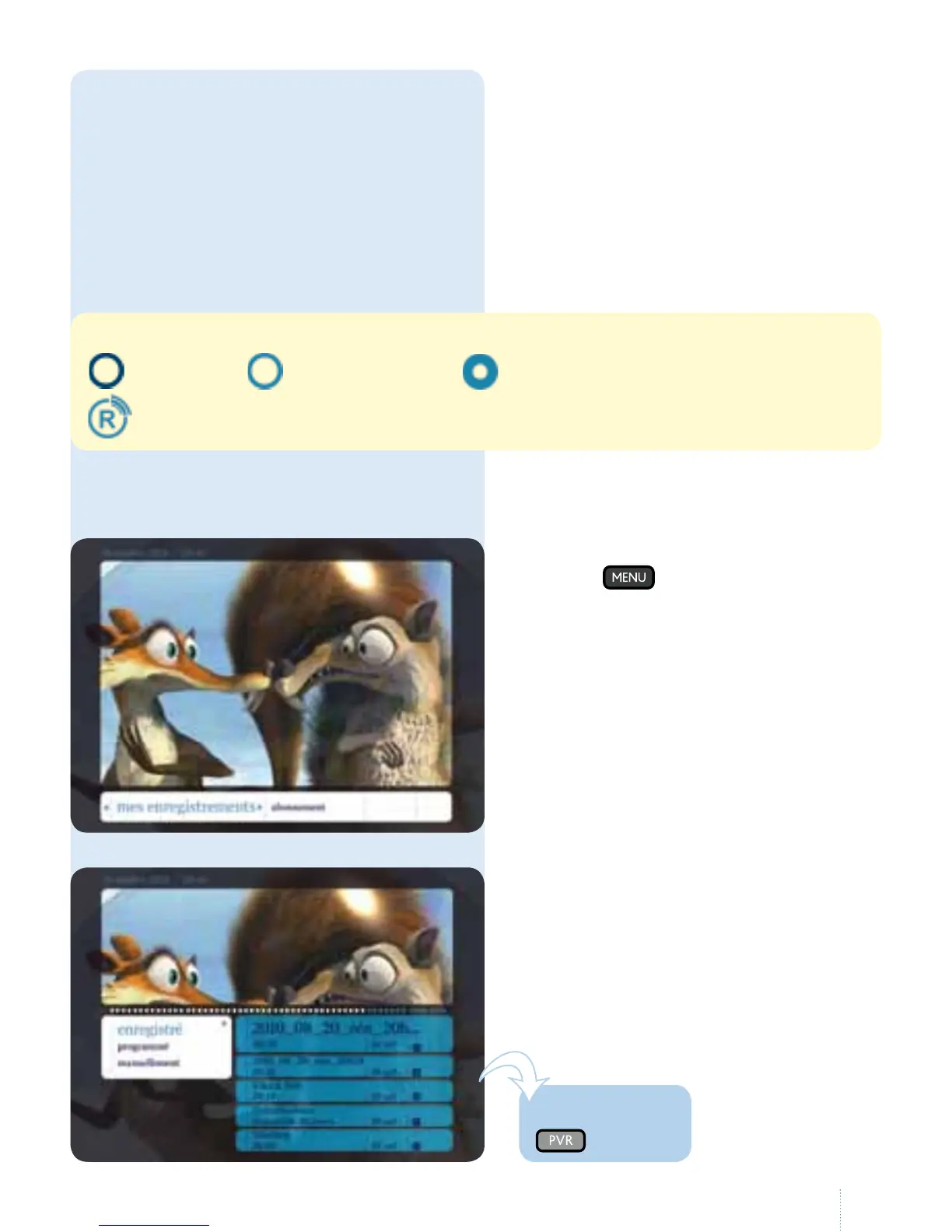
Select "enregistré": the list of recorded
programmes is displayed on the right.
Icons:
: remote setting
: remote setting planned
: recording in progress
: channel can be recorded remotely
2. Manage recordings
(play, delete)
g
Press the button then select
"mes enregistrements".
is option allows you to manage
existing or scheduled recordings.
If not, you must activate the service in
your e-Services account.
See our web site (or the end of the
manual) for more details.
One touch!



 To Next Page