5
Navigation
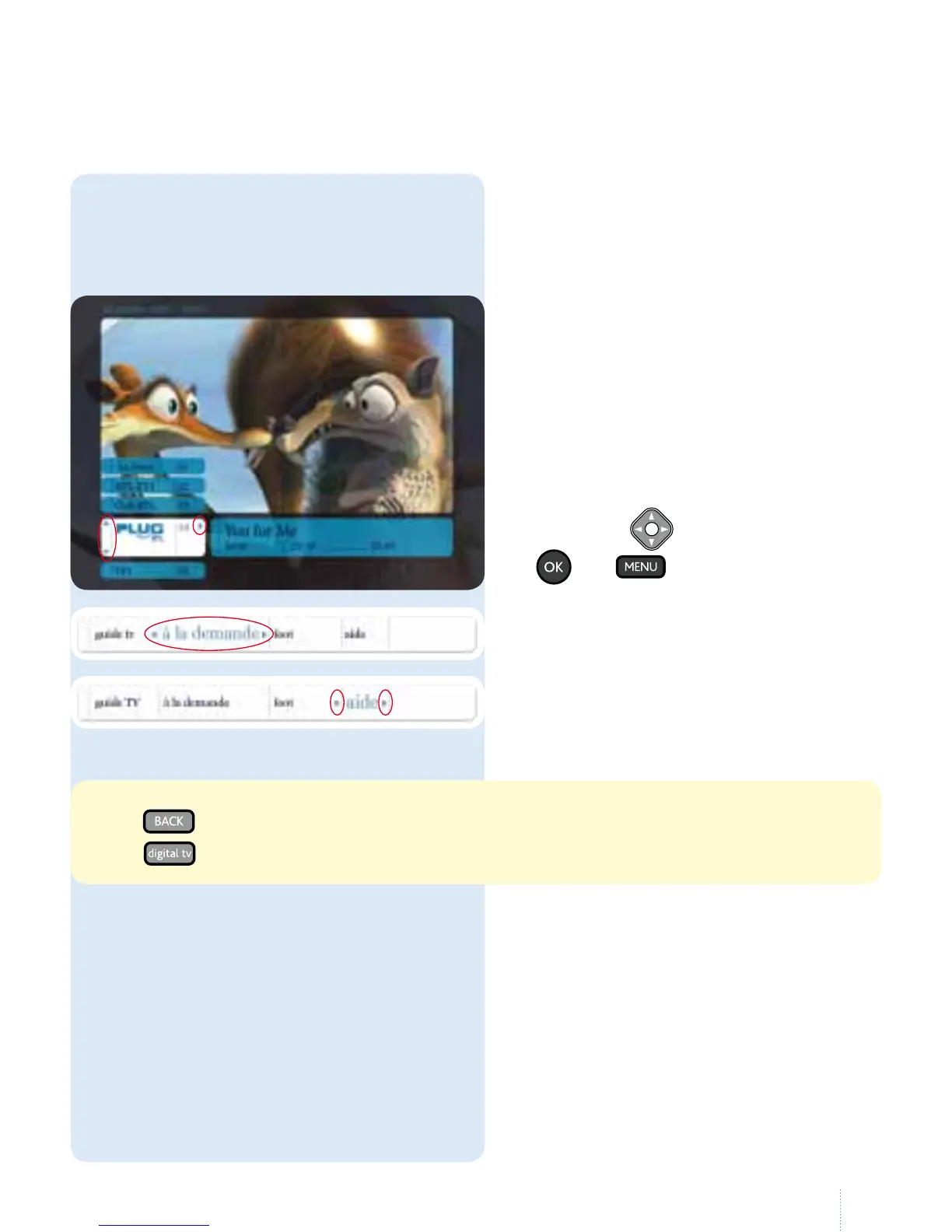
Belgacom TV uses menus for navigation.
A menu is a list of options displayed on
the screen. e arrow buttons allow you
to navigate through the menus and to
make your choice.
- Press to go back (return to the previous page or menu)
- Press
to see the list of channels
You can navigate between most of the
menus and perform all the actions
(record, pause, watch a lm on demand,
change channel, etc. :
1- using the
buttons and the
and buttons on the
remote control
2- the larger section titles show you
where you are;
3- the arrows in the menu show
whereyou can navigate to
(left,right,up, down).



 To Next Page