4
Operation
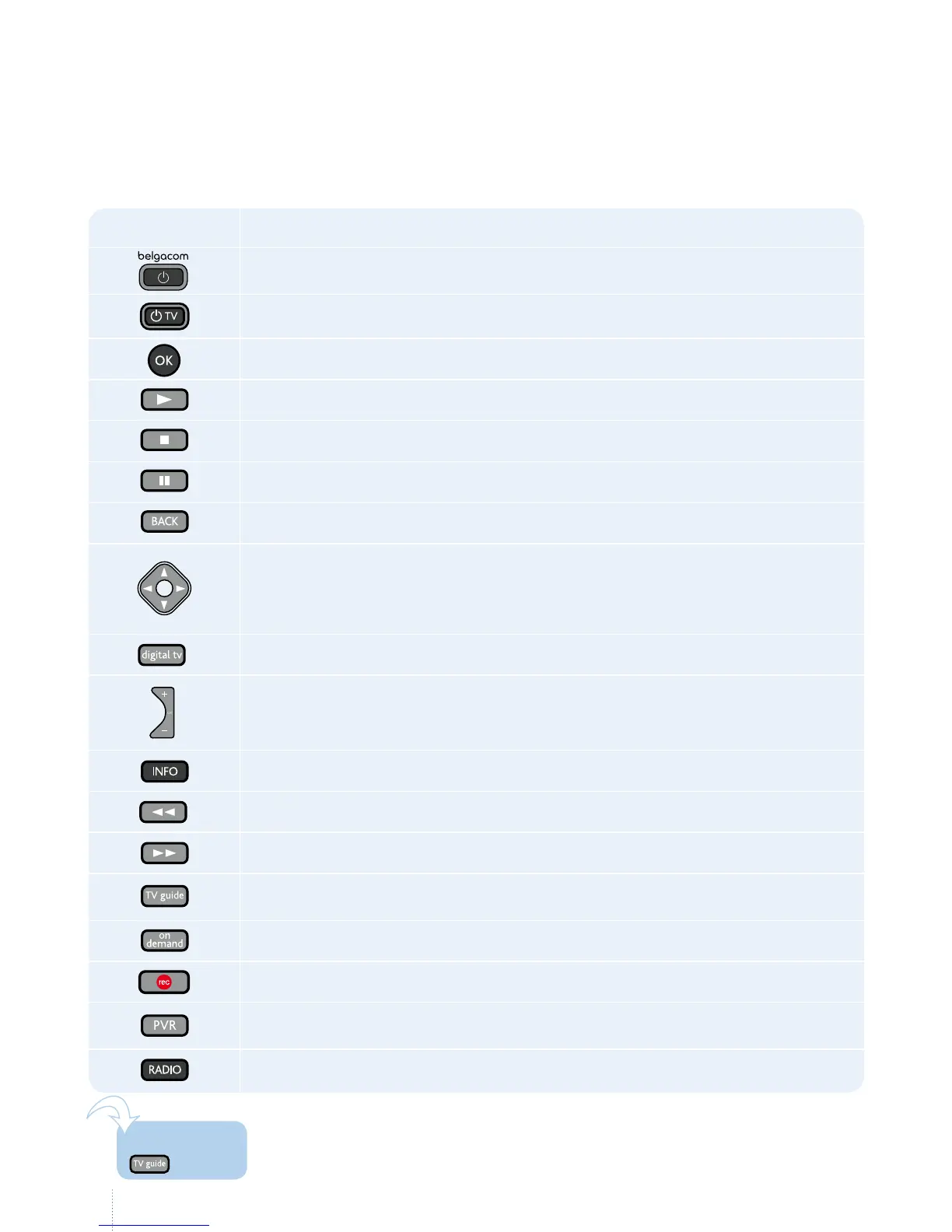
In this instruction manual, various actions are represented by a symbol corresponding
to the buttons on your remote control which you must press:
Icon Action
Switch the decoder on and o to use Belgacom TV
Switch your television on and o
OK
Play
Stop
Pause (interrupt a programme or lm)
Back (return to the previous page or menu)
Move:
left, right,
up, down
Go to TV channels
Change TV channel
Show the information bar for a TV programme
Rewind
Fast forward
View the TV Guide
Go to the on-demand catalogue
Record a TV programme
Go to your recordings
Listen to the radio
is illustration shows you that a button on the remote control gives you
direct access to a function. You will see them throughout this manual.
One touch!



 To Next Page