46
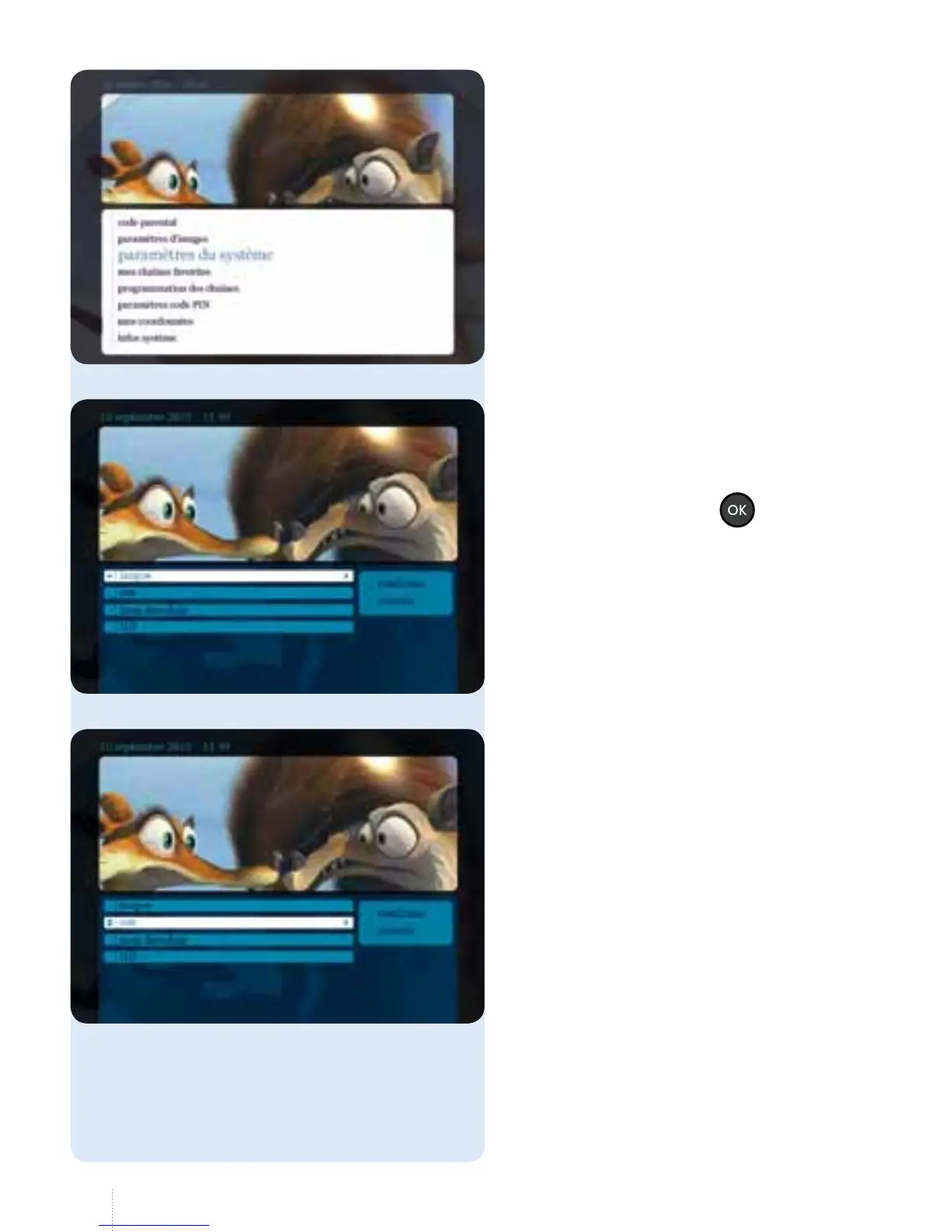
Langue
g
You can choose between French and
Dutch as the language of the decoder
and the menus. Select the language
you want and press the
button.
English is not available.
Son
• If you check the "stéréo" checkbox,
your decoder will produce stereo
sound (PCM).
• If you check the "Dolby AC3"
checkbox, the S/PDIF and HDMI
ports on your decoder will generate
Dolby Digital sound. You can
connect your hi- system or
surround sound system.
• Of course you will only obtain
surround sound if it is available
onthe programme.
For on-demand programmes,
thisoption is shown by the
DolbyDigital symbol.
3. Paramètres du système



 To Next Page