49
g
e two channels swap positions.
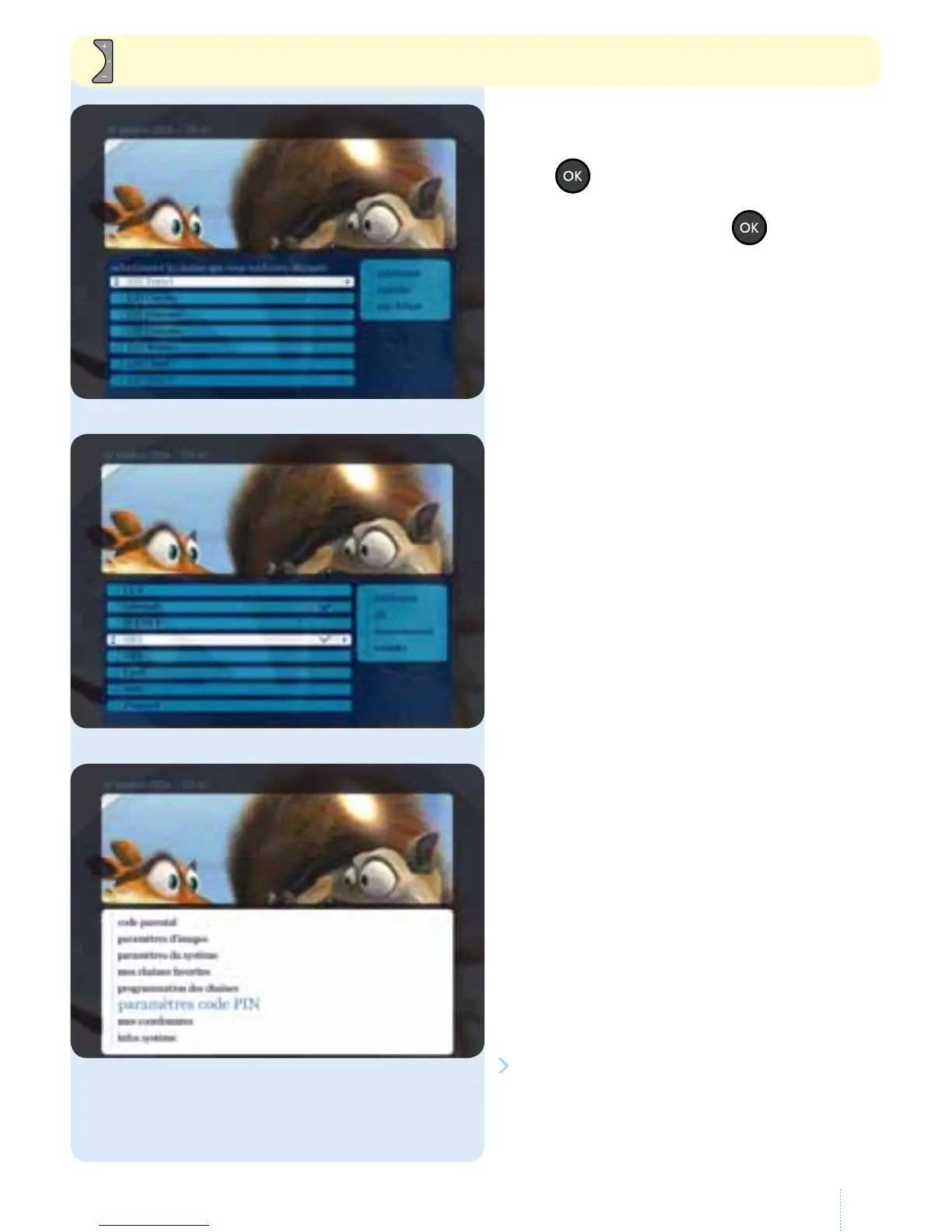
Once you have made all your changes,
navigate to the right and conrm
thechanges.
6. Paramètres du code PIN
g
With this option, you can change the
purchase PIN code and the parental
control PIN code (default: 1 2 3 4
unless you have already changed it).
Select "modier" and follow the
instructions. If you do not need a
PINcode, you can also disable it.
g
Select the channel to move then press
the
button.
Select the channel you want to put in
its place, then press the
button.
To scroll down the screen quickly page by page.



 To Next Page