53
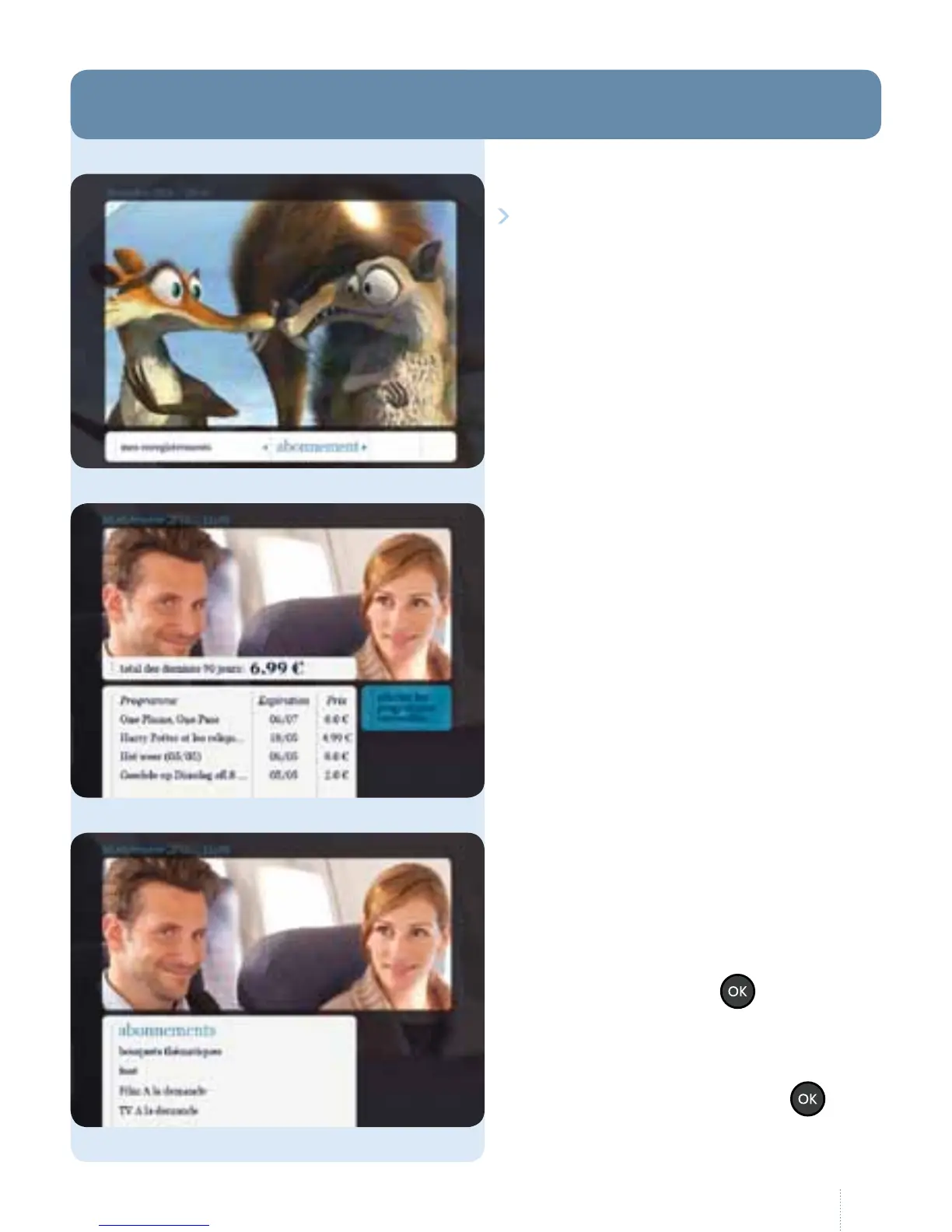
Select "abonnement" in the main menu
to display your current subscriptions
and adapt or extend them if necessary.
You can also view your purchases.
My purchases
Here you can see your purchases for
the last 90 days.
Shopping
Follow the instructions on the
screen and go through the various
subscription forms. Select a
subscription and press
.
e checkbox means that you have -
or are adding - a subscription. Once
you have made all your changes,
navigate to the right and press
.
10. Abonnement



 To Next Page