6
Starting up
BelgacomTV
1. Rebooting the decoder
g
You can scroll through the list of
channels after 3 minutes. About
6minutes later you can navigate
inthemenus.
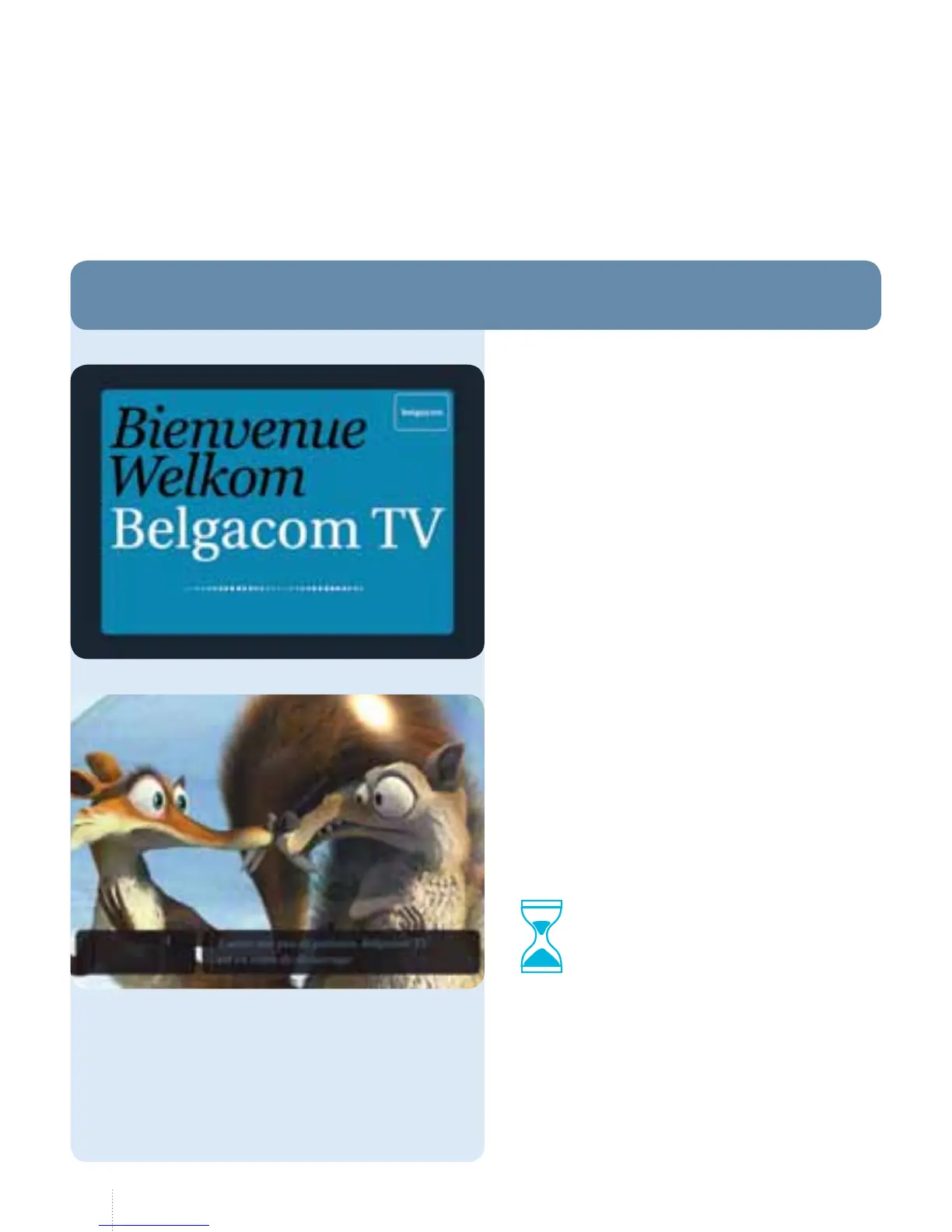
If you try to do so sooner, the message
shown on the left will be displayed on
your screen.
g
is screen is displayed when you:
• reboot Belgacom TV after
apowercut;
• disconnect the cables;
• disconnect the decoder.
3 min.



 To Next Page