10
g
Use the and buttons to select
the desired channel.
Press the button.
g
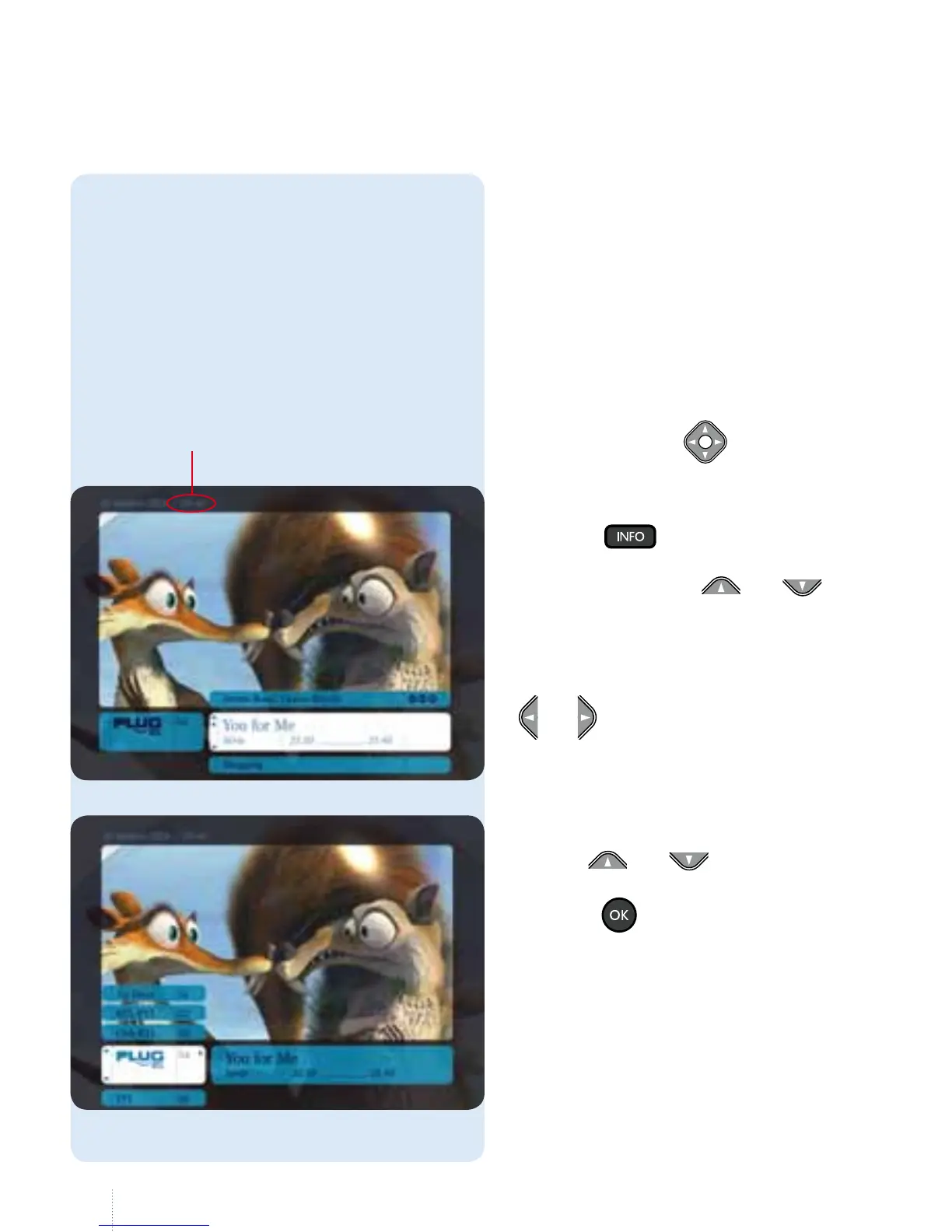
Press the button to display the
information bar showing the current
programme. Use the and
buttons to see the programmes that
will be broadcast later.
To navigate across channels: use the
and
buttons to toggle between
programmes and channels.
While you are changing channels, an
information bar is displayed at the bottom
of the screen showing the channel, the
programme and the start and end time.
is information bar allows you to record
programmes, to set a reminder and to
view a summary.
e information bar
You can display the time here.
Use these buttons
to navigate in
the menus.



 To Next Page