48
How to create a list of
myfavouritechannels
g
Select "préparer une nouvelle liste".
Enter a name and go to "conrmer".
Check the channels you want to
add to your own channel list. Go to
"conrmer".
How to delete a list of
favouritechannels
Choose the list to delete and go to
"conrmer".
See page 51 for more details about
favourite channels.
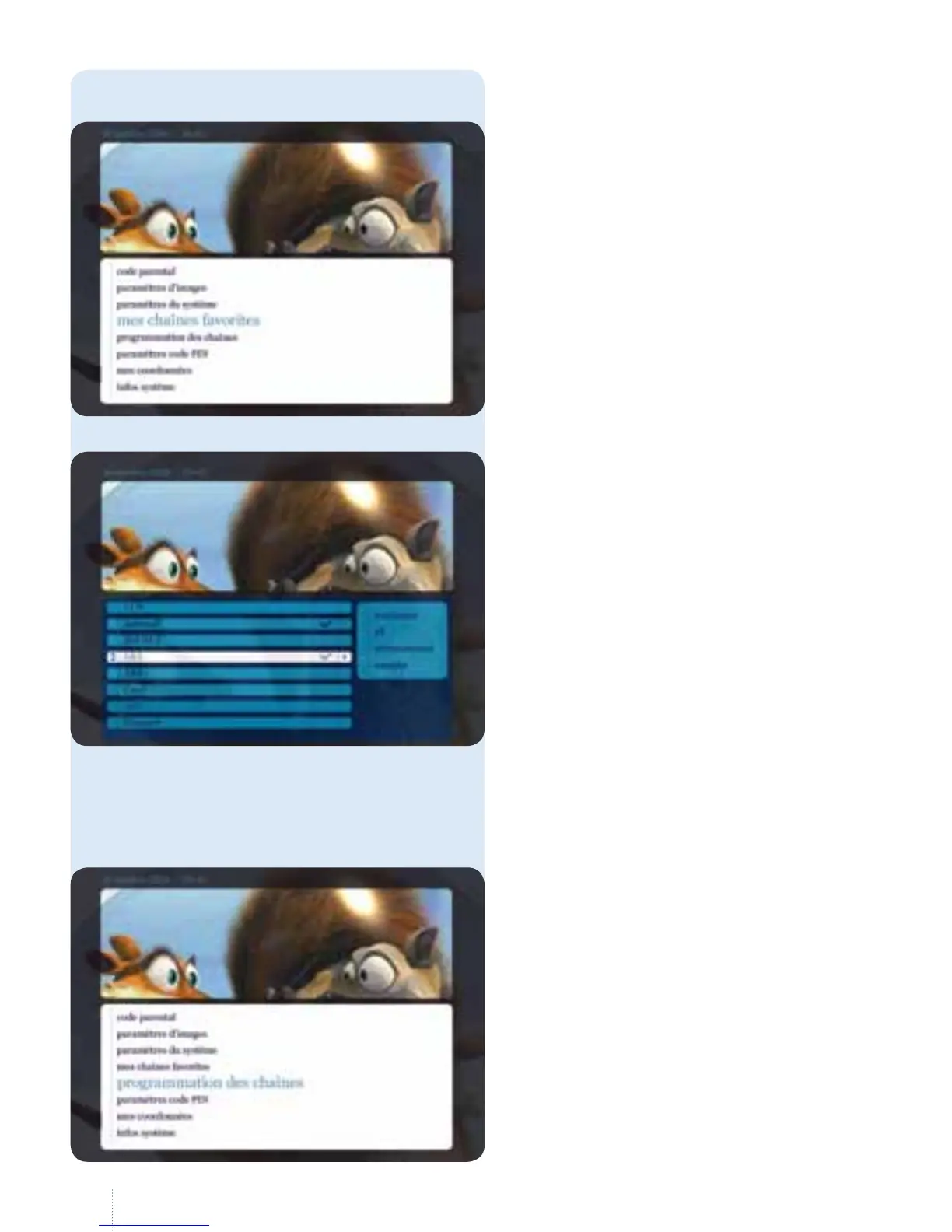
4. Mes chaînes favorites
g
You can create your own TV Guide
with your favourite channels.
However, you cannot switch to other
channels while your customised
TVGuide is active.
5. Programmation des chaînes
g
Use this option to change the order of
channels by changing their position.
is is achieved using the principle
of exchange. Specically this means
that you always change the position
of2channels.



 To Next Page