7
2. Switching the decoder on and o
g
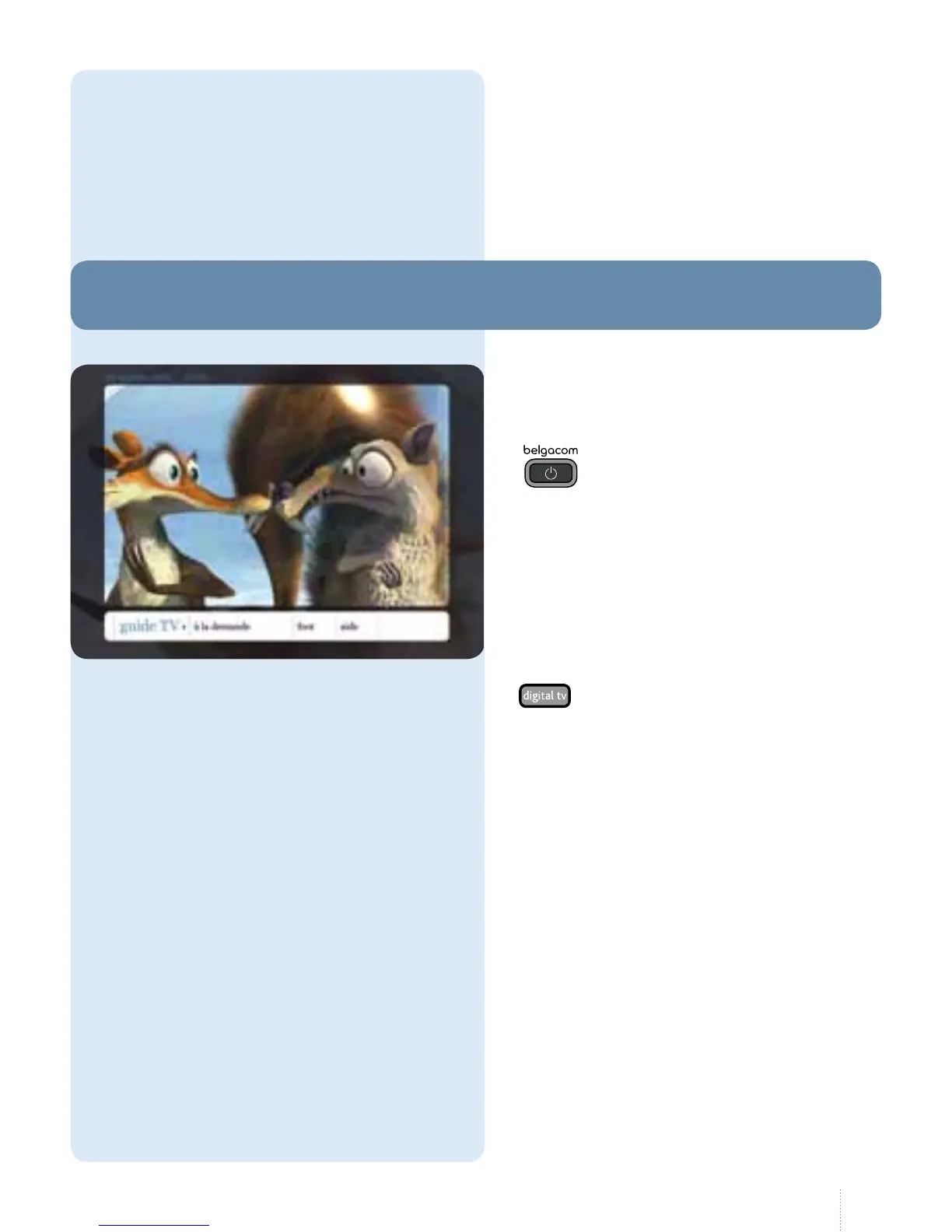
To switch the decoder on and o and
to access Belgacom TV, press the
button.
e picture appears
immediately and you can access the
main menu.
Shortly after switching on the decoder,
the menu bar appears at the bottom of
the screen.
It disappears automatically after
10seconds or as soon as you press the
button on your remote control.



 To Next Page