15
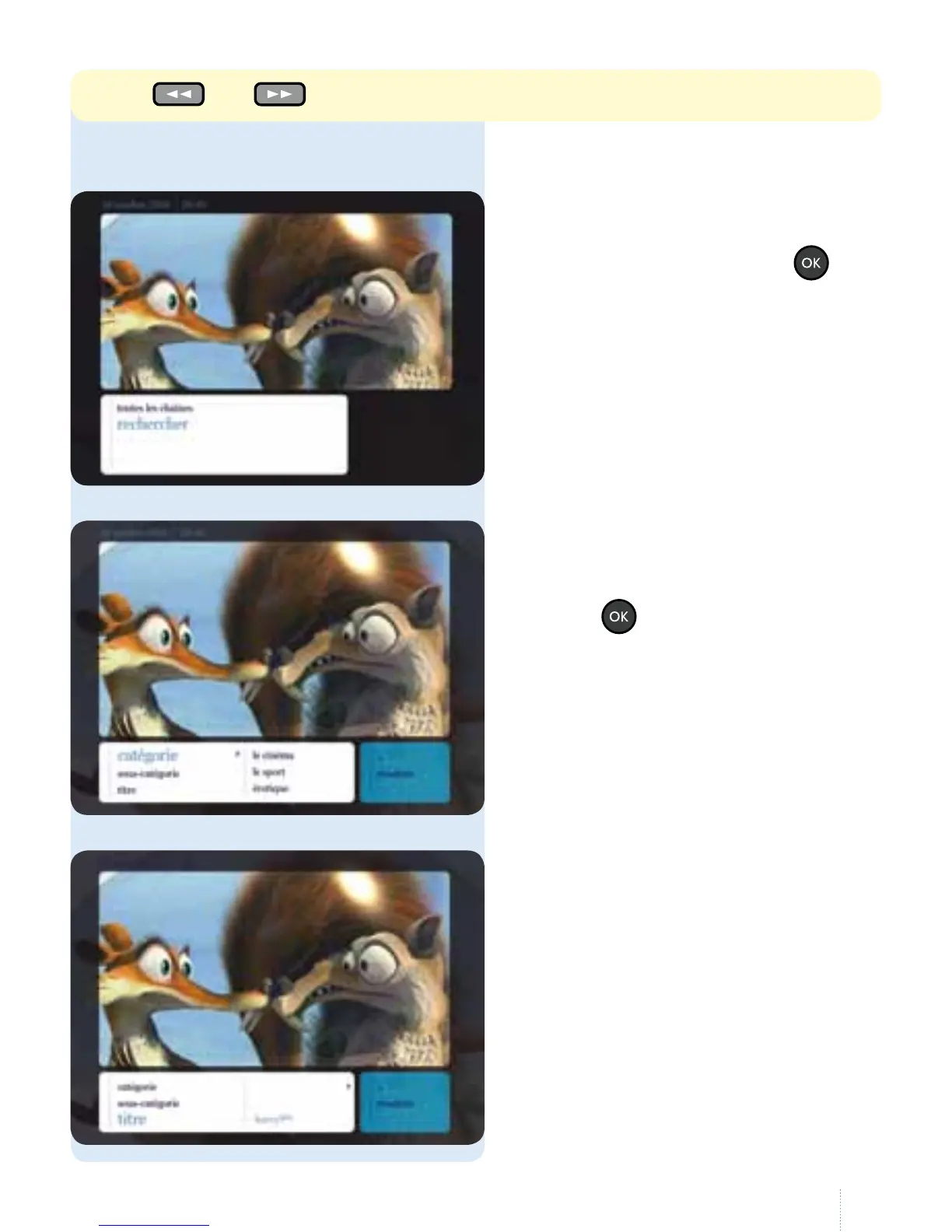
2. Search function
g
Select the TV Guide in the main menu,
then "rechercher" and press the
button.
g
Select a category (e.g. sport,
currentaairs, lms etc.) and
press the
button.
g
Enter the title you are looking for using
the remote control in the same way as
you would type an SMS on your mobile
phone. Enter at least three characters.
Use the and buttons to scroll through the various days.



 To Next Page