14
g
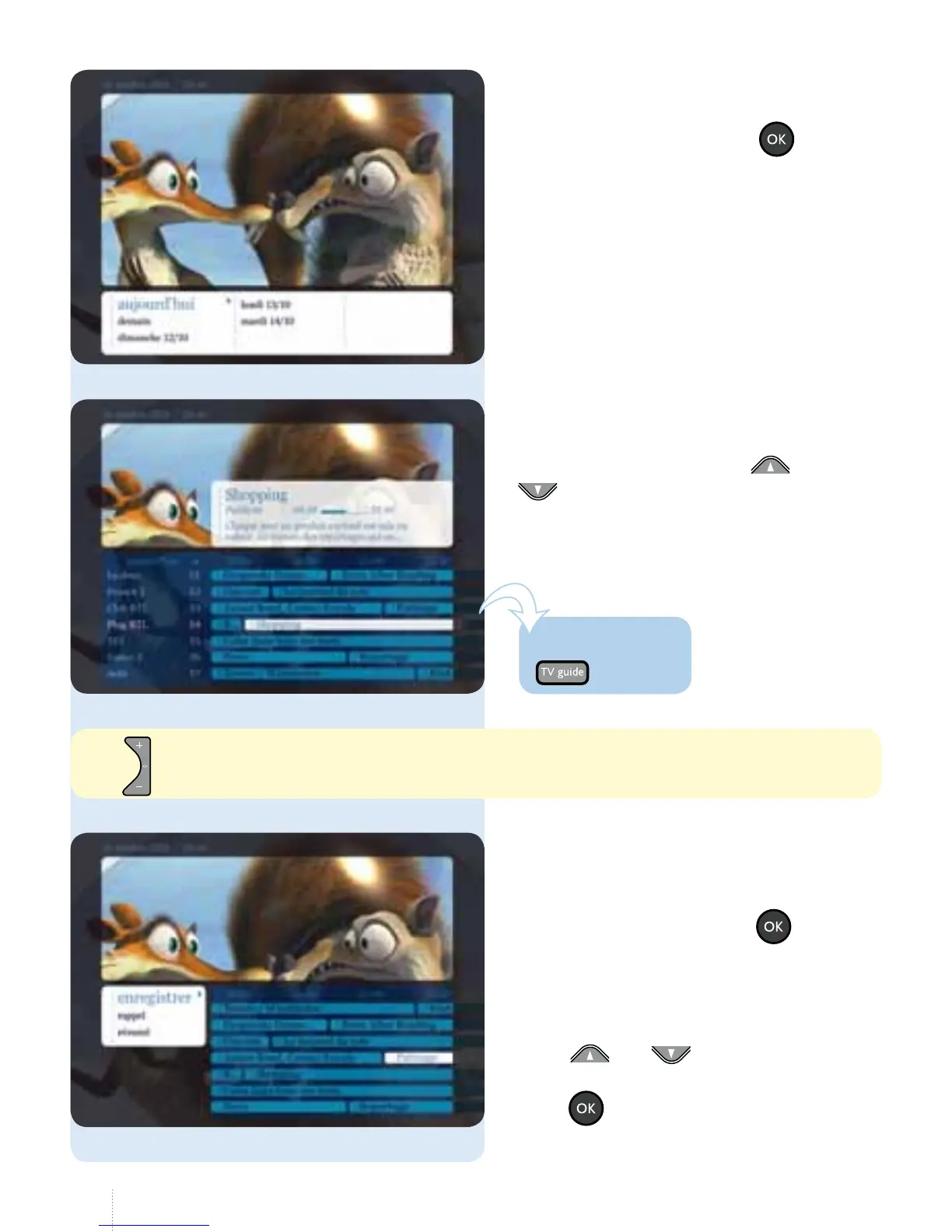
e table of today's programmes is
displayed by channel. Use and
to scroll through all the channels
and TV programmes.
g
You can view TV programmes for the
next 10 days. e following options
appear when you press the button:
• change channel (current programme);
• record (see page 27);
• set reminder (see page 16);
• summary;
• use and to navigate to
thedesired option and press
the button.
g
Select the date for which you want to
see the TV Guide. Press the button.
Use to navigate more quickly page by page.
One touch!



 To Next Page